5‐17
5-3. Deleting designs on a USB Flash Drive
Instructions for deleting designs in design folders on a USB Flash Drive
1. Press the Design Loading/Downloading Key
.
The Design Loading/Downloading screen will display.
2. Use the Jog keys and select the folder that has the design you want to delete.
3. Press the F-key,
to see in the folder.
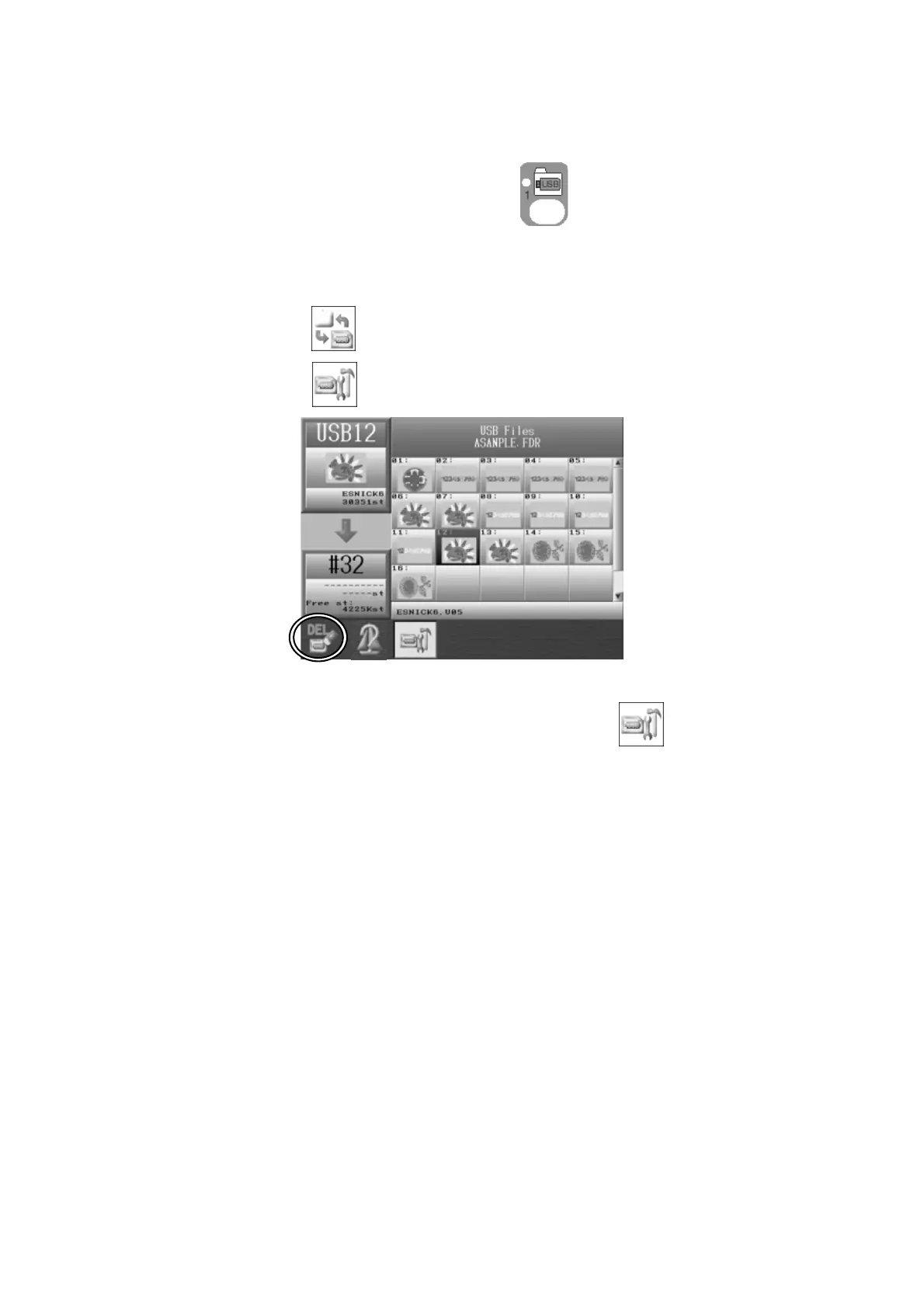
4. Press the C-key,
and the USB Design Administration screen will appear.
To go back to the Design Loading screen, press the C-key .
5. Use the Jog keys and select the design to delete.
*If you want to select several designs for deleting, see the following procedure:
1. Select a design and press ORIGIN key. After that an (*) is shown beside the design to
indicate it’s been chosen.
2. Choose more designs and press the ORIGIN key to mark them.
3. If you want to cancel a chosen design with an (*), select the design again and press
the ORIGIN key to remove it



 To Next Page