5‐18
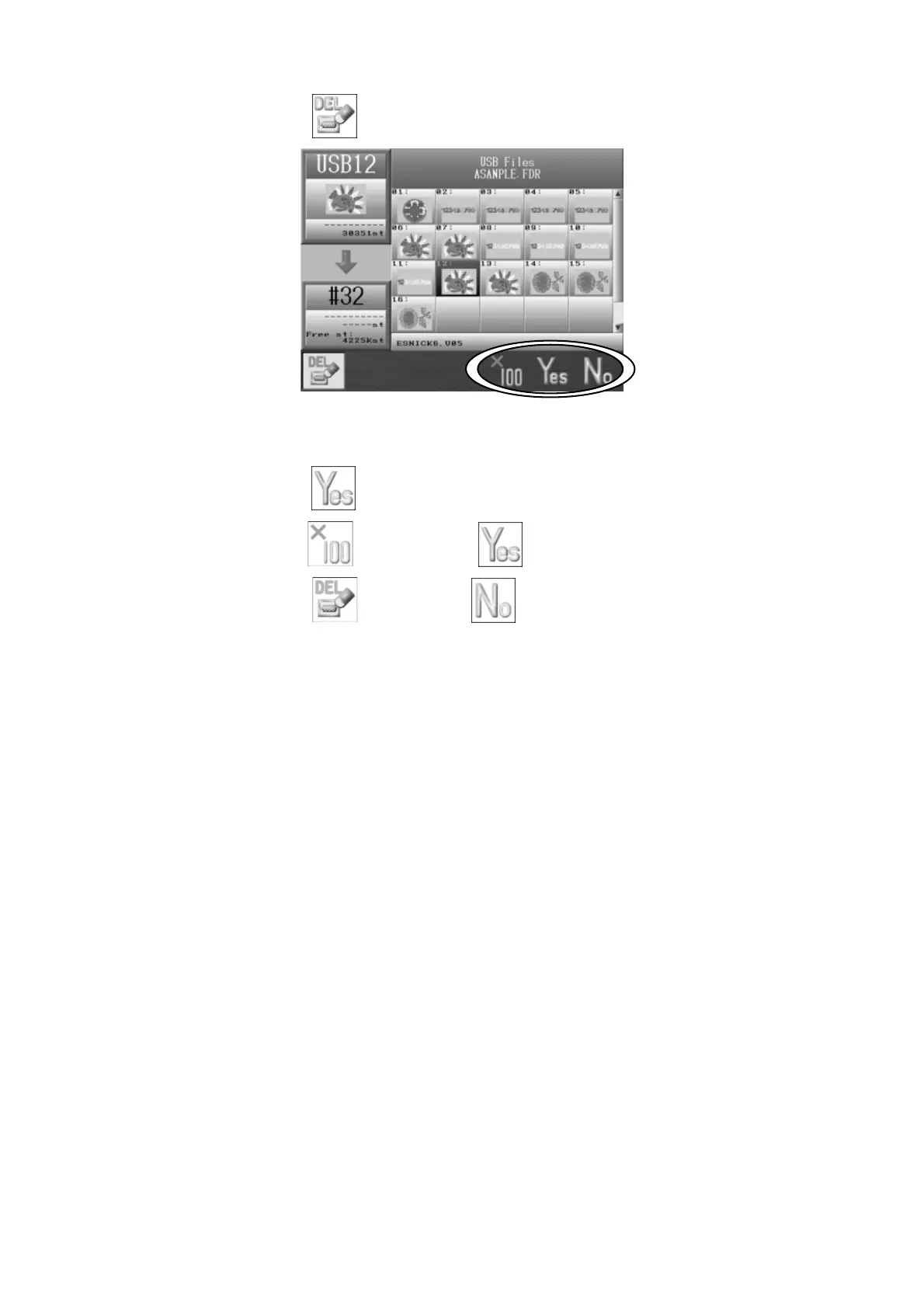
6. Press the A-key,
and the following confirmation dialogue box will appear.
7. Press the F-key,
to proceed and delete the selected design(s).
Press the E-key
and the F-key, to delete all the designs in the folder.
Press the A-key,
or the G-key, to cancel deleting and go back to the USB
Design Administration screen.



 To Next Page