5‐19
5-4. Changing a Folder Name
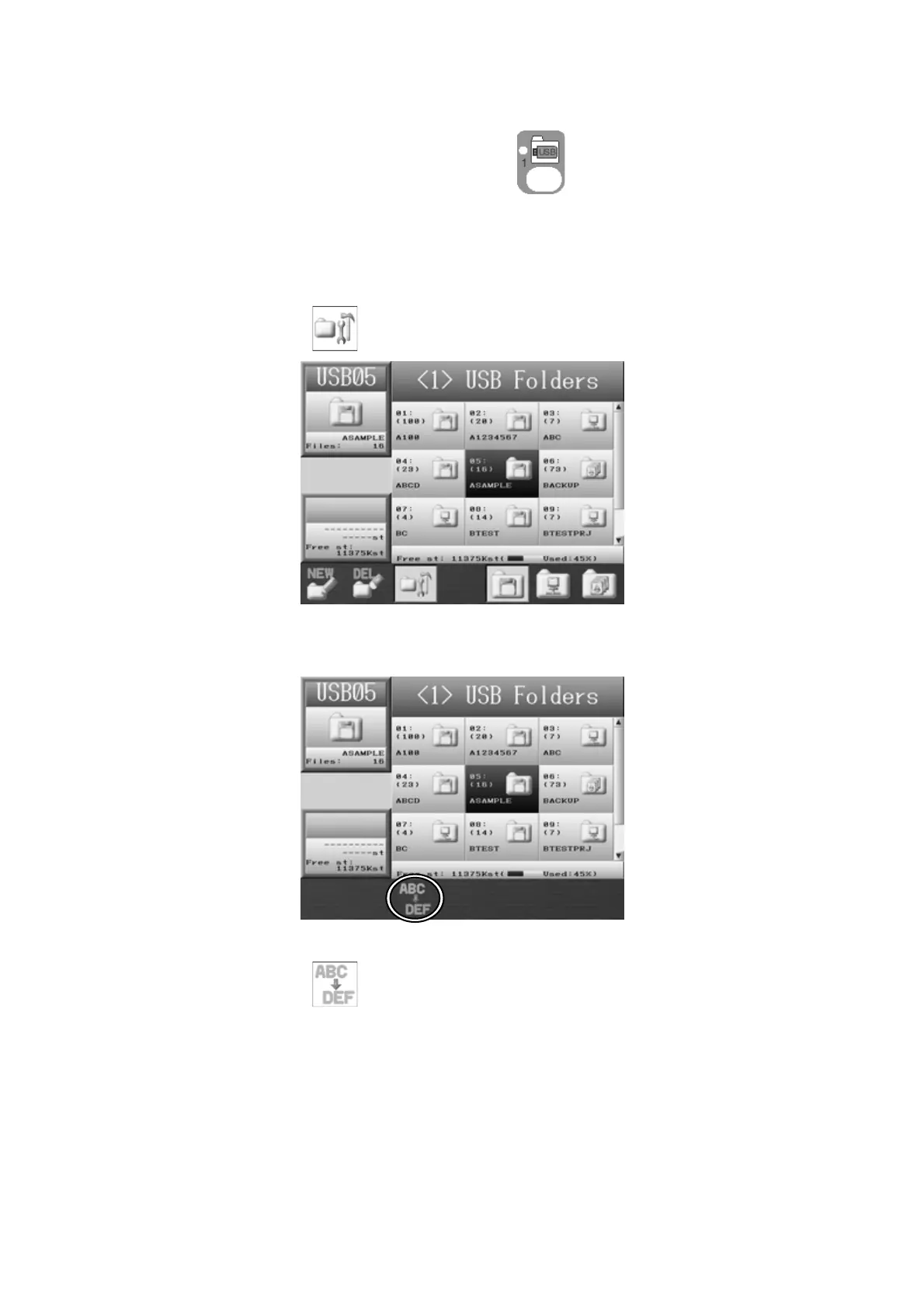
1. Press the Design Loading/Downloading key .
The Design Loading/Downloading screen will display.
2. Use the Jog keys and select the folder that you want to change the name.
3. Press the C-key,
and the USB Administration screen will display.
4. Press the SHIFT-key.
To go back to the USB Administration screen, press the SHIFT-key again.
5. Press the C-key,
to display the Character Entry dialogue.
Refer to
Chapter 3 11. Character Entry Dialogue
and enter the folder name.



 To Next Page