Configuration Setup
DV14307.03 Issue 06 February 2021 Transceivers 6200 Series 69
2.7 Configuration Setup
The configuration setup is for the configuration of installation and device parameters.
We do not recommend to do changes on the configuration setup in-flight.
Configuration Interface
• Normally the configuration is done with the primary controller.
o The primary controller at the single block devices AR62XX is the user interface directly
connected to the transceiver.
o The primary controller at the remote-controlled device RT62X1 is the one connected to
primary control interface.
• If installed, the second controller (e.g. RCU62X1) must be turned off.
• The configuration on the second controller is only necessary if different adjustments for
"BRIGHTNESS" or "ILLUMINATION CURVE" are necessary.
• After power on the second controller (e.g. RCU62X1) synchronizes the parameters with
the parameters of the primary controller.
o Any stored parameters in second controller will be overwritten.
Start Configuration Setup
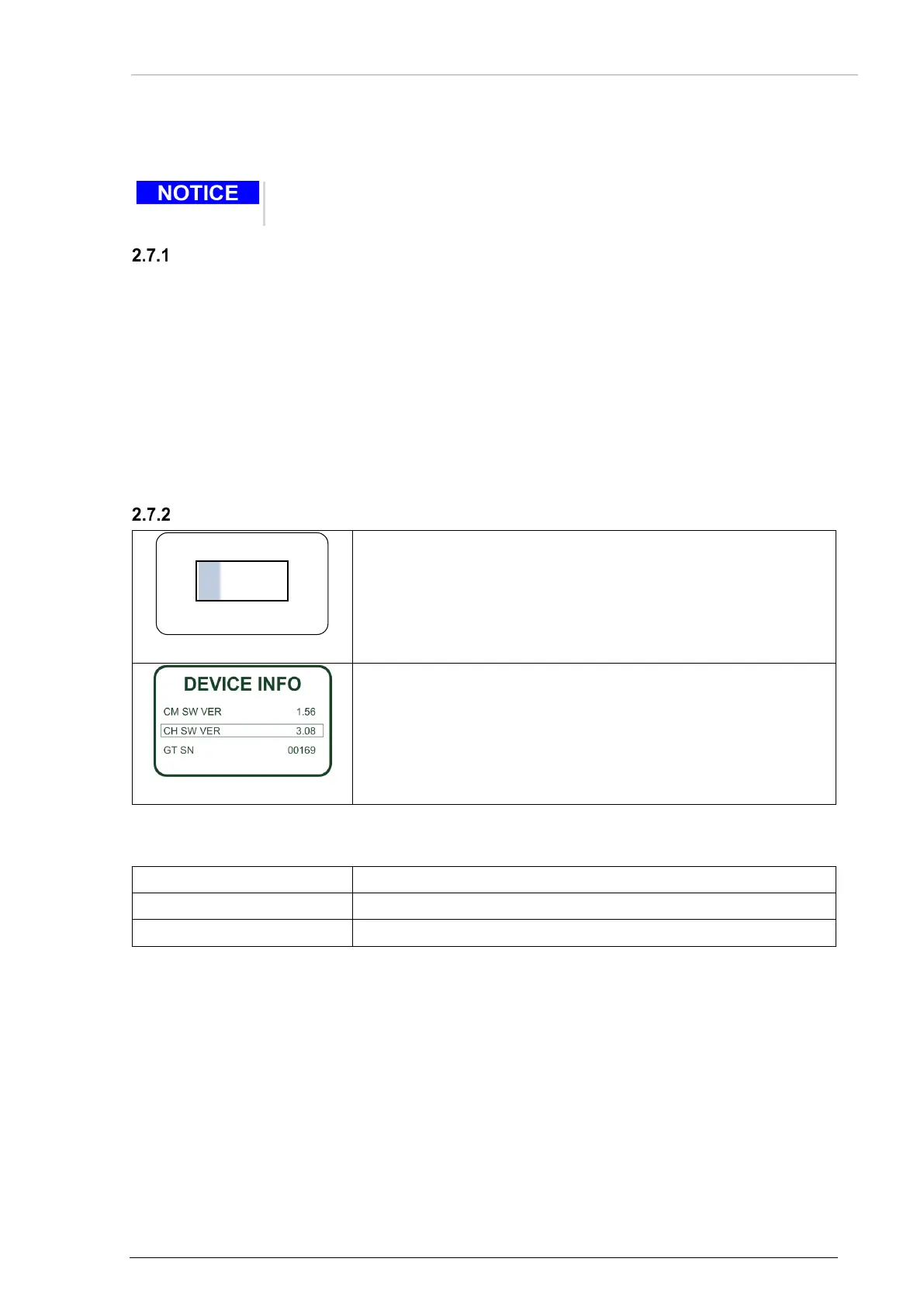
Figure 21: "PASSWORD"
• Push and hold the "MDE" key during power up.
o The configuration setup starts.
o The display shows the screen "PASSWORD".
• Insert the 4-digit numerical code password "6435" by turning and
pushing the rotary encoder.
•
Push the "STO" key to complete the entry.
Figure 22: "DECIVE INFO"
• The first page of configuration setup shows the "DEVICE INFO"
screen.
2.7.2.1 Navigate between Pages
• Push"↕/SCN" or use the rotary encoder.
• Use the rotary encoder for navigation in the sub-pages.
2.7.2.2 Store Setup Data
• The change of any parameter is stored immediately.
2.7.2.3 Cancel the Configuration Setup
• Turn "OFF" the device to stop the setup.
o All changes made up to this time are stored automatically.



 To Next Page