Configuration Setup
84 Transceivers 6200 Series DV14307.03 Issue 06 February 2021
Erase Memory
Notice: The menu is available on the primary controller.
• The transceivers of the 62XX series have two databases to store
VHF frequencies.
o The "User Channels Database" identified by the channels
numbers CH01…CH99.
o The "Last Channels Database" " identified by the channels
numbers LAST1…LAST9 (the last used frequencies).
• You can erase the "User Channels Database" and the "Last
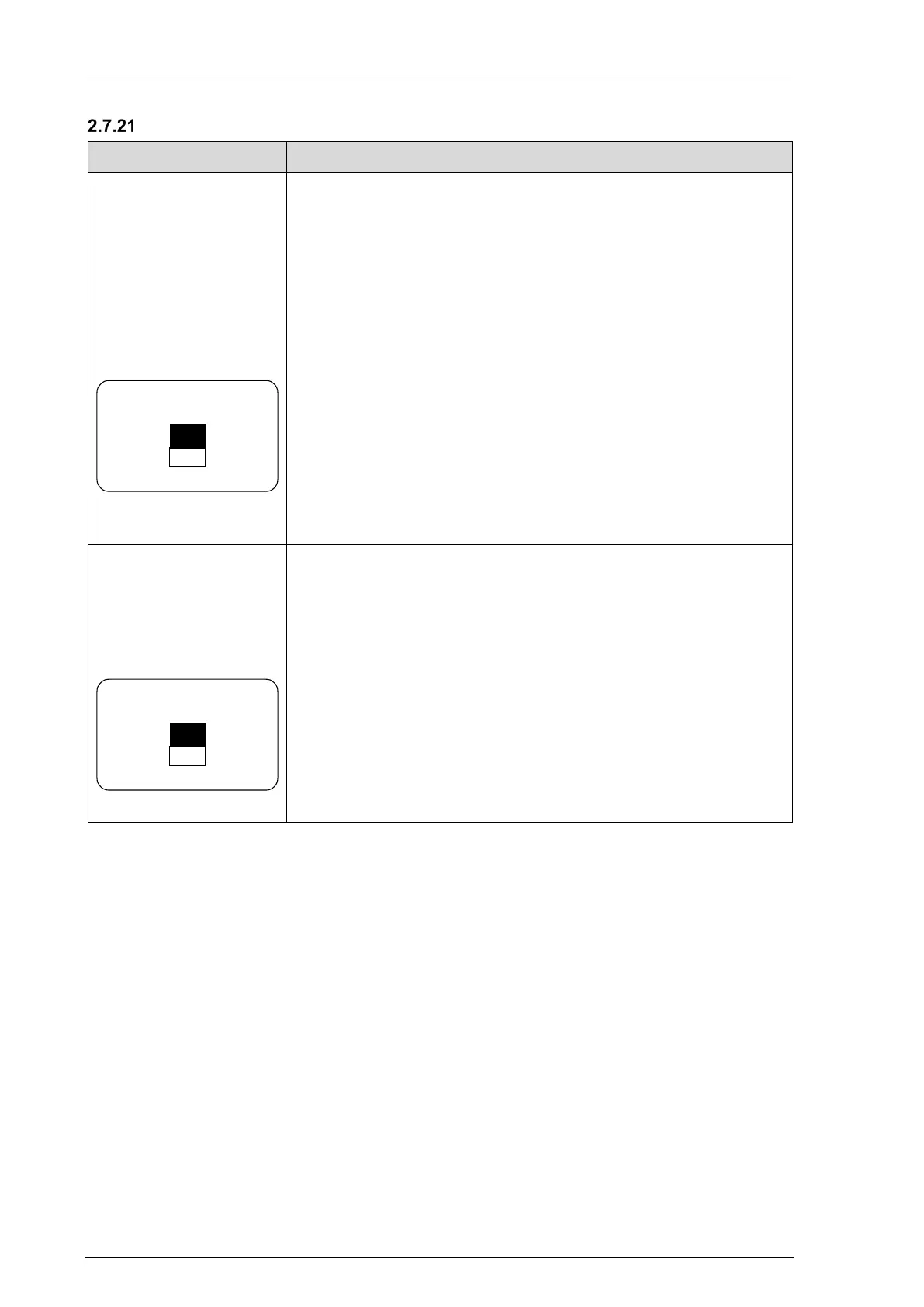
• Select "YES" with the rotary encoder.
• Push the "STO" key to confirm the selection.
Notice: The menu is available on the primary controller.
• The transceivers of the 62XX series have a third database.
• The "FRQUENCY LABELS DATABASE", it contains the text labels
for the channels CH01…CH99.
• You can erase the "LABELS DATABASE".
• Select "YES" with the rotary encoder.
• Push the "STO" key to confirm the selection.



 To Next Page