Configuration Setup
72 Transceivers 6200 Series DV14307.03 Issue 06 February 2021
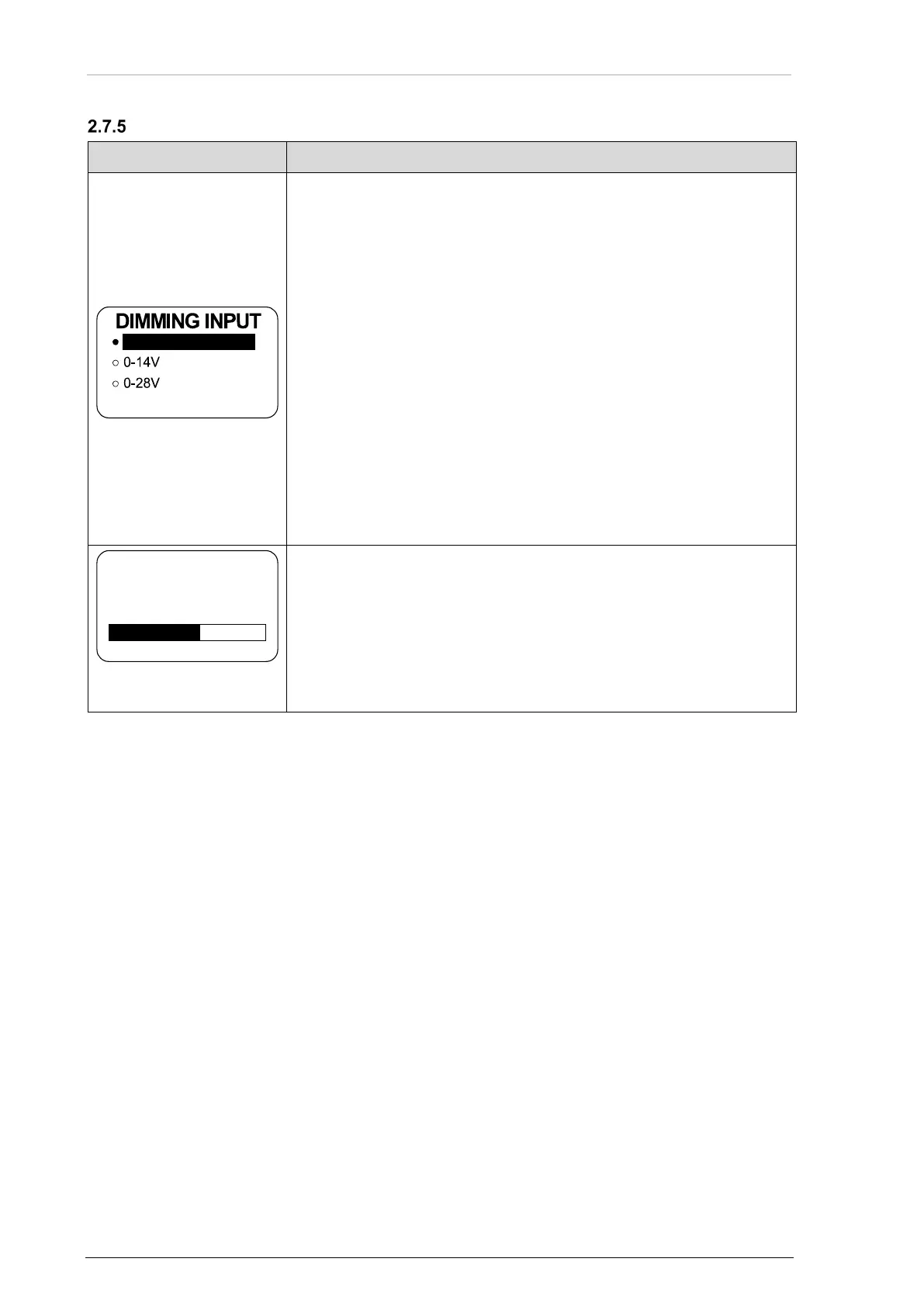
Dimming, Brightness
Notice: The menu is available on the primary and secondary controller.
• Three options are available.
• Turn the rotary encoder to change illumination for the keys and the
display.
• Finalize the selection with a push on "STO" key.
• The illumination is controlled with the rotary encoder on the
transceiver itself.
• The user can adjust the brightness in the user menu.
0…14 V or 0…28 V:
• The background lighting for LCD and keys is controlled by the
dimming bus.
• The dimming curve is adjustable in the range from 0…14 VDC
respectively 0…28 VDC.
• Adjustment of the brightness with the rotary encoder is no longer
possible after selecting this option.
0% (off)… 100%
Notice: This page is shown only when the dimming input is set to "NONE". Otherwise the
aircraft dimming bus controls the brightness.
• Use the rotary encoder to set the brightness.
• The user can adjust the brightness in the user menu.
• The user can change the parameter at any time.
• The brightness adjustments are separate for each controller
therefore this menu is available on all controllers.



 To Next Page