Configuration Setup
82 Transceivers 6200 Series DV14307.03 Issue 06 February 2021
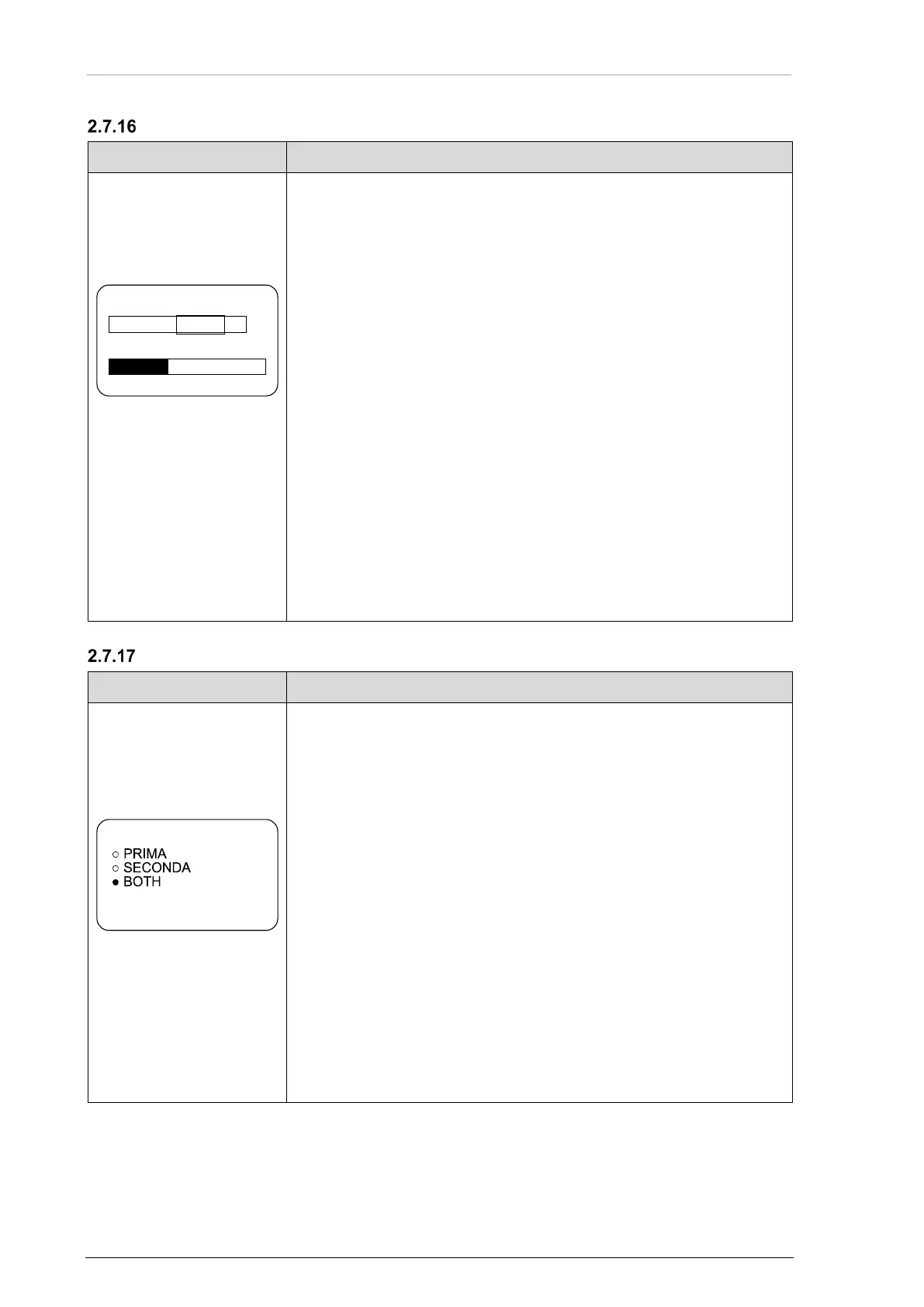
Dynamic Microphone
Notice: The menu is available on the primary controller.
• On this page the sensitivity of dynamic mike sense input is
adjustable.
• Use the rotary encoder for the adjustment.
0.5...25 mV
Notice: This page is only shown
when:
Dynamic Mike input is selected in
IN/OUT CFG1 and MIKE_SW
input pin status is [inactive]
or
Dynamic Mike input is selected in
IN/OUT CFG2 and MIKE_SW
input pin status is [active].
• The factory default adjustment is 3.5 mV.
• When speaking normally into the microphone the bar graph should
stay in the recommended predefined range.
Notice: Adjust the microphone sensitivity and keep the cockpit
noise suppression as high as possible, this make sure correct
modulation.
• If the sensitivity value is very small (e.g. 1 mV) the cockpit noises
will be heard than if the sensitivity value is set to a higher level
(e.g. 25 mV).
• If the sensitivity value is very high (e.g. 25 mV), the cockpit noise is
very decreased but the modulation of the transmitter may not be
sufficient.
• Make a communication check after modification of this parameter.
o It is recommended to do this communication check with and
without a running engine.
Notice: For installations with high interferences it is recommended
to use sensitivity level 2...25 mV.
Speaker
Notice: The menu is available on the primary controller.
• On this page three options are available.
• Select the option with the rotary encoder.
• Push the "STO" key to enabled/ disabled it.
• If "PRIMARY CH" is selected the speaker volume is adjustable with
AR6201/AR6203.
SECONDARY CH:
• If " SECONDARY CH" is selected the speaker volume is
adjustable with the secondary controller (e.g. RCU6201).
BOTH:
• If " BOTH" is selected the speaker volume is adjustable with the
arithmetic average value from the primary and secondary
controller.
Notice: If the optional second controller (RCU6201) is not available then
the SPKR VOLUME SOURCE must be set to the PRIMARY CH.
17 dB 3.5 mV
VU
DYN MIKE SENS



 To Next Page