4-3
Database Selection
Both the internal (i.e.: Jeppesen and towns)
waypoints and user defined waypoints are
stored in your unit in a series of databases.
During the normal use of your unit you will
need to select items from these databases,
whether it is to find out airport frequency
information, or select a DIRECT TO point or
when creating a flight plan. In each case the
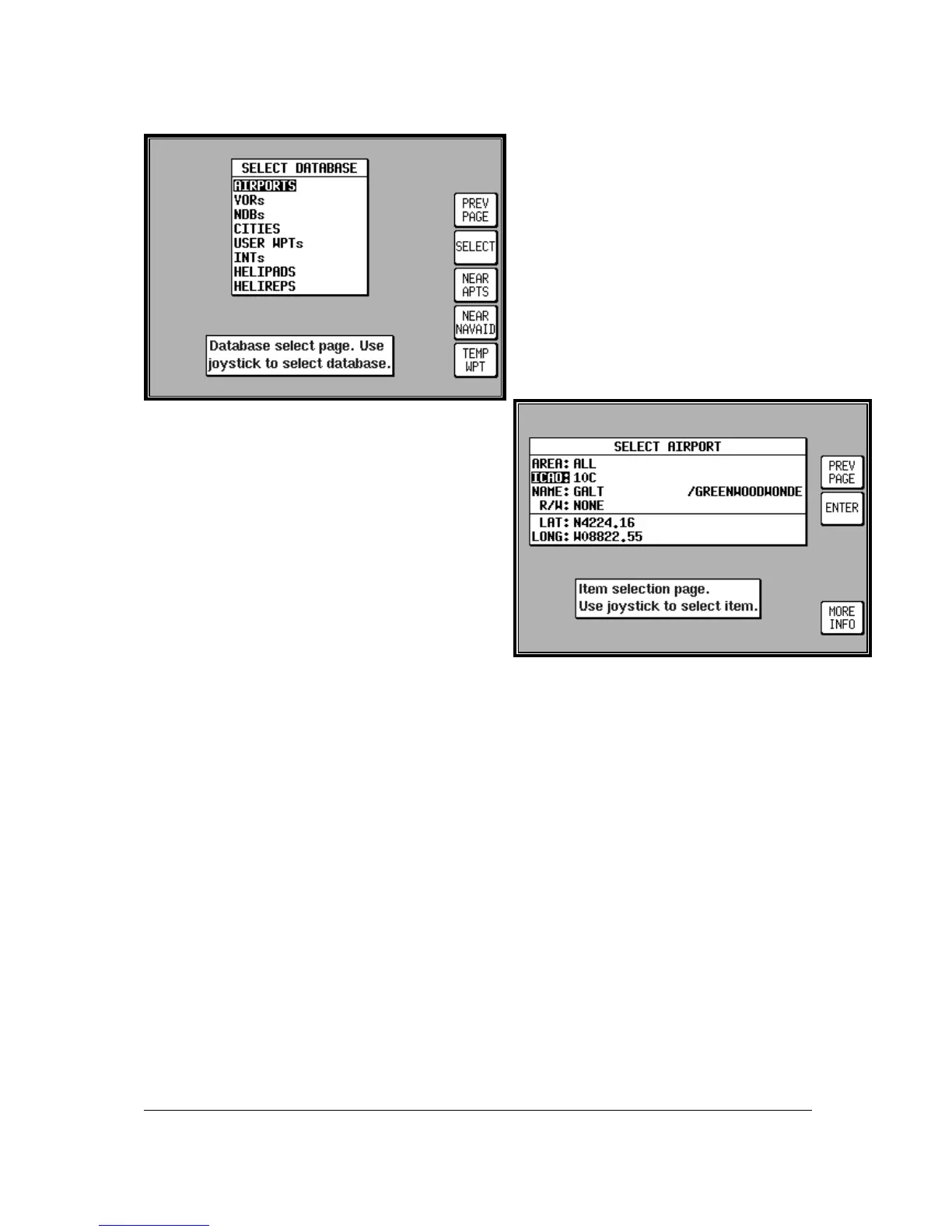
adjacent screen will appear. Use the joystick
to highlight the database in which the desired
item is contained and press SELECT.
The second stage in the selection process requires you
to choose the desired item. This is achieved by using
the joystick. Once the desired item is displayed press
ENTER to select the item. If the item required is in an
aeronautical database (i.e.: AIRPORT, VOR etc) you
may well have the ability to narrow the area of search
by selecting a two letter identify in the AREA field. For
a complete list of two letter ICAO identifiers please
refer to Appendix 02 in this Manual. If the label in the
AREA field says ALL then the search will include all
countries available in your memory cards region.
A Quick Word On DIRECT TOs And Flight
Plans
A flight plan is a series of legs interspersed with waypoints, while a DIRECT TO is a one leg flight plan.
A DIRECT TO can be performed at any time. If a DIRECT TO is performed when a flight plan is
active, the flight plan will be put to sleep and the displayed navigation data in MAP mode will be to the
DIRECT TO point. You will always know when a DIRECT TO is running because the DIRECT TO key
will be labelled DIRECT TO OFF. Pressing this key will cancel the DIRECT TO. If a flight plan was
previously running underneath it will automatically resume.



 To Next Page