SENSseries LB 480 Level measurement
BERTHOLD TECHNOLOGIES GmbH & Co. KG
3 – 399
Volume 3 5 Calibration
3
5.2.3 Step 3
ReadIn Start reading-in the count rates with ReadIn. While the count rate
is read in, the average is calculated and displayed continuously.
Under ReadIn Time ("Quick Start, Step 2") you define the read-in
period.
When reading-in the count rates, the time remaining (Remaining
Time) up to the end of the operation is displayed. Finally, you are
prompted to confirm the detected count rate with OK. To shorten
the read-in process, you can stop any time by pressing OK.
Under ReadIn you can read-in the following calibration points:
•BACKGROUND
•Cal Point 0%
• Cal Point 100%
Read-in Background
First you have to measure the background, so that the detector can
compensate for the decay of the radiation source correctly. Before
taking measurements, make sure you do not measure any radiation
from the radiation source
The easiest way to ensure this is if the source is not yet mounted.
Otherwise, close the beam path and fill the container in addition.
For detailed information about the background, see chapter 7.1 and
chapter 7.2.
Under ReadIn, select BACKGROUND.
Confirm with OK as soon as Remaining Time = 0s.
Read in Cal Point 0%
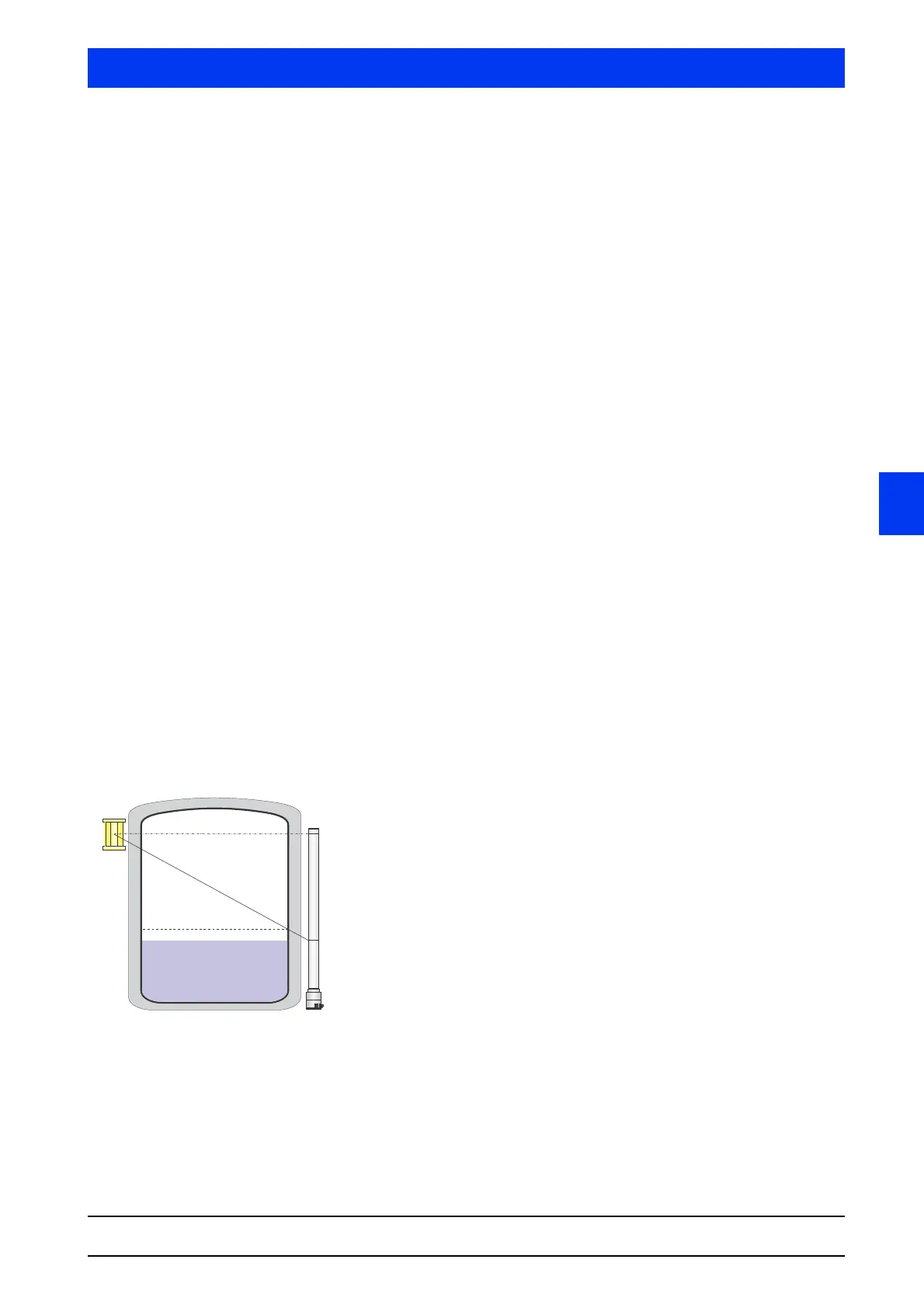
For the next measurement, the level in the tank must be below the
measuring range or the tank must be completely empty. While you
read-in, the level must not rise above 0% and the conditions within
the tank must match the conditions during operation as far as pos-
sible.
If appropriate for your application and if it affects the beam path,
this applies, for example, to:
–Gas density
– Agitator
– Cooling/Heating jacket
Under ReadIn select Cal Point 0%.
Confirm with OK as soon as Remaining Time = 0s.
Level below the
monitoring limit



 To Next Page