54733-10BA2L
3 – 400 02.2017
5 Calibration Volume 3
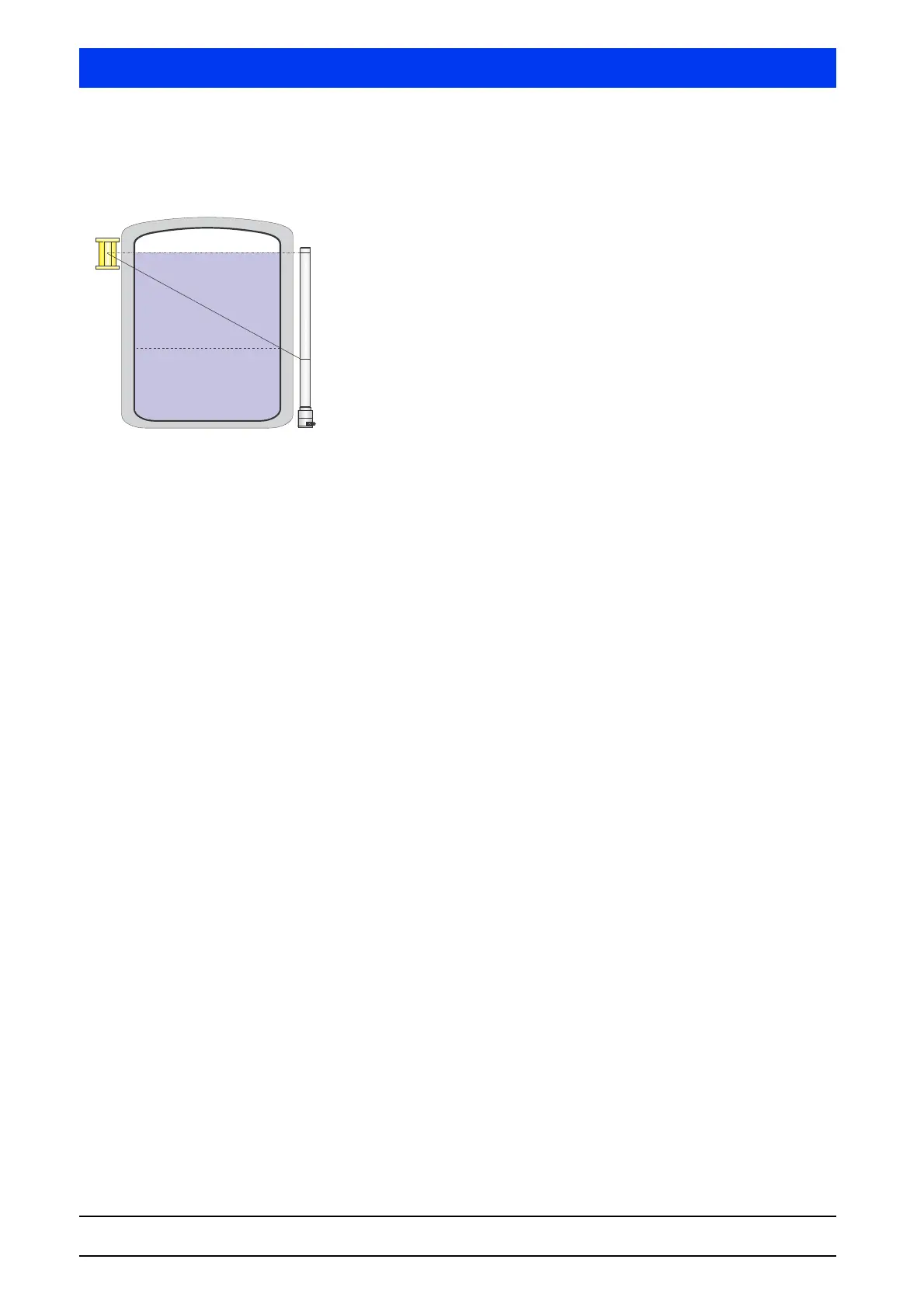
Read in Cal Point 100%
For the measurement, the level in the tank must be filled to at least
100% or the tank must be completely filled. While you read-in, the
conditions within the tank must as far as possible match the condi-
tions during operation. If appropriate for your application and if it
affects the beam path, this applies, for example, to:
–Gas density
– Agitator
– Cooling/Heating jacket
Select ReadIn Cal Point 100%.
Confirm with OK as soon as Remaining Time = 0s.
Calibrate + Preset With this menu item you enable the calibration data determined
during the measurements. The calibration data are transferred to
the parameter set Meas Parameter. Thus, the detector will get a
new calibration which in the future will be used to determine the
measured values.
After the calibration, a status message is displayed, indicating if the
activation of the calibration data has been carried out successfully.
If not, the measurement parameters are unchanged. Possible sta-
tus messages are:
• 0-OK
The calibration carried out is OK.
• 1-ERROR BACKGROUND
The count rate of the background radiation is higher than that
for the calibration points for empty or full (Cal Point 0% or Cal
Point 100%).
• 2-ERROR NOT SORTED
The calibration points are not entered in sequence and need to
be sorted.
• 3-ERROR CURVE NOT MONOTONOUS
Not all count rates are decreasing with increasing level.
• 4-ERROR MISSING CALIBRATION POINT
There is a calibration point with indication of the value in % but
without count rate.
• 5-COMPENSATION ERROR
A gas density compensation at exponential characteristic curve
is not possible.
• 6-DATE ERROR
A date is still set to the default value of 1.1.2000. At Calibrate,
check the Date parameter. At Restore, check the date in
Restore Date.



 To Next Page