Measure 104
11.3 All Measurement
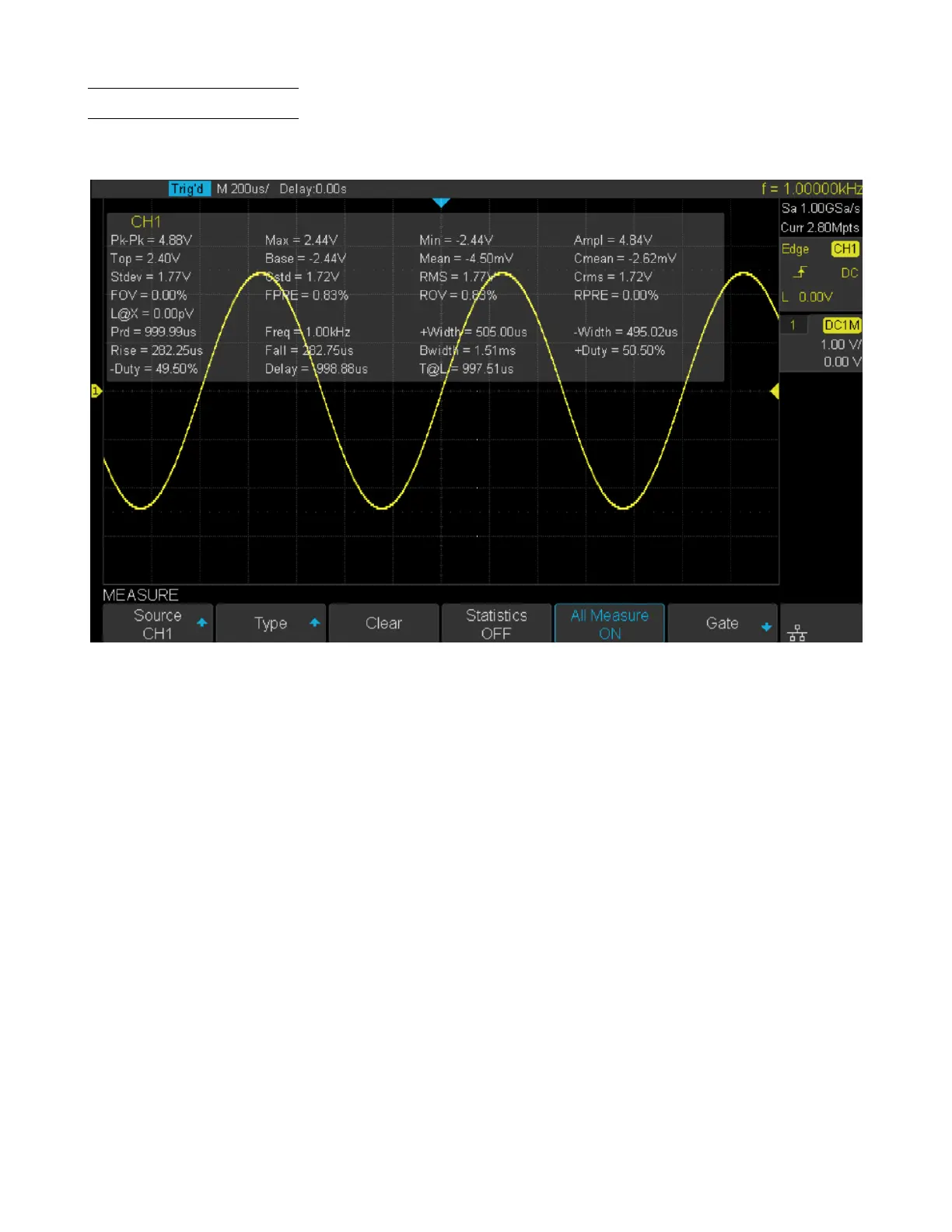
All measurement could measure all the voltage, time and delay parameters of the current measurement source and display
the results on the screen.
Figure 11.7 All Parameters
To display all parameters:
1. Press the Measure key on the front panel to enter the MEASURE function menu.
2. Press the All Measure softkey to select On.
3. Press the Source softkey to select the measure source.













 To Next Page