System Settings 125
8. After nish the update, the screen will pop-out the message “Firmware decompressed. Please restart and wait…”
9. Restart the oscilloscope to nish the conguration update.
14.9 Do Self-Test
Self-test includes a screen test, keyboard test, and LED test.
14.9.1 Screen Test
1. Press the Utility key on the front panel to enter the UTILITY function menu.
2. Press the Next Page softkey to go to the second page of the UTILITY function menu.
3. Press the Next Page softkey to go to the third page of the UTILITY function.
4. Press the Do-Self-Test softkey to enter the SELFTEST function menu.
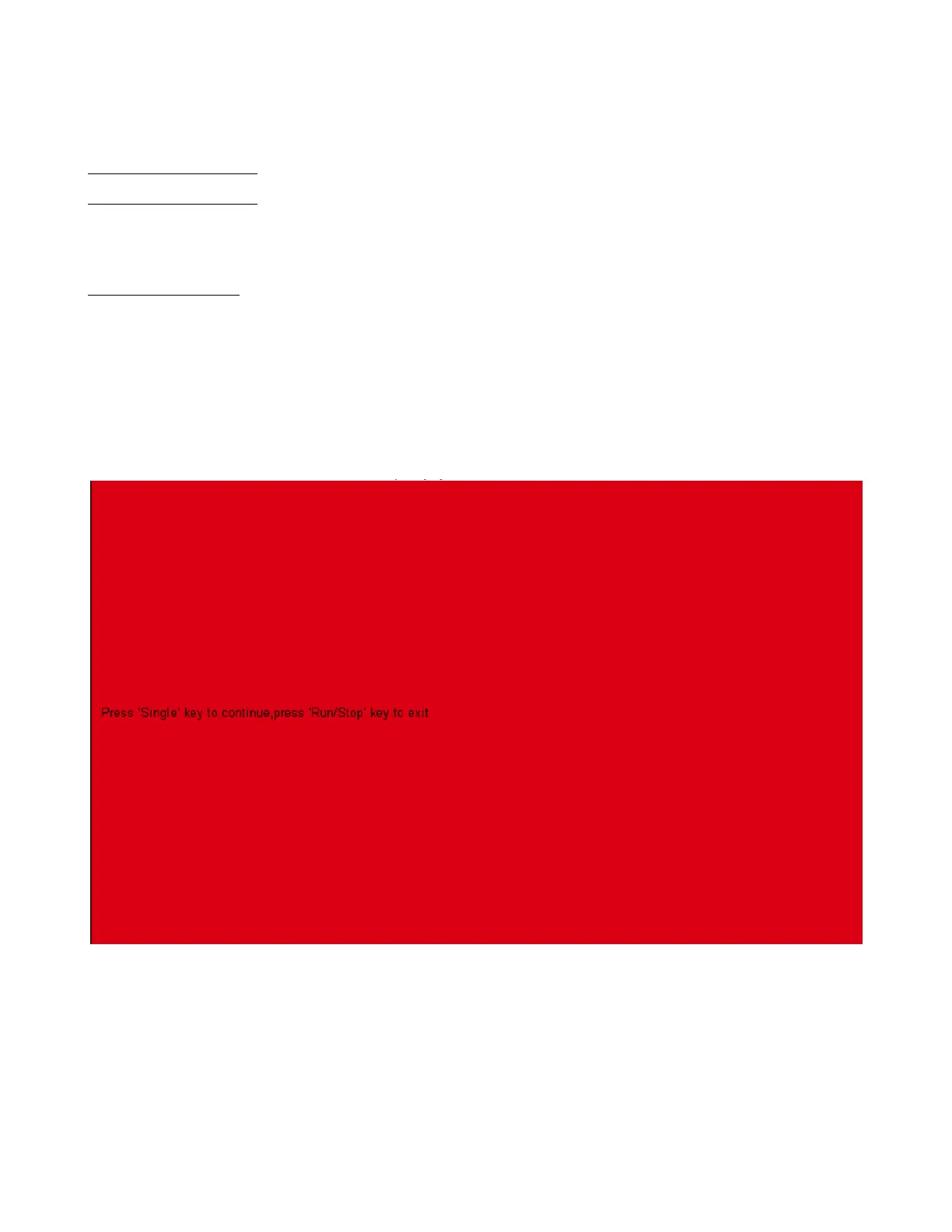
5. Press the Screen Test softkey to enter the screen test interface, as shown in gure 14.5
Figure 14.5 Screen Test
6. Press the Single key on the front panel continually as it says in the picture above. The screen displays green, blue
and red again. It is easy to check chromatic aberration, stain and scratch of the screen under the condition.
7. Press the Run/Stop key on the front panel to exit the screen test program.













 To Next Page