Vertical Controls 26
3. Use the softkeys to select Oset.
4. Turn the Universal Knob to change deskew.
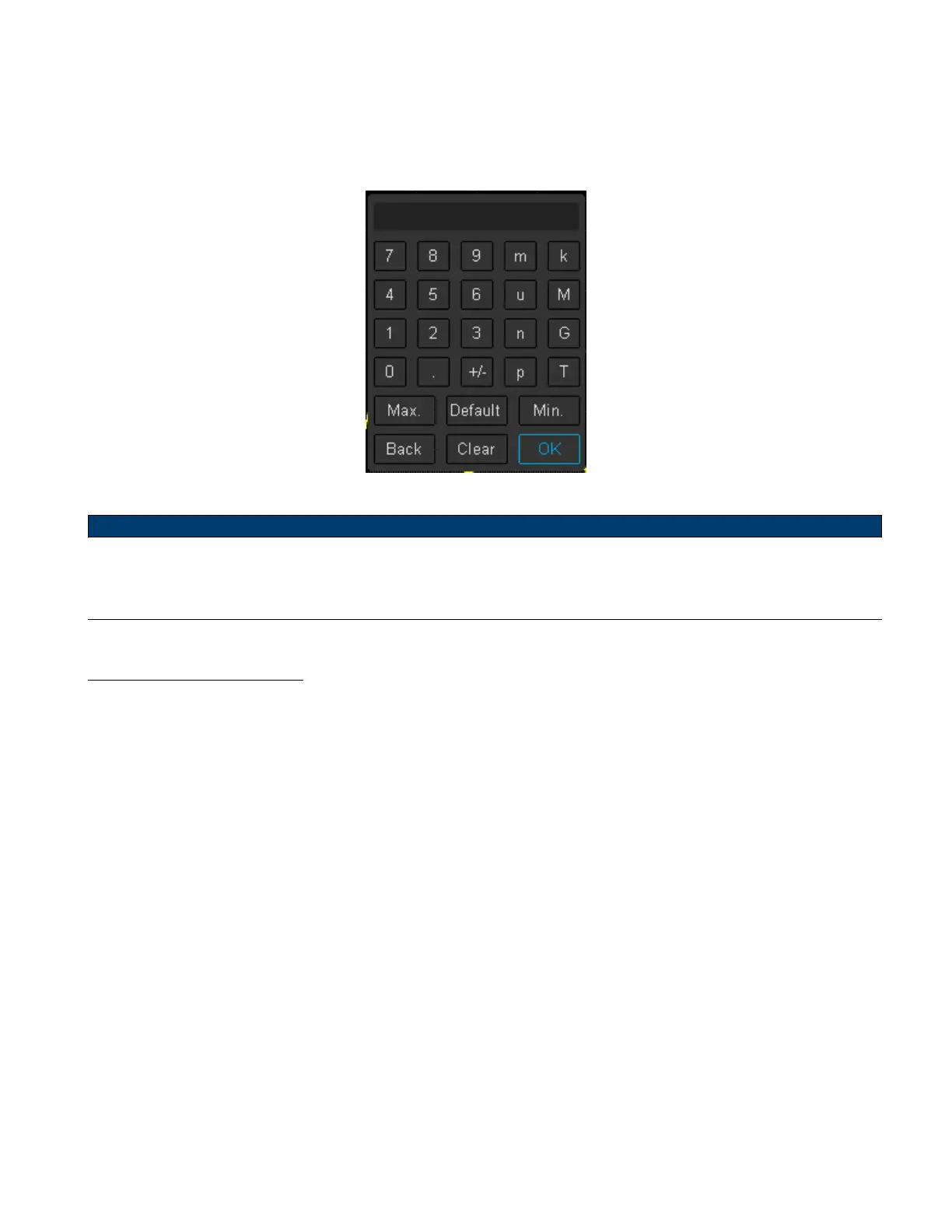
– Pushing the Universal Knob open the keypad.
Figure 3.4 Oset Keypad
Note:
The Vertical Position Knob can be used to oset the waveform’s vertical position without having to enter the chan-
nel’s menu. Pushing the Vertical Position Knob will zero vertical position.
3.2.9 Trace Visible/Hidden
Sets whether waveform of the selected channel is visible or hidden.
To toggle between visible and hidden:
1. Press the CH button of the channel to be congured.
2. Use the softkeys to navigate to page 2/2.
3. Use the softkeys to select Trace.













 To Next Page