General Information 15
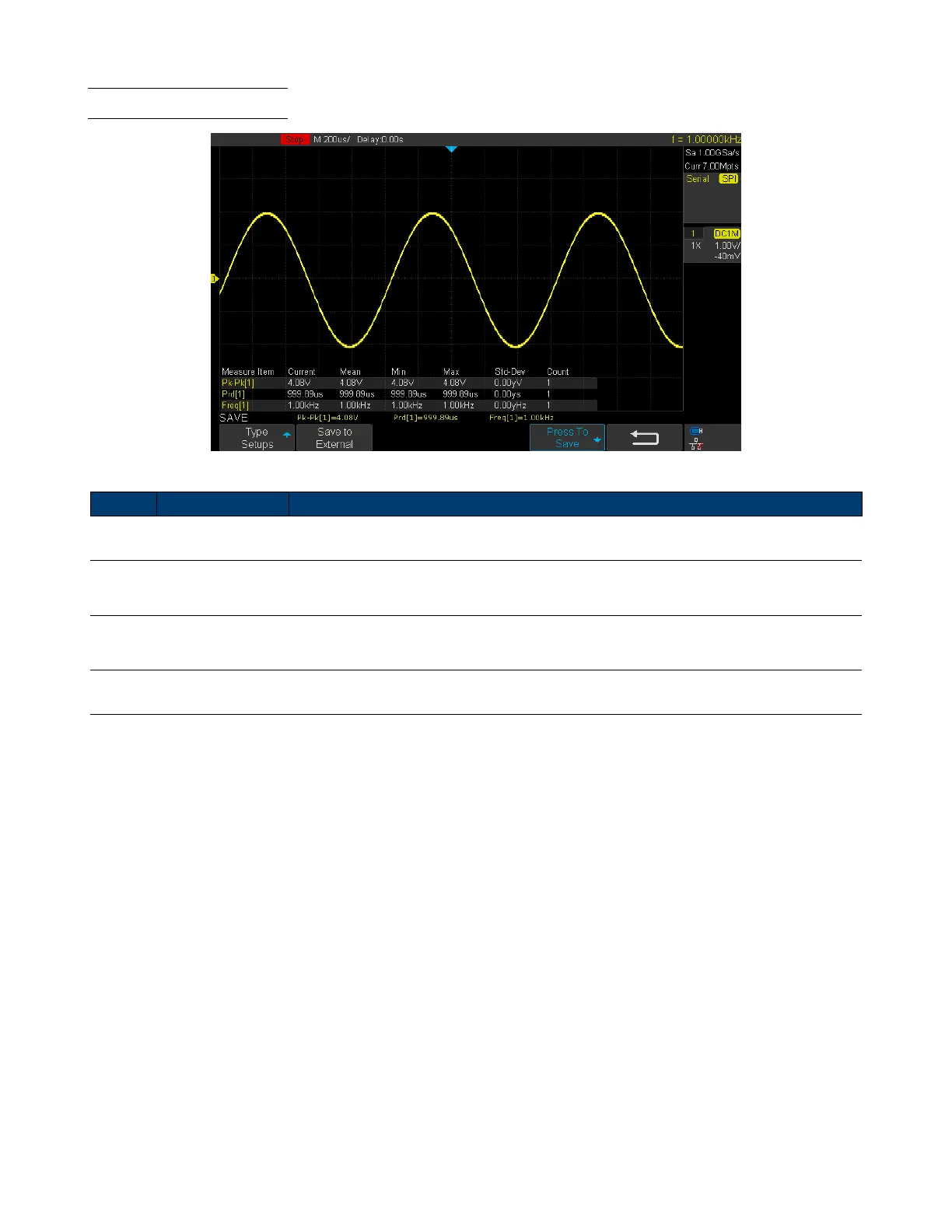
1.7 Display Overview
Figure 1.6 Display Overview
Item Name Description
1 Trigger Status Displays the trigger status.
2
USB Host
Port Indicator
Indicates that a USB is connected to the instrument.
3
LAN Port
Indicator
Indicates the status of the LAN connection.
4 Menu Bar Displays the available options in the selected menu.
Table 1.3 Display Overview













 To Next Page