Search 131
4. Press Copy softkey to enter COPY function menu.
• Copy from Trig: copy the trigger setup for the selected search type to the search setup.
• Copy to Trig: copy the setup for the selected search type to the same trigger type
• Cancel Copy: undo a copy.
5. Press Thresholds softkey to enter THRESHOLDS function menu, then, to set channel search thresholds.
15.2 Results
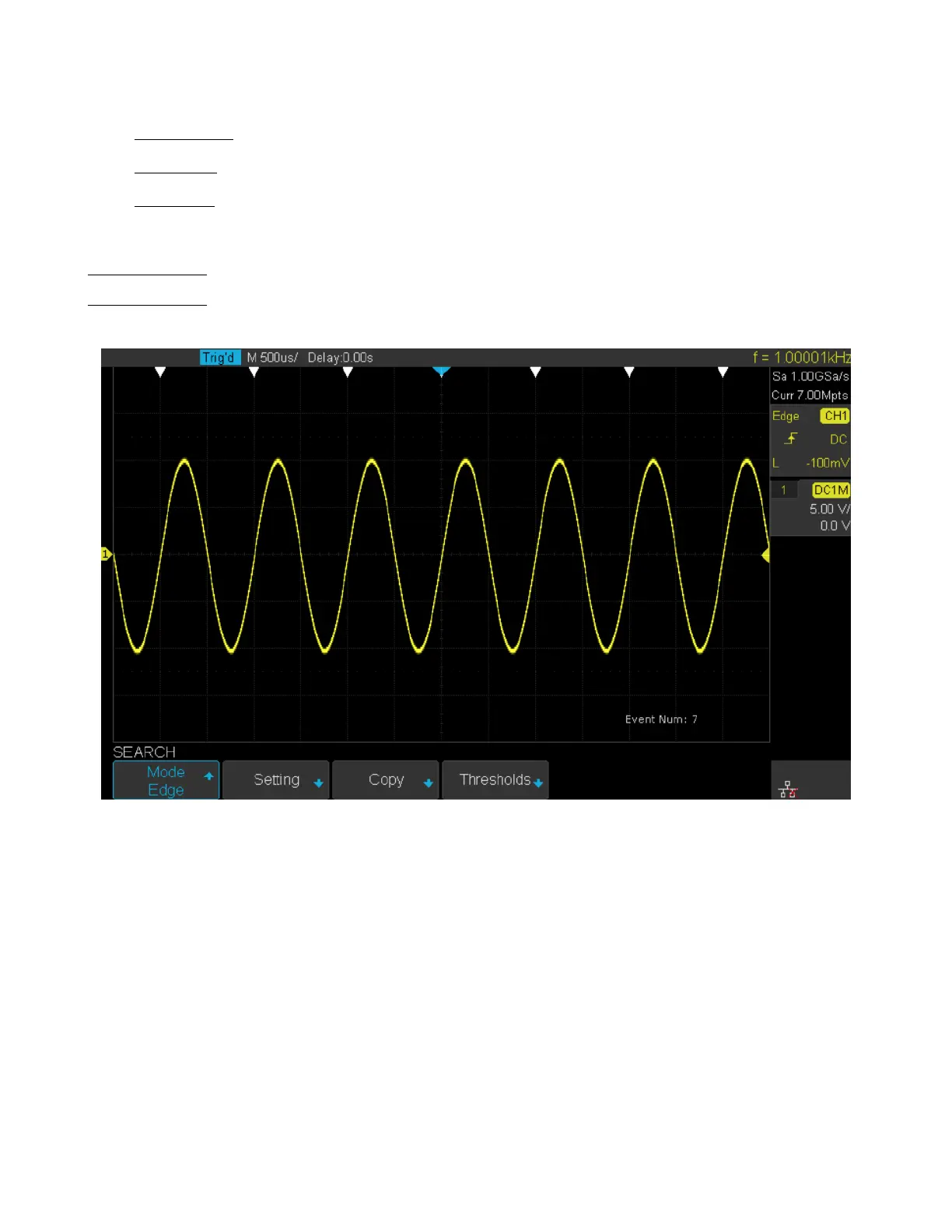
When the acquisition is started, “EVENT NUM: 7” means total events number.
Figure 15.2 Search in Run













 To Next Page