Getting Started 19
2.3.6 Function Check
Follow the steps below to do a quick check of the oscilloscope’s functionality.
1. Power on the oscilloscope. Press Default Setup to show the result of the self-check.
– The probe default attenuation is 1X.
2. Set the switch to 1X on the probe and connect the probe to channel 1.
– To do this align the slot in the probe connector with the key on the CH1 BNC, push to connect, and twist to the
right to lock the probe in place.
– Connect the probe tip and reference lead to the Probe Comp connectors.
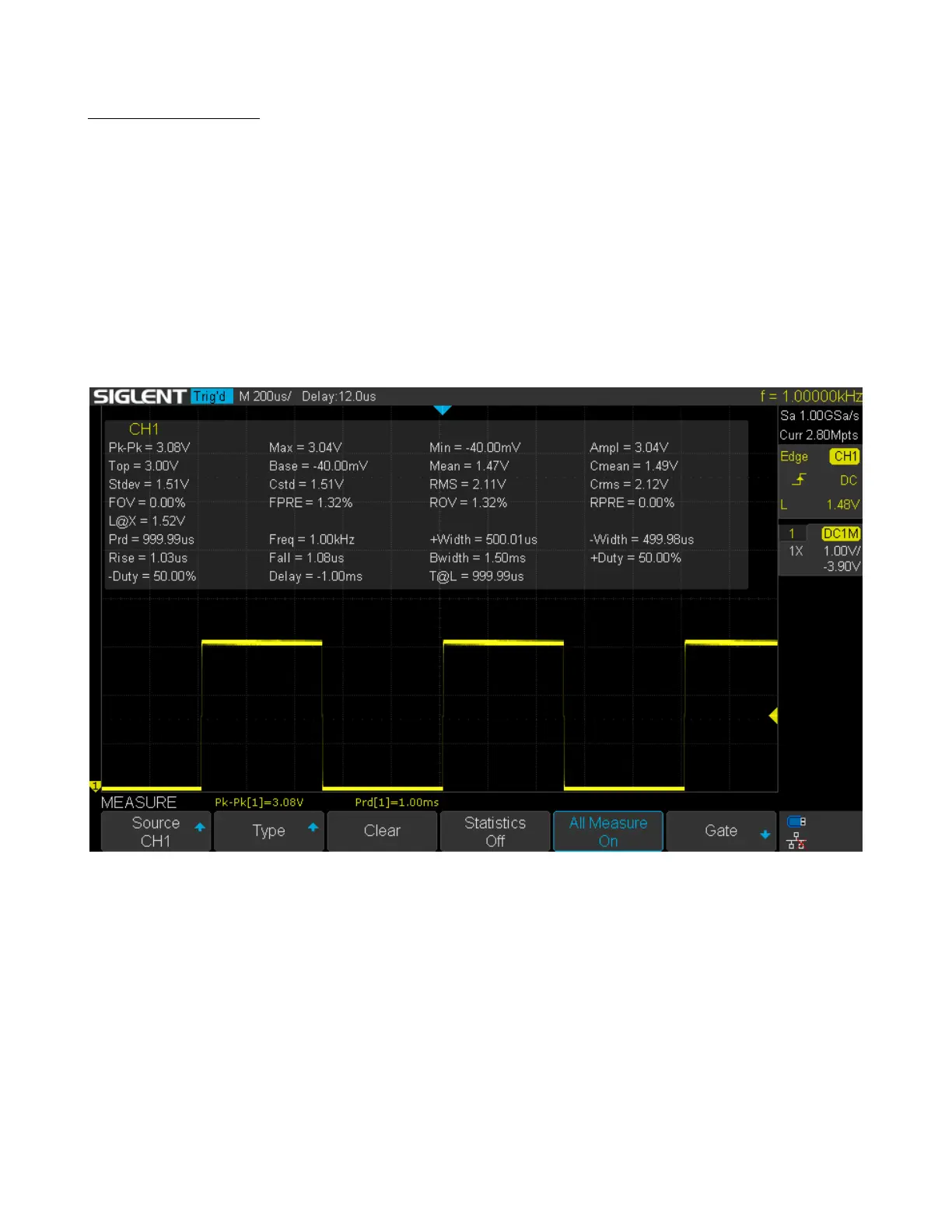
3. Press the AUTO button to show the square wave with 1 kHz frequency and 3V peak to peak .
Figure 2.3 3 Vpp Square Wave
4. Repeat steps 1 to 3 for the remaining channels.













 To Next Page