System Settings 127
14.9.3 LED Test
LED test is used to test the LEDs.
1. Press the Utility key on the front panel to enter the UTILITY function menu.
2. Press the Next Page softkey to go to the second page of the UTILITY function menu.
3. Press the Next Page softkey to go to the third page of the UTILITY function menu.
4. Press the Do Self-Test softkey to enter the SELFTEST function menu.
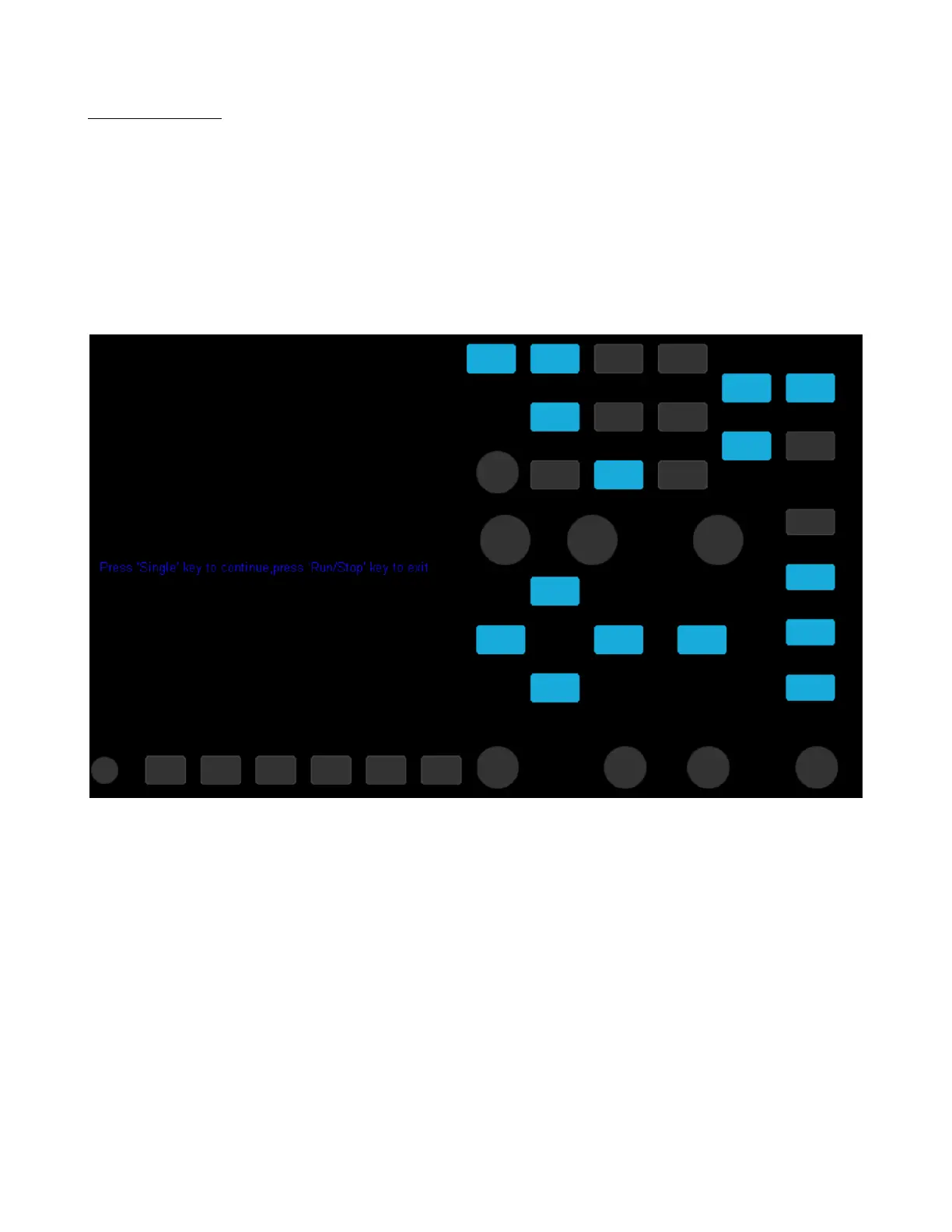
5. Press the LED Test softkey to enter the keyboard test interface, as the picture shown below.
Figure 14.7 LED Test
6. According to the prompting information displaying on the screen, press the Single key continually to light the button
lights one by one. The rst time to press the Single key, the Run/Stop key displays red, and the second press the
Run/Stop key displays green. Then the other button lights will be ligthed one by one. At last all the lights will be
ligthed at the same time.
7. Press the Run/Stop key to exit the LED test program













 To Next Page