Cursors 98
10.3 Make Cursor Measurements
1. Press the Cursors key on the front panel to enter the CURSOR function menu.
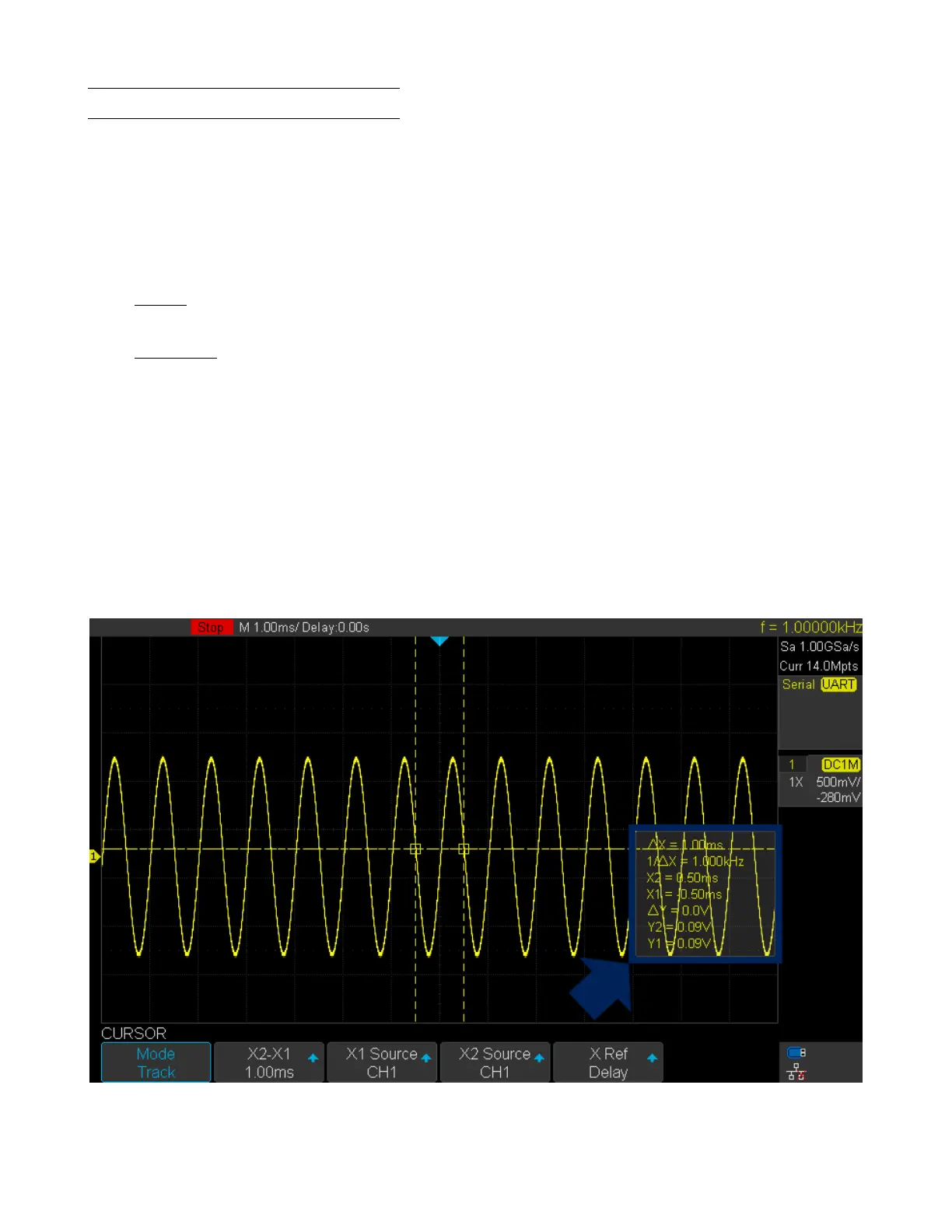
2. Press the Mode softkey and set the cursors mode to Manual or Track.
3. Press the Source softkey, and then use the Universal Knob to select the desired source. Only analog channels, math
waveforms and reference waveforms that are displayed are available for cursors.
4. Press the X Ref and Y Ref softkey to set the reference of X cursors and Y cursors.
• Position: when the horizontal/vertical scale is changed, the X/Y cursors remain xed to the grid position on the
display.
• Delay/Oset: when the horizontal/vertical is changed, the value of X/Y cursors remain xed.
5. To make cursor measurements:
• To measure the horizontal time, use the Universal Knob to move the X1 and X2 cursors to desired place. If
necessary, set the cursor type to X2-X1, move X1 and X2 cursors together.
• To measure vertical voltage or current, use the Universal Knob to move the Y1 and Y2 cursors to desired place.
If necessary, set the cursor type to “Y2-Y1”, move Y1 and Y2 cursors together.
• To adjust the transparence of the cursors message box, press the Display/Persist softkey and go to the second
page, press the Transparence (20% to 80%) softkey and then turn the Universal Knob to adjust the transparence
to the desired value.
Cursor examples:
Figure 10.3 Cursor Track Mode













 To Next Page