Search
The 2194 provides a search function. This function can search for the events that users specify in the acquired data,
the results are displayed with white triangle symbol. In the YT mode or the Roll mode with the acquisition in stop, the
maximum search events number is 700.In the Roll mode with acquisition in run, the maximum search events number is
unlimited. The waveform can be zoomed when search function is enabled.
15.1 Setting
1. Press the Search key on the front panel to enter the SEARCH function menu.
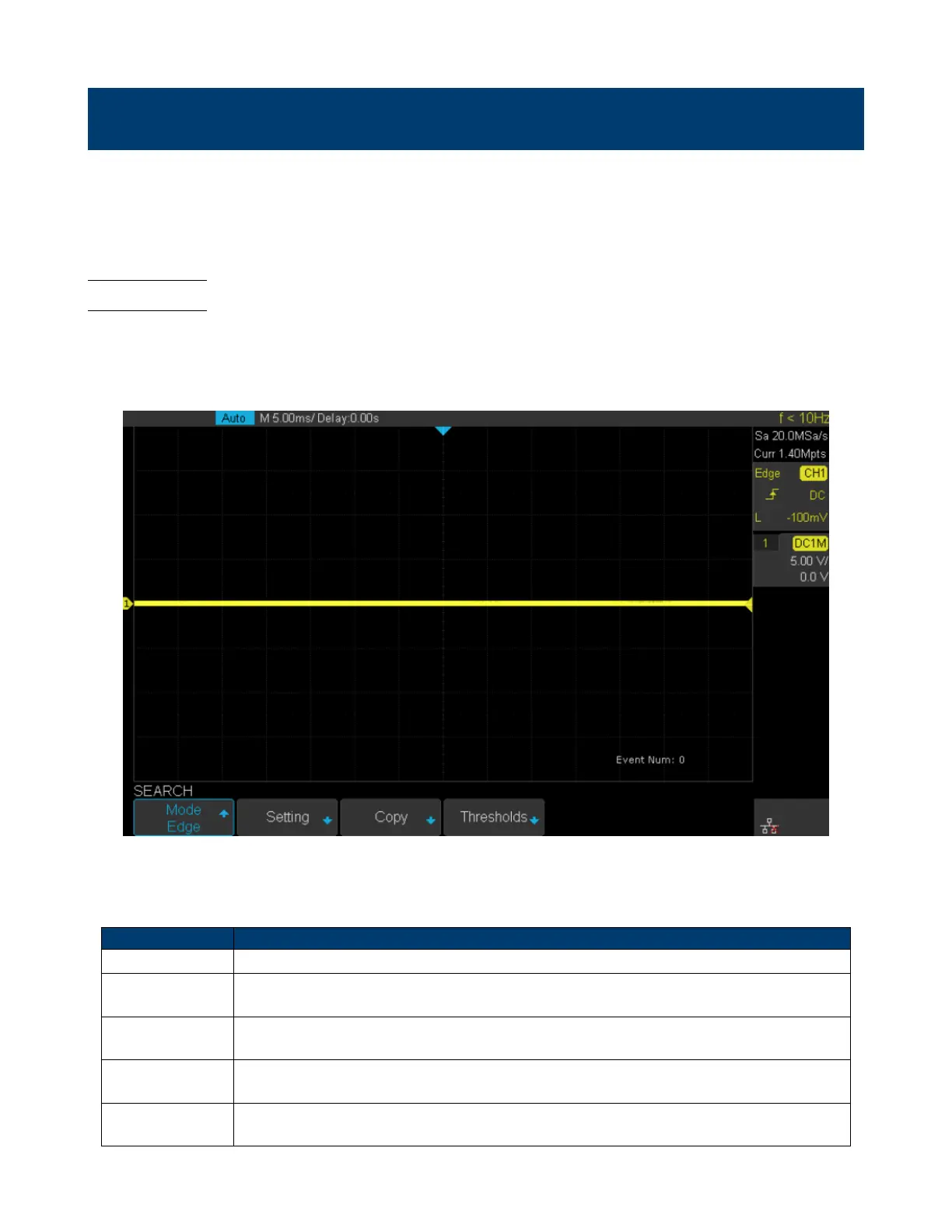
2. Press the Mode softkey and then use the Universal Knob to select the desired search type. the 2194 provides ve
search types: Edge, Slope, Pulse, Interval, Runt.
Figure 15.1 Search Menu
3. Press the Setting softkey to enter the SETTING function menu. The setting menu is dierent according to every
search type. The details show as the following table.
Search Mode Setting Menu Description
Edge Slope includes Rising, Falling, Either.
Slope
Slope includes Rising, Falling Limit Range includes four types: <=, >=, [–,–] and –] [–,
Users can select the desired type and then input the time value.
Pulse
Polarity includes Positive and Negative Limit Range includes four types: <=, >=, [–,–] and
–] [–, Users can select the desired type and then input the time value.
Interval
Slope includes Rising, Falling Limit Range includes four types: <=, >=, [–,–] and –] [–,
Users can select the desired type and then input the time value.
Runt
Polarity includes Positive and Negative Limit Range includes four types: <=, >=, [–,–] and
–][– , Users can select the desired type and then input the time value
Table 15.1 Search Modes













 To Next Page