Vertical Controls 25
3.2.6 Deskew
Adjust the dierence of phase between the channel.
The Valid range of each channel is
±
100 ns.
1. Press the CH button of the channel to be congured.
2. Use the softkeys to navigate to page 2/2.
3. Use the softkeys to select Deskew.
4. Turn the Universal Knob to change deskew.
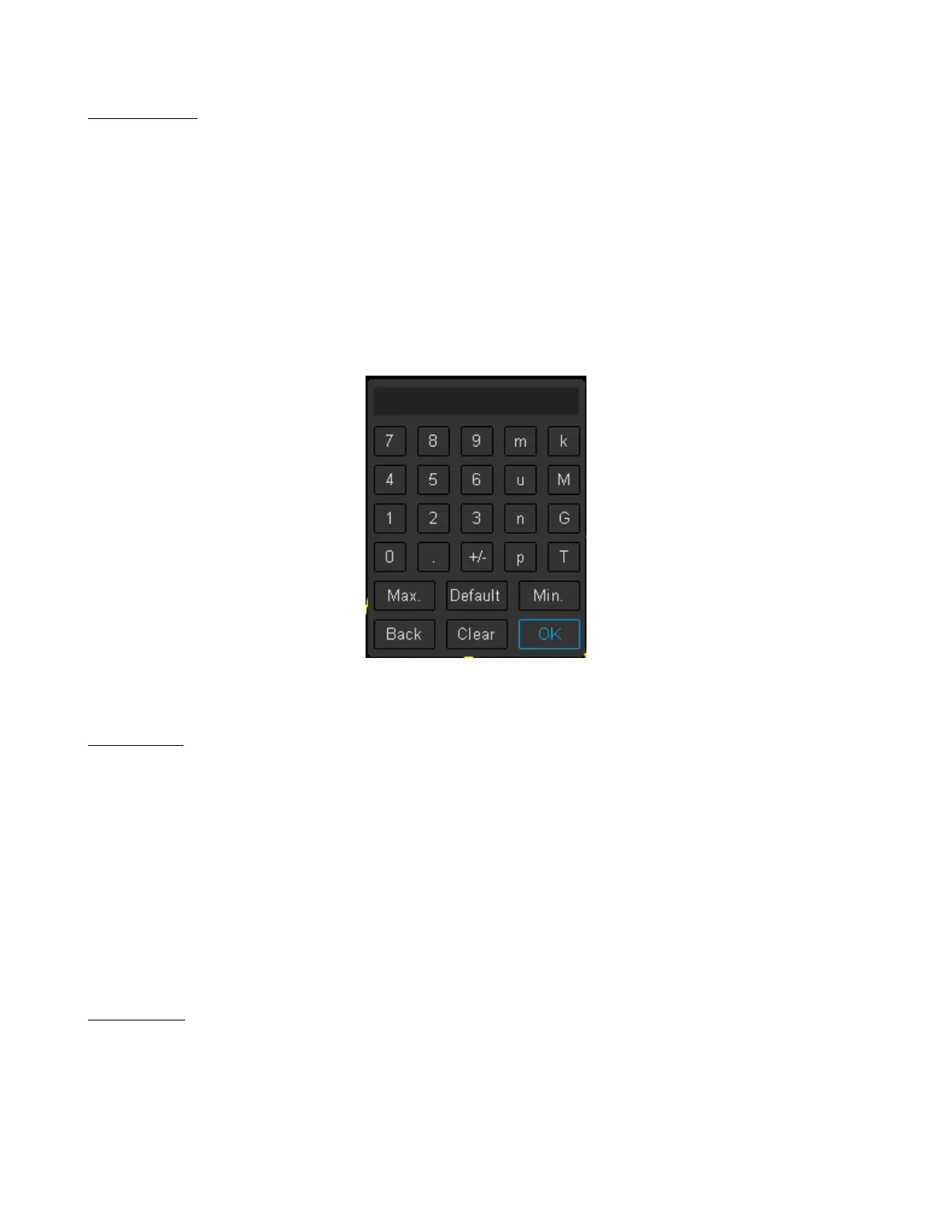
– Pushing the Universal Knob open the keypad.
Figure 3.3 Deskew Keypad
3.2.7 Invert
Invert the voltage values of the displayed waveform.
Inverting a channel aects how the channel is displayed, all the results of any math function selected, and measurement
functions.
To invert the waveform:
– Press the CH button of the channel to be congured.
– Use the softkeys to navigate to page 2/2.
– Use the softkeys to toggle Invert On and O.
3.2.8 Oset
Oset the vertical position of the displayed waveform.
The Valid range of each channel is
±
100 V.
1. Press the CH button of the channel to be congured.
2. Use the softkeys to navigate to page 2/2.













 To Next Page