Vertical Controls
3.1 Enable Channel
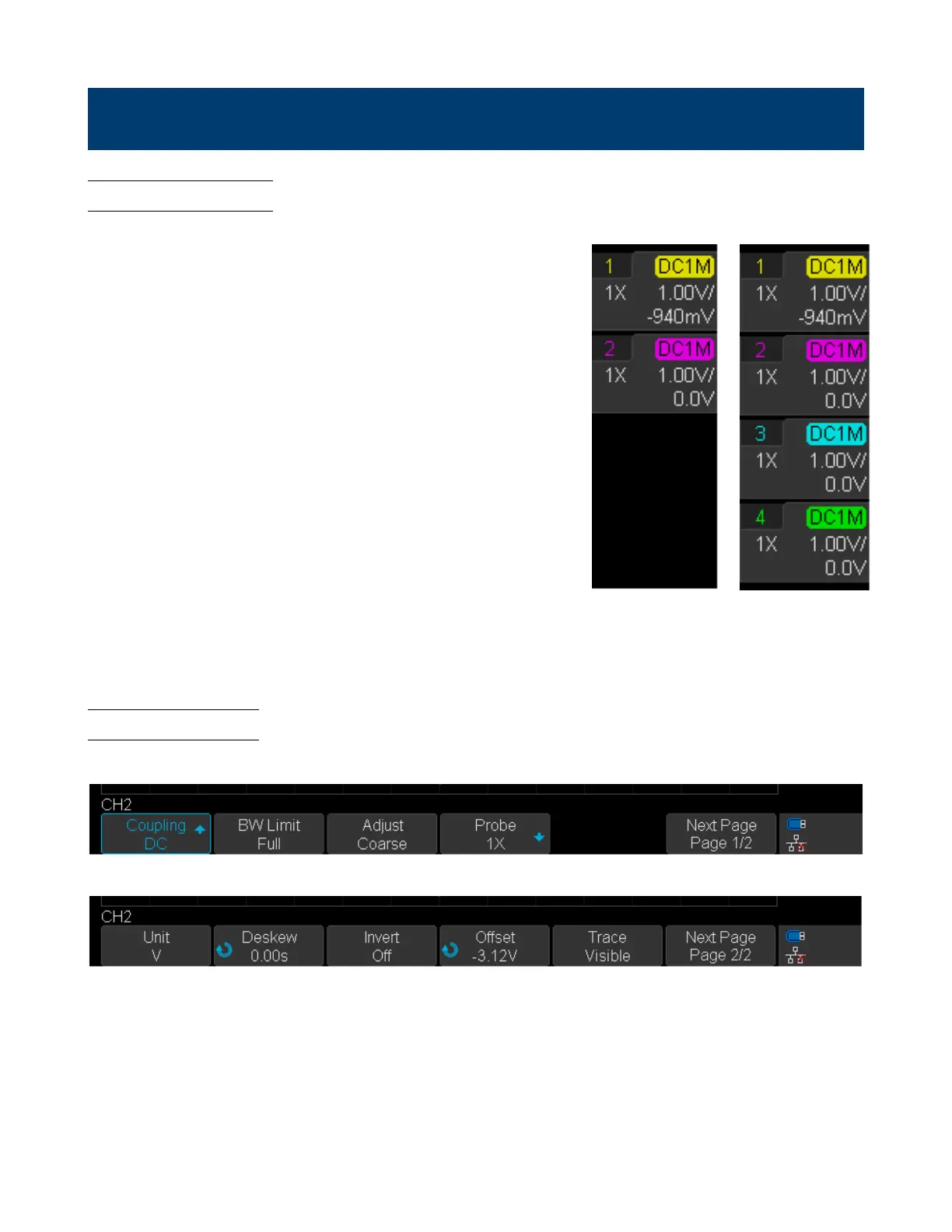
The 2194 provides 4 analog input channels. To enable a channel press
the corresponding channel button located on the vertical controls.
The enabled channels can be veried on the right side of the display
screen.
To disable a channel:
Press the correponding channel key. Once the key has been highlighted
by the LED press the channel key again.
– Pressing the channel key of the currently selected channel once will
disable the channel.
Channels 1
and 2 Enabled
All Channels
Enabled
Figure 3.1 Enabled Channels
3.2 Channe Menu
Figure 3.2 shows the channel 2 menu that is displayed after pressing the CH 2 key.
Channel Menu Page 1/2
Channel Menu Page 2/2
Figure 3.2 CH 2 Menu













 To Next Page