Sample Control 33
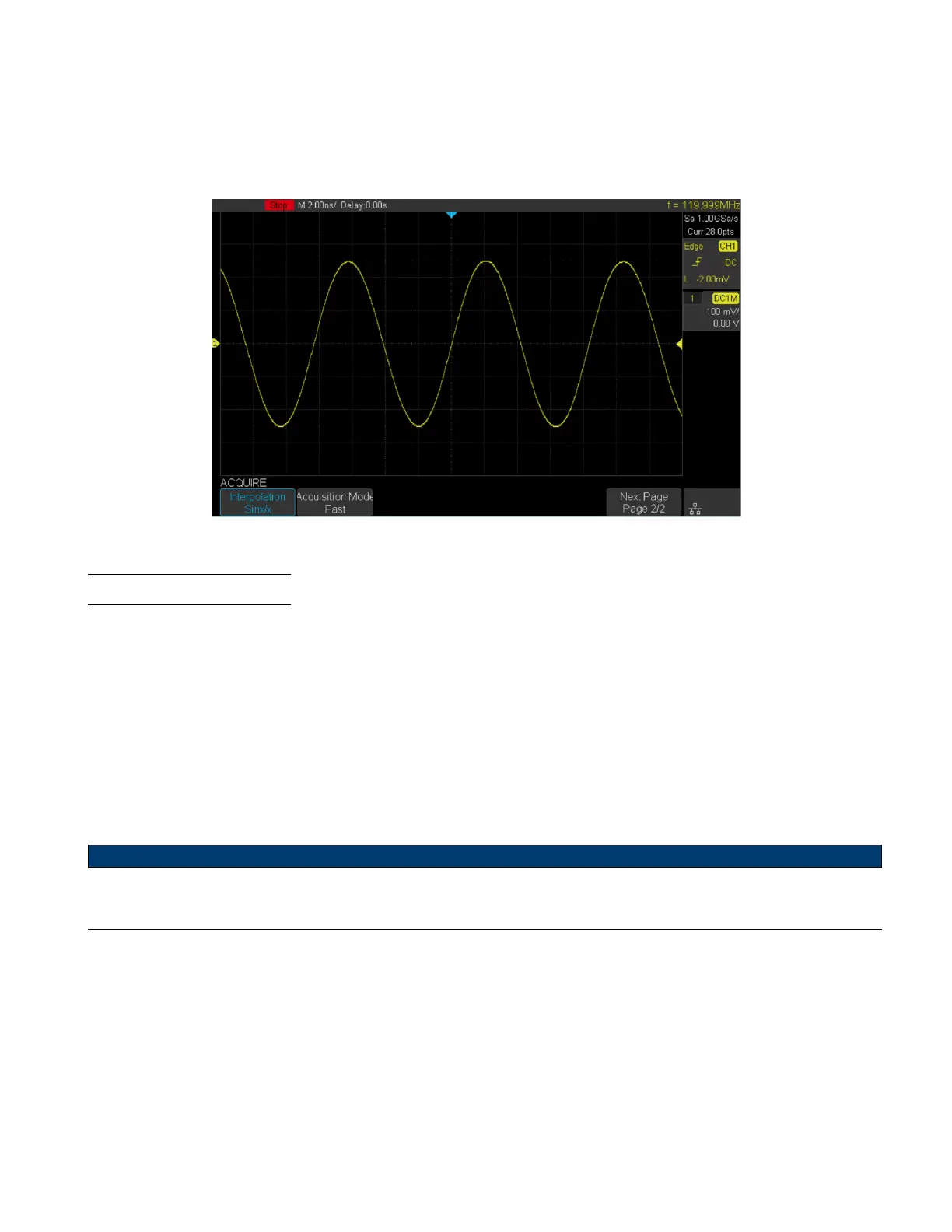
• Sinx/x Connects the sample points with a curve that has stronger versatility. Sinx interpolation method uses mathe-
matical processing to calculation results in the actual sample interval. This method produces a more realistic regular
shape than pure square wave and pulse.
When the sampling rate is 3 to 5 times the bandwidth of the system, the Sinx/s interpolation method is recommended.
Figure 5.6 Interpolation Method Sinx/x
5.8 Acquisition Mode
The acquisition mode is used to control how to generate waveform points from sample points. The oscilloscope provides
the following acquisition mode: Normal, Peak Detect, Average and Eres.
To set the Acquisition Mode:
– Press the Acquire key to enter the Acquire Function menu.
– Press the Acquisition softkey to view the available options.
– Turn the Universal Knob to navigate the available acquisition mode.
– Push the Universal Knob to set the selected method.
Note:
Default mode is Normal Acquisition













 To Next Page