Sample Control 34
Normal
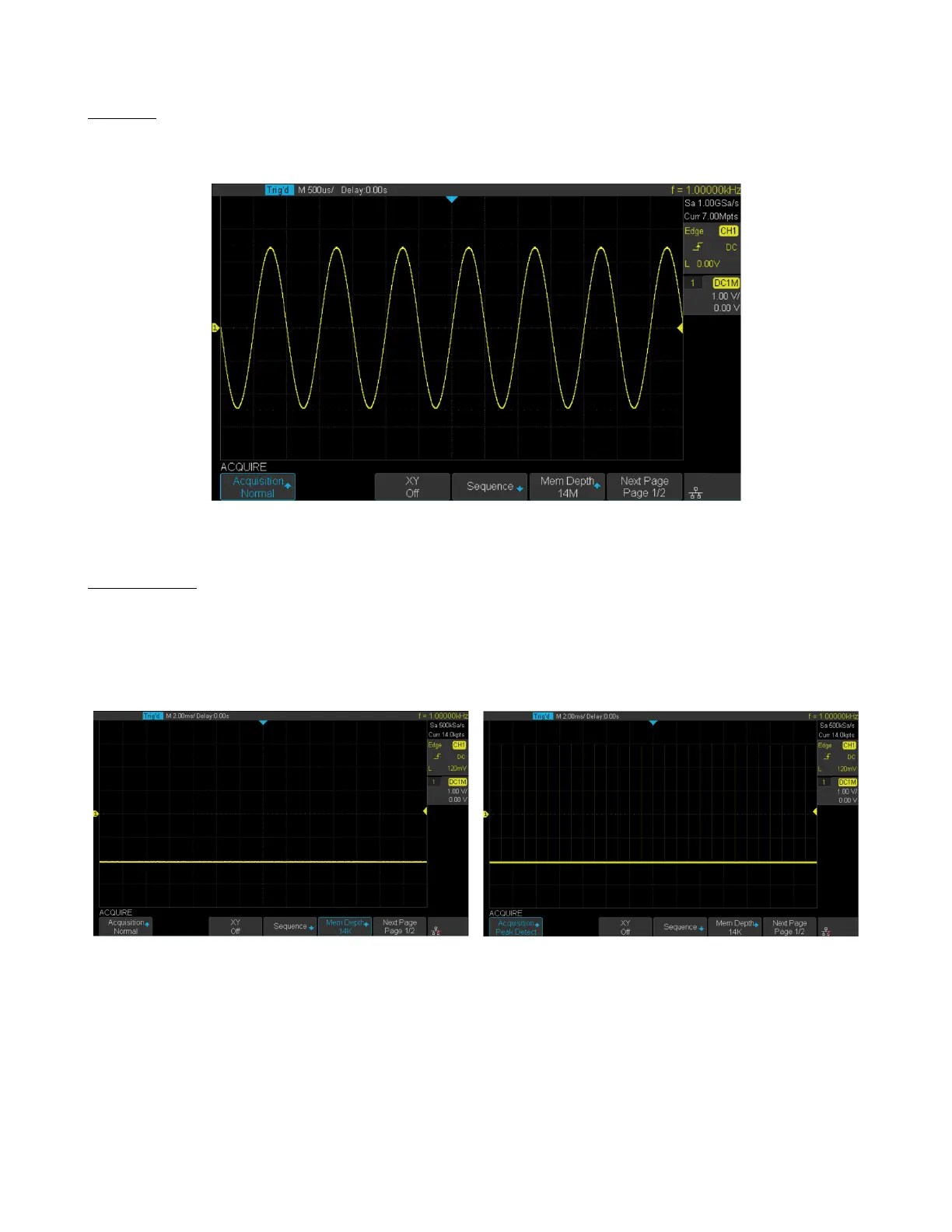
In Normal mode the oscilloscope samples the signal at equal time interval to rebuild the waveform. For most waveforms,
the best display eect can be obtained using this mode.
Figure 5.7 Normal Mode
Peak Detect
In Peak Detect mode, the oscilloscope acquires the maximum and minimum values of the signal within the sample
interval to get the envelope of the signal or the narrow pulse of the signal that might be lost. Peak Detect can prevent
aliasing, but the signal is more susceptible to noise.
In Peak Detect mode the oscilloscope can display all the pulses with pulse width at least as wide as the sample period.
Normal Acquisition Peak Detect Acquisition Pulse Width .1%
Figure 5.8 Peak Detect Acquisition













 To Next Page