Trigger
For triggering, certain condition can be set according to the requirement and when a waveform in the waveform stream
meets this condition. Digital oscilloscope, display a waveform continuously regardless of the trigger stability, but only
stable trigger can ensures stable display.
The trigger circuit ensures that every time base sweep or acquisition starts from the input signal and the user-dened
trigger condition, namely every sweep is synchronous to the acquisition and the waveforms acquired overlap to display
stable waveform.
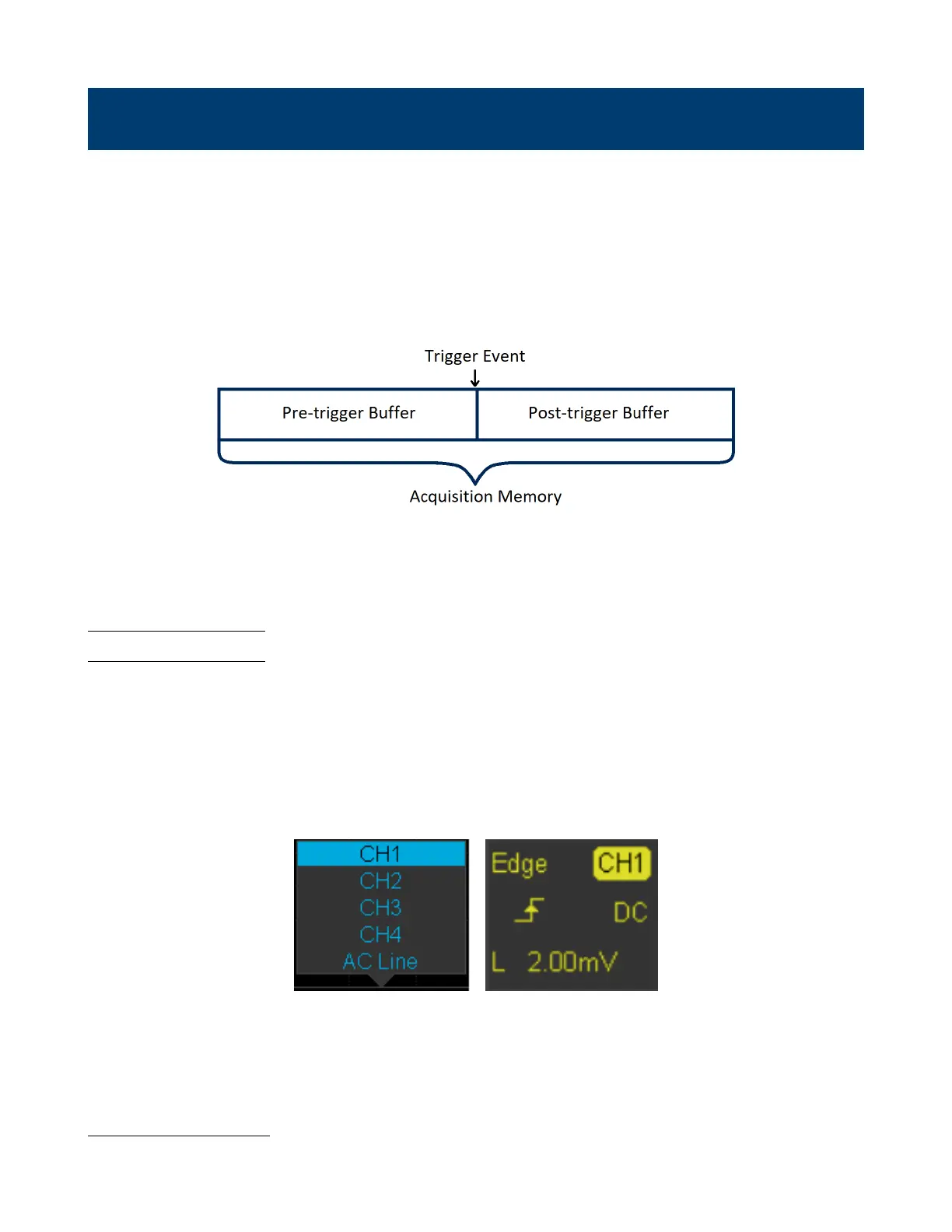
Figure 6.1 demonstrates how the position of the trigger event determines the reference time point and the delay setting.
Figure 6.1 Acquisition Memory
A trigger setup tells the oscilloscope when to acquire and display data. Trigger setting are based on the features of the
input signal, therefore knowledge of the signal under test is required to quickly capture the desired waveform.
6.1 Trigger Source
The 2194 trigger source includes four analog channels and AC line.
To set the trigger source:
1. Press the Setup key to enter the Trigger menu.
2. Press the Source softkey to display the available trigger sources.
– Turn the Universal Knob or continuously press the Source softkey to navigate the available sources.
Available Trigger Sources Selected Trigger Source
Figure 6.2 Trigger Source
The currently selected trigger source is displayed at the upper right corner of the screen.
Analog Channel Input
Signals input from the analog channels can all be used as a trigger source.













 To Next Page