Serial Trigger and Decode 74
7.3.2 UART Trigger
This section includes an introduction and description for the operation of the UART trigger.
1. Touch Setup key to enter the TRIGGER function menu.
2. Touch Type and select Serial.
3. Touch Protocol and select UART.
4. Touch Trigger Setting to enter UART TRIG SET menu.
Figure 7.19 UART Trig Set Menu
5. Touch Source Type to select the source of trigger (RX or TX).
6. Touch Condition and set up the desired trigger condition:
• Start — the oscilloscope will be triggered at the position of start bit.
• Stop —the oscilloscope will be triggered at the position of stop bits.
• Data — the oscilloscope will be triggered when found a byte which is equal to (greater or less than) the specied
data.
a. Touch Compare Type and choose an equality qualier (>, < or =).
b. Touch Value to set data’s value. Data’s value is in range of 0x00 to 0x.
• ERROR — if the parity check has been set, and the bit of parity check is error, the oscilloscope will be triggered.
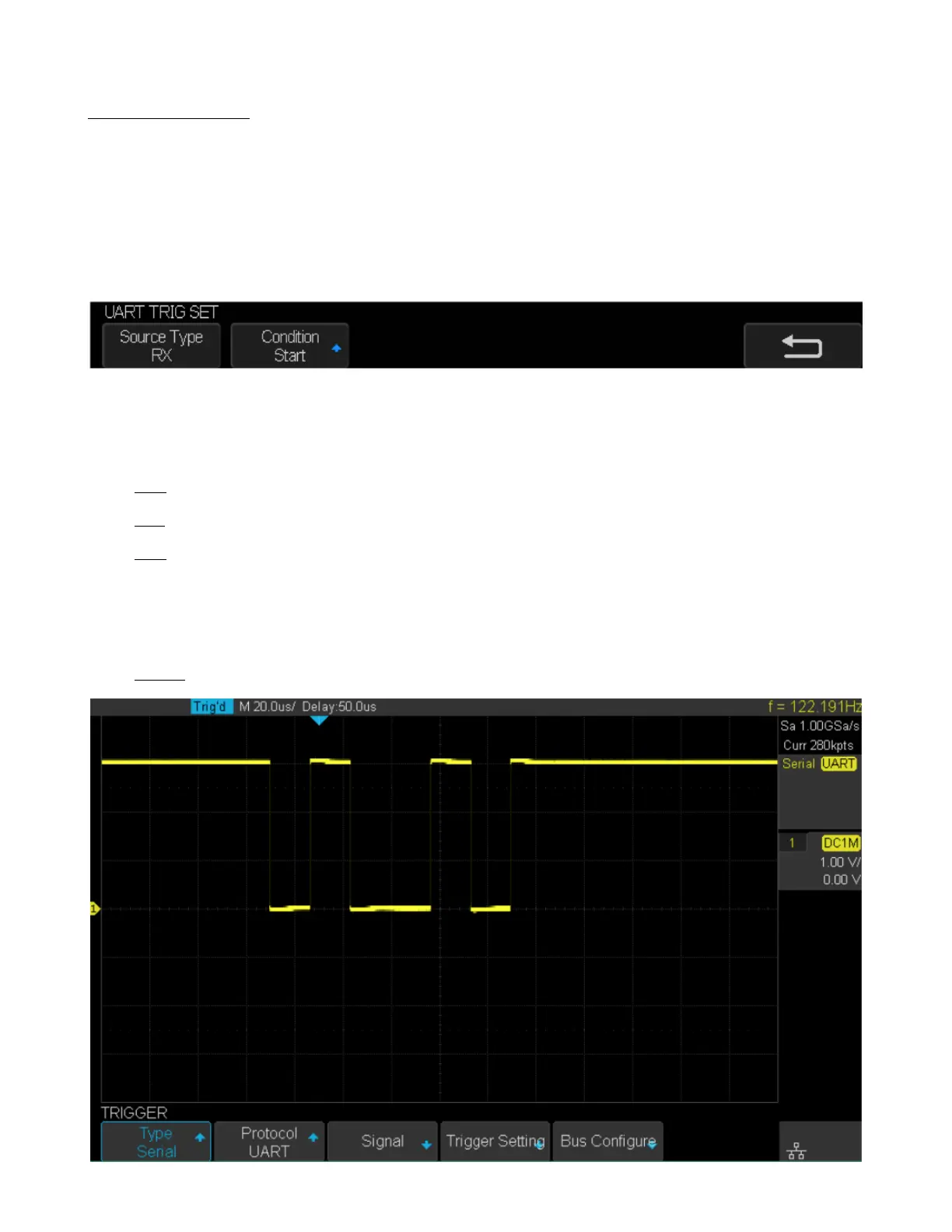
Figure 7.20 UART Trigger













 To Next Page