System Settings
This function module supports the oscilloscopes’s system-related function, such as system status, language, sound and
some other advanced setting, such as do self-cal, update and remote interface congure.
14.1 View System Status
To view the system status:
1. Press the Utility key on the front to enter the UTILITY function menu.
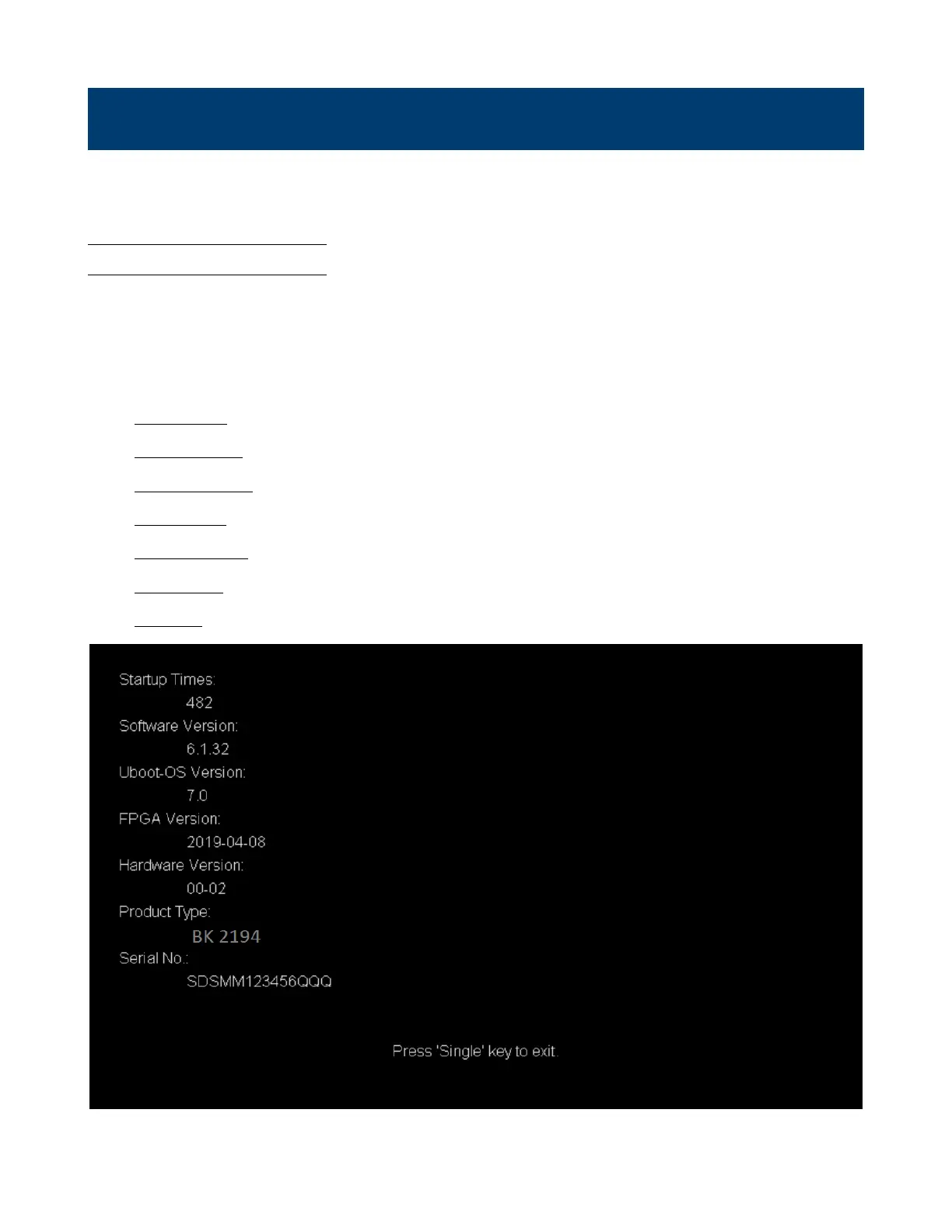
2. Press the System Status softkey to view the system status of the oscilloscope. The system status includes the
information below:
• Startup Times: record the boot-strap times of the oscilloscope.
• Software Version: list the current software version of the oscilloscope.
• Uboot-OS Version: list the current Uboot and OS version of the oscilloscope
• FPGA Version: list the current fpga version of the oscilloscope.
• Hardware Version: list the current hardware version of the oscilloscope.
• Product Type: display the product type of the oscilloscope.
• Serial NO.: list the serial number of the oscilloscope.
Figure 14.1 System Status
3. Press the Single key on the front panel to exit.













 To Next Page