System Settings 118
14.2 Self Cal
The self-calibration program can quickly make the oscilloscope reach the best working state to get the most precise
measurement values. You can perform self-calibration at any time especially when the change of the environment
temperature is up to more than 5 ℃. make sure that the oscilloscope has been warmed up or operated for more than 30
minutes before the self-calibration.
To perform a self-calibration :
1. Disconnect all the input channels.
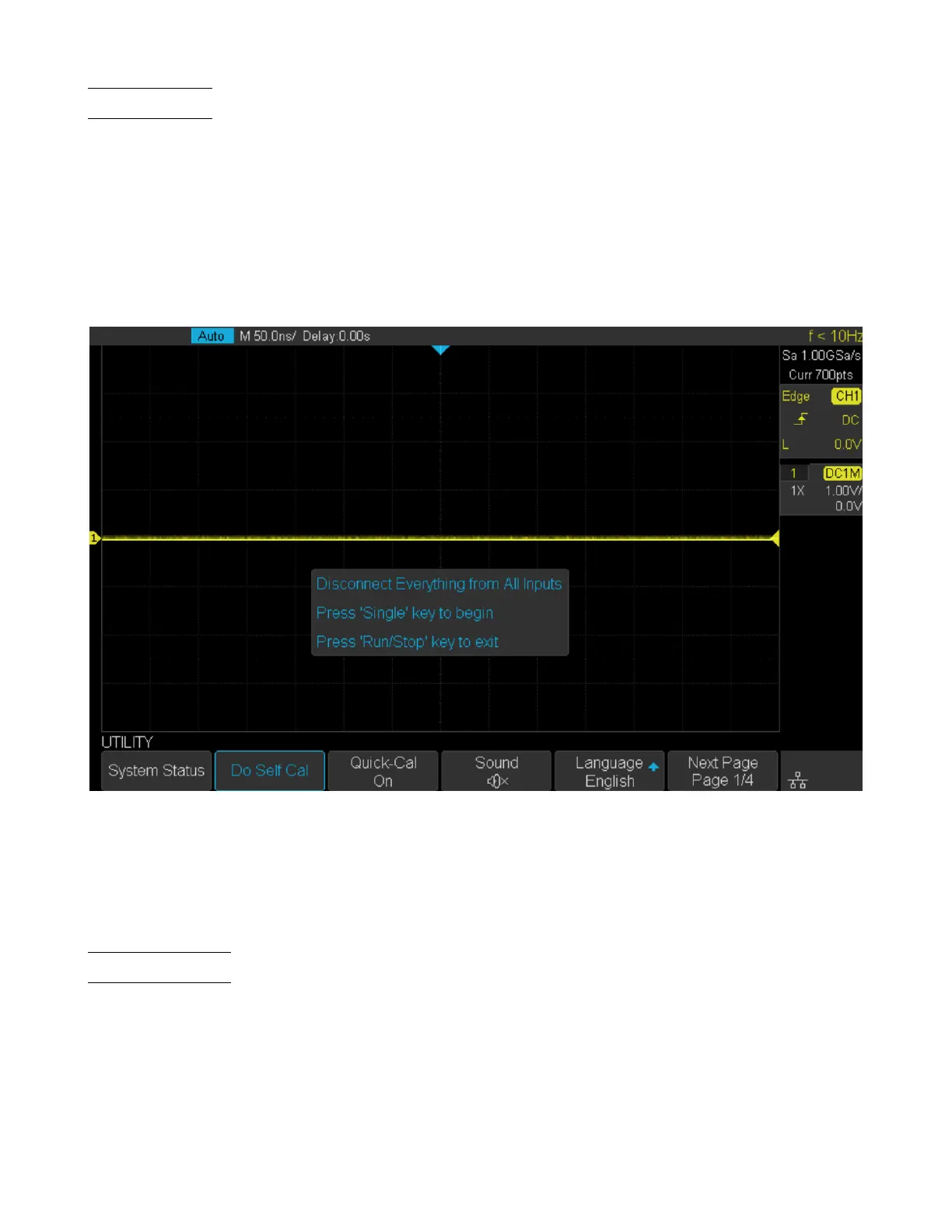
2. Press the Utility key on the front panel, and then press the Do Self Cal softkey, and the oscilloscope will pop-out
the message shown in gure ??.
Figure 14.2 Self Cal
3. Press the Single key on the front panel to perform the self-calibration program. During the calibration, most of the
keys are disabled.
4. When the self-calibration program is nished, it will pop-out the message “press Run/Stop key to exit”. Press the
Run/Stop button on the front panel to exit the calibration interface.
14.3 Quick-Cal
Quick calibration can correct the measurement deviation caused by temperature, so that you can get more accurate
measurements.
If the ambient temperature of your current operating oscilloscope is unstable, press Utility –> Quick-Cal softkey to
select On to enable quick calibration.













 To Next Page