Trigger 61
Note:
Adjust the trigger level for the selected analog channel by turning the Trigger Level knob while high or low are
selected. Invalid doesn’t need to set trigger level.
5. Press the Next Page softkey to enter the second page of the pattern trigger menu.
6. Press the Logic softkey and then turn the Universal Knob to select the desired logic combination
AND, OR, NAND or NOR.
7. Press the Time softkey, then use the Universal Knob to select the desired time value.
8. Press the Holdo Close softkey to enable/disable the Holdo function
– Use the Universal Knob to set the desired value.
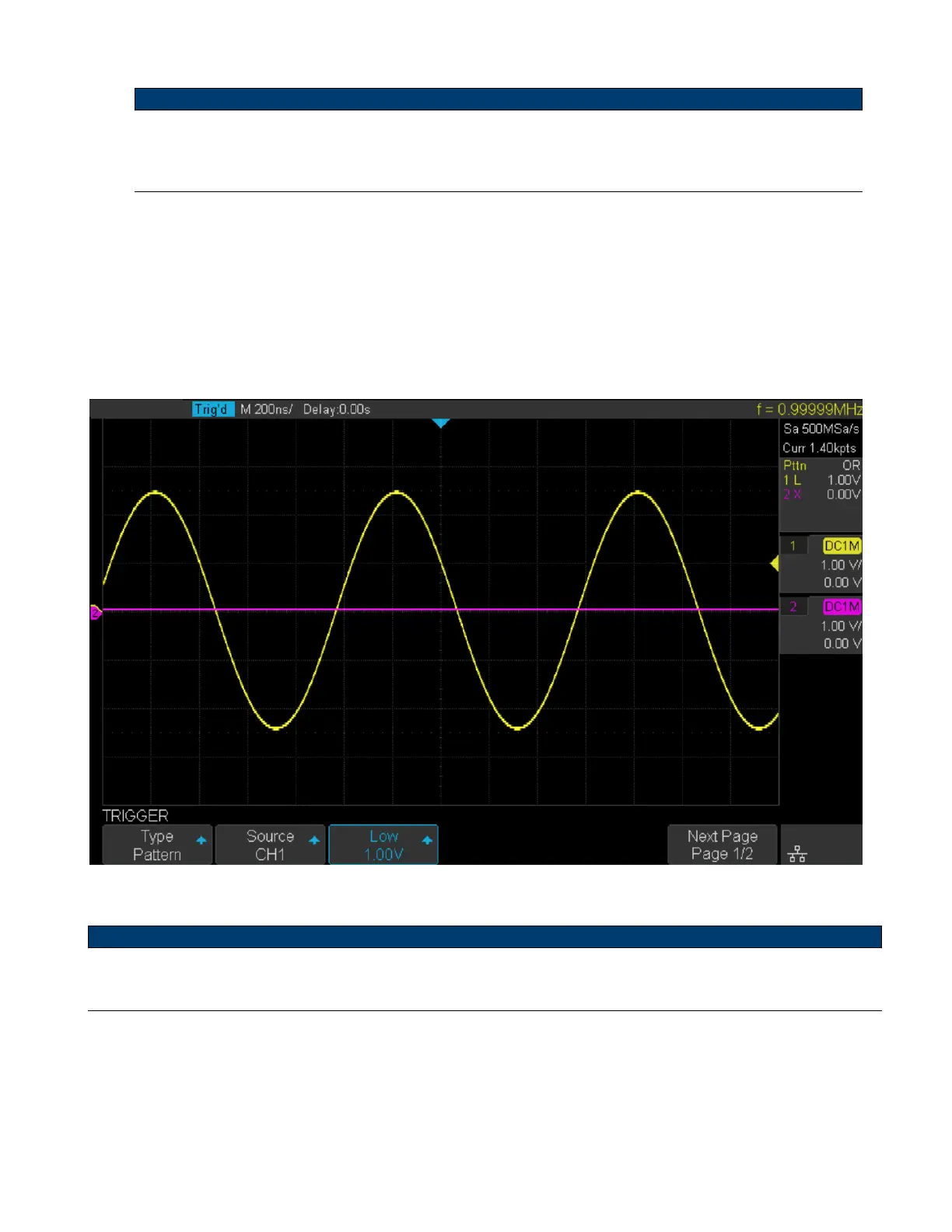
Figure 6.26 Pattern Trigger Example
Note:
Holdo can be set in pattern trigger, see the sections Trigger Holdo for details.













 To Next Page