Getting Started
You don’t need to worry about genlock for your cameras and sources, because each input
ofyour ATEM switcher has a full frame resynchronizer. If your ATEM switcher detects that
avideo source is out of sync, it will automatically enable the frame sync so the input is clean
foruse. The frame sync function also allows consumer cameras to be connected to your ATEM,
andusing consumer cameras is a great way to get started because the latest HDMI based
consumer cameras are now very affordable and give quite acceptable HD and Ultra HD video.
This lets you spend your money on more cameras, and then as you grow, you can start adding
professional SDI based cameras.
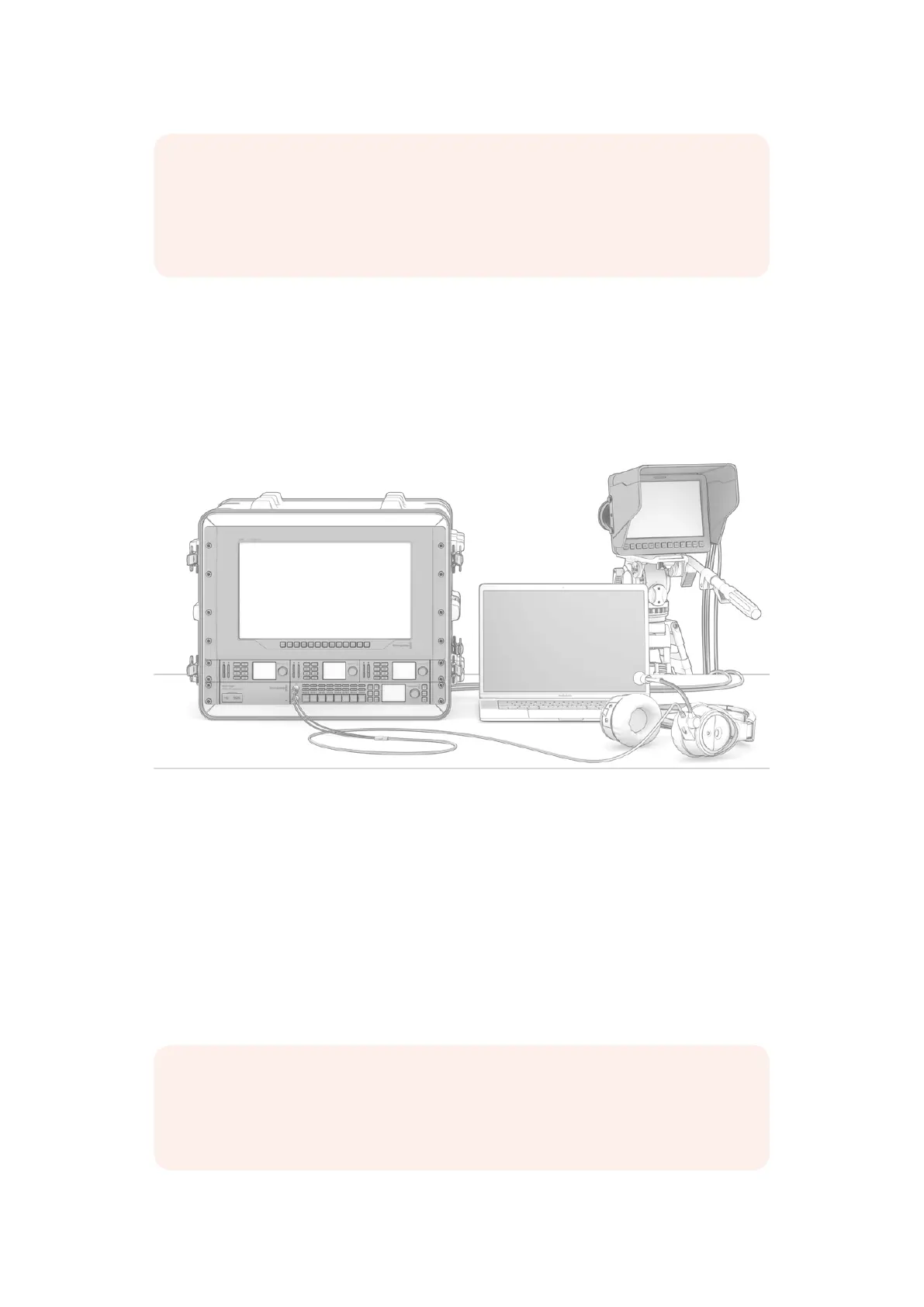
You can control Blackmagic Studio Cameras and URSA Mini
cameras from your ATEM switcher via the SDI return feed
If you’re plugging a computer's HDMI output into an ATEM Television Studio HD, or ATEM
Television Studio Pro HD, then be sure that the monitor settings on the computer are set to
thecorrect resolution and frame rate. For example, if you are using 1080i video, then set your
monitor to 1920 x 1080. Alternatively, if you are using HD 720p video, then set your monitor
to1280 x 720. NTSC should be set to 720 x 486, and PAL needs to be set to 720 x 576.
Theframe rates also need to match.
You can also plug in an HDMI output into ATEM Television Studio Pro 4K by using an HDMI to SDI
converter, for example a Blackmagic Mini Converter or Micro Converter SDI to HDMI. When plugging
an HD or Ultra HD resolution output from your computer to the 4K model switcher, the switcher will
automatically convert the signal to the HD or Ultra HD format set in the switcher settings.
NOTE If you are using ATEM Television Studio Pro 4K, then you can plug in any
HDorUltra HD video format and the switcher will automatically convert that format
tothe HD or Ultra HD video standard set in the switcher settings. This makes it faster
and easier for you to connect different video formats, however, it's still a good
practiceto match them to your project format if possible.
NOTE It’s important to know that HDMI cable quality can vary, so we recommend
buying good quality cables, and high end video resellers will stock a range of high
quality cables. Good quality cables will help eliminate unwanted sparkle or glitches in
HDMI video inputs.
10










 To Next Page