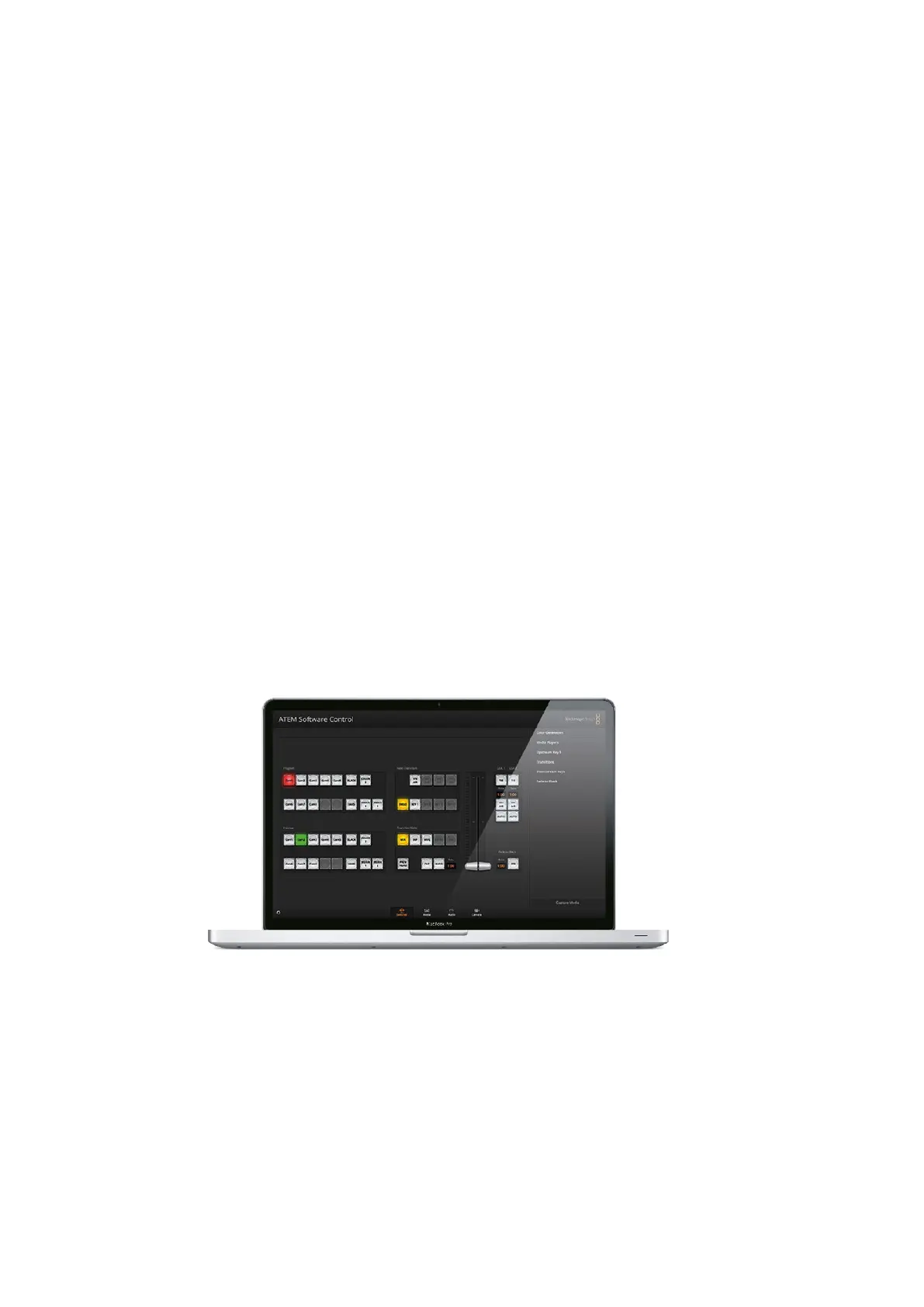
Using ATEM Software Control
After you have saved your settings you can quick save at any time by selecting File>Save, or by
pressing Command S for Mac, or Ctrl S for Windows. Doing so will not overwrite your previous
save, but will add a new XML file to your destination folder which is clearly identified with a time
and date stamp. This means you can always restore a previous save if necessary.
Restoring your Settings
1 Go to the menu bar in ATEM Software Control and select File>Restore.
2 A window will ask for the file you want to open. Select your save file and click Open.
3 You’ll now see a window containing active checkboxes for your saved settings on
each block of your ATEM switcher. Leave Select All enabled to restore all your saved
settings, or select only the checkboxes for the settings you want to restore.
4 Click Restore.
If your switcher settings are saved on a laptop, it’s easy to take all your settings with you on
location. Connect your laptop to any ATEM switcher and quickly restore your switcher settings.
Live production can be a busy and exciting time and you’re always working in the moment,
which means you can easily forget to back up your saved files when the production is over.
Ifyou have settings you want to keep, save them to your computer and an external drive,
such as a USB drive. This means you can carry your settings with you and have a back up in
case your settings are accidentally deleted on your computer.
Saving your Startup State
If you have your switcher set up the way you want it, you can easily save your entire switcher
state as your default startup state. Go to the 'file' menu in ATEM Software Control and select
'save startup state'. Now whenever you restart your switcher, it will start up with your saved
settings by default. If you want to clear the startup state and revert to the factory settings on
restart, go to the 'file' menu and select 'clear startup state'.
Saving your switcher settings on a laptop gives you the portability
to restore your settings on any ATEM switcher. Saving to a
USBdrive means you can even carry your settings in your pocket.
Using Camera Control
Clicking on the 'camera' button in ATEM Software Control opens the camera control feature that
lets you control Blackmagic Studio Cameras, Micro Studio Cameras, URSA Mini or URSA
Broadcast from your ATEM switcher. Blackmagic camera settings such as iris, gain, focus, detail
and zoom control are easily adjusted using compatible lenses, plus you can color balance
cameras and create unique looks using the DaVinci Resolve primary color corrector that’s built
into the camera.
61










 To Next Page