Using Macros
Using Macros
What is a Macro?
A macro is an easy way to automate a sequence of switcher actions so you can repeat the
sequence at the press, or click, of a button. For example, you can record a sequence of
transitions between several video sources, including key effects, audio mixer adjustments,
camera control settings and more. Record all your actions to a macro button, then when you
press that button all your recorded actions will be instantly performed. Macros are recorded
using the macros window in ATEM Software Control, and are stored inside your ATEM switcher.
You can run all your recorded macros using the software control panel, or if you are using an
ATEM Television Studio Pro HD switcher, you can run macros using the macro buttons on the
control panel.
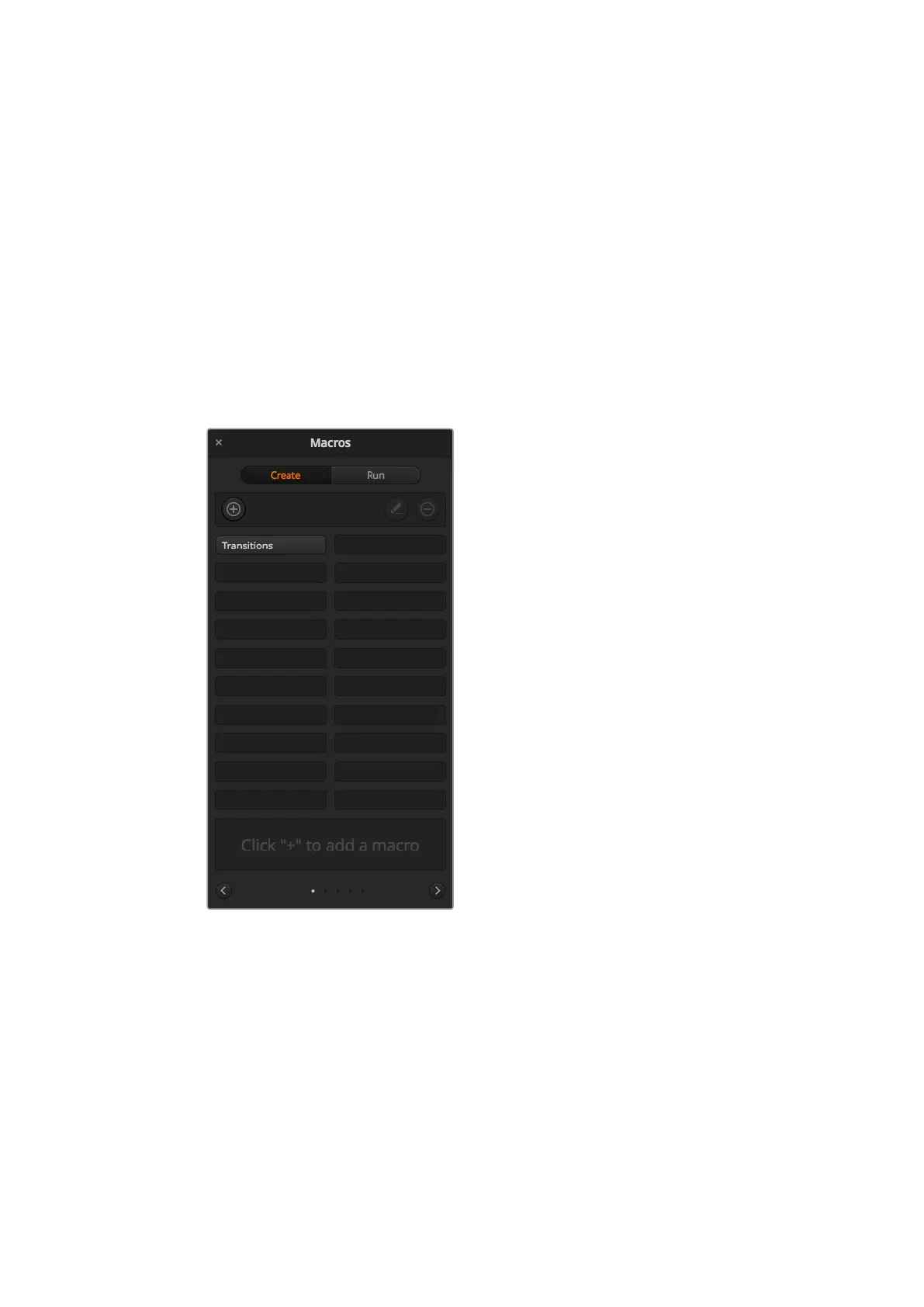
The macros window in ATEM Software Control lets you
record and run macros so you can easily repeat a sequence
of complex switcher actions at the click of a button.
The Macros Window in ATEMSoftware Control
To open the macros window in ATEM Software Control, click on macros in the title bar, or you
can also press shift/command/M for Mac, or shift/control/M for Windows. The macros window
is a floating window you can move freely about your desktop. This is so you can always access
the window when moving between the switcher, media, audio and camera pages. While
recording a macro, you can even reduce the size of the window by clicking on the minimize icon
at the top right corner.
153










 To Next Page