Using ATEM Software Control
Once all the Fairlight controls are set, you can then increase or decrease the faders on the audio
mixer to set them at their best levels for the live mix and make adjustments where necessary
during the production. You can also go back to any of the settings and make further adjustments
if needed, but it’s best to follow the same order as described above to get the best results from
each function. For example, it’s important to set EQ controls before making dynamics changes as
the processing chain in your switcher applies dynamics to the audio after equalization.
Most important of all is to apply the effects carefully so your audio still sounds natural but exciting too!
Navigating the Browse Window on the Media Page
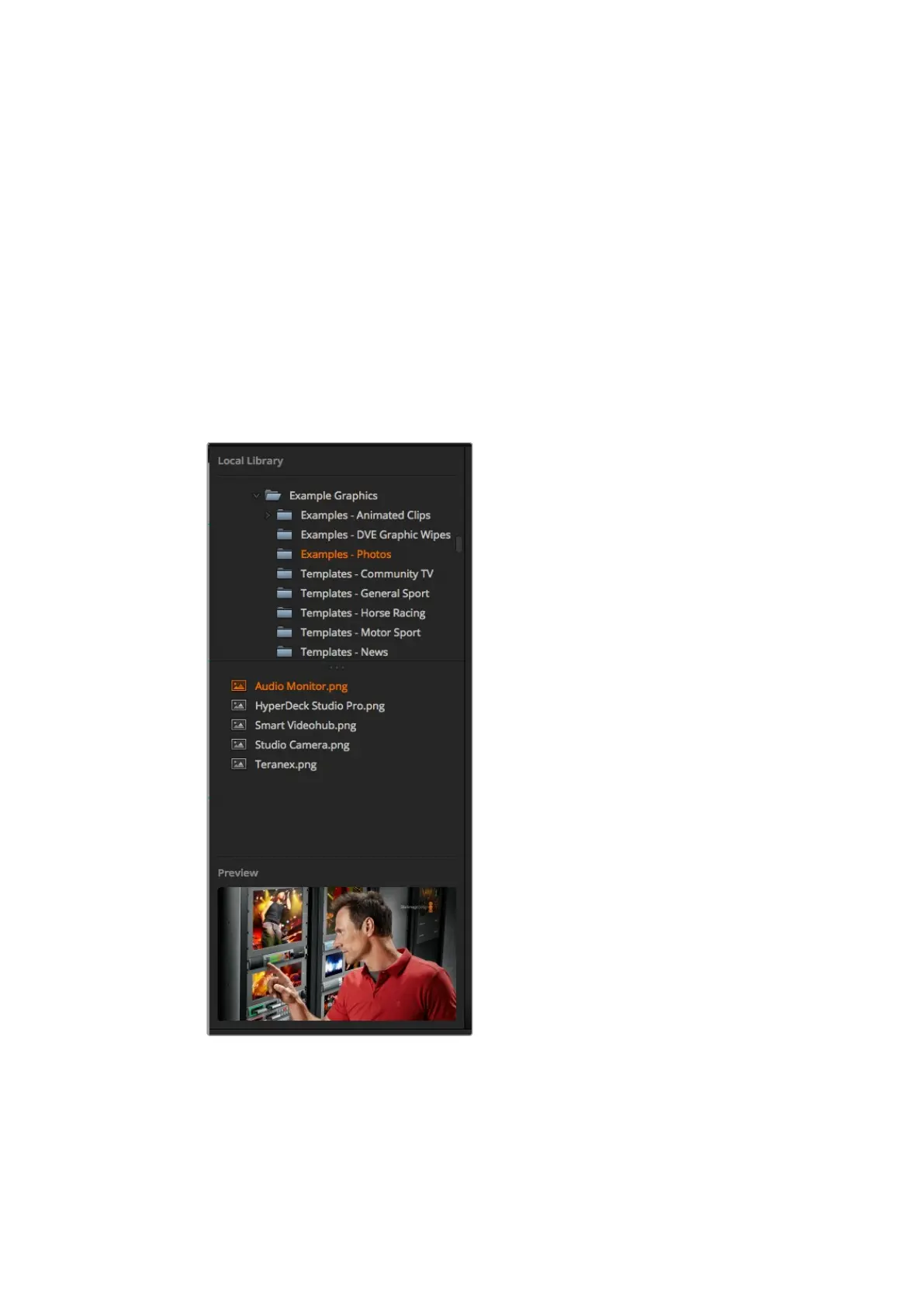
The browse window is a simplified file browser that lets you navigate your computer to look for
graphics files. All attached drives on your computer are displayed, and you can select folders
from them. View sub folders by clicking on the arrows next to each folder.
The 'preview' window will show any selected graphics files.
Browse window
51










 To Next Page