Updating the Software
Audio meters can be turned on or off within each source view, or all at once, by clicking on the
respective icons in each view or the ‘all on’ button, respectively.
You can also turn the safe area guides in the preview window on or off by clicking the
respective icon.
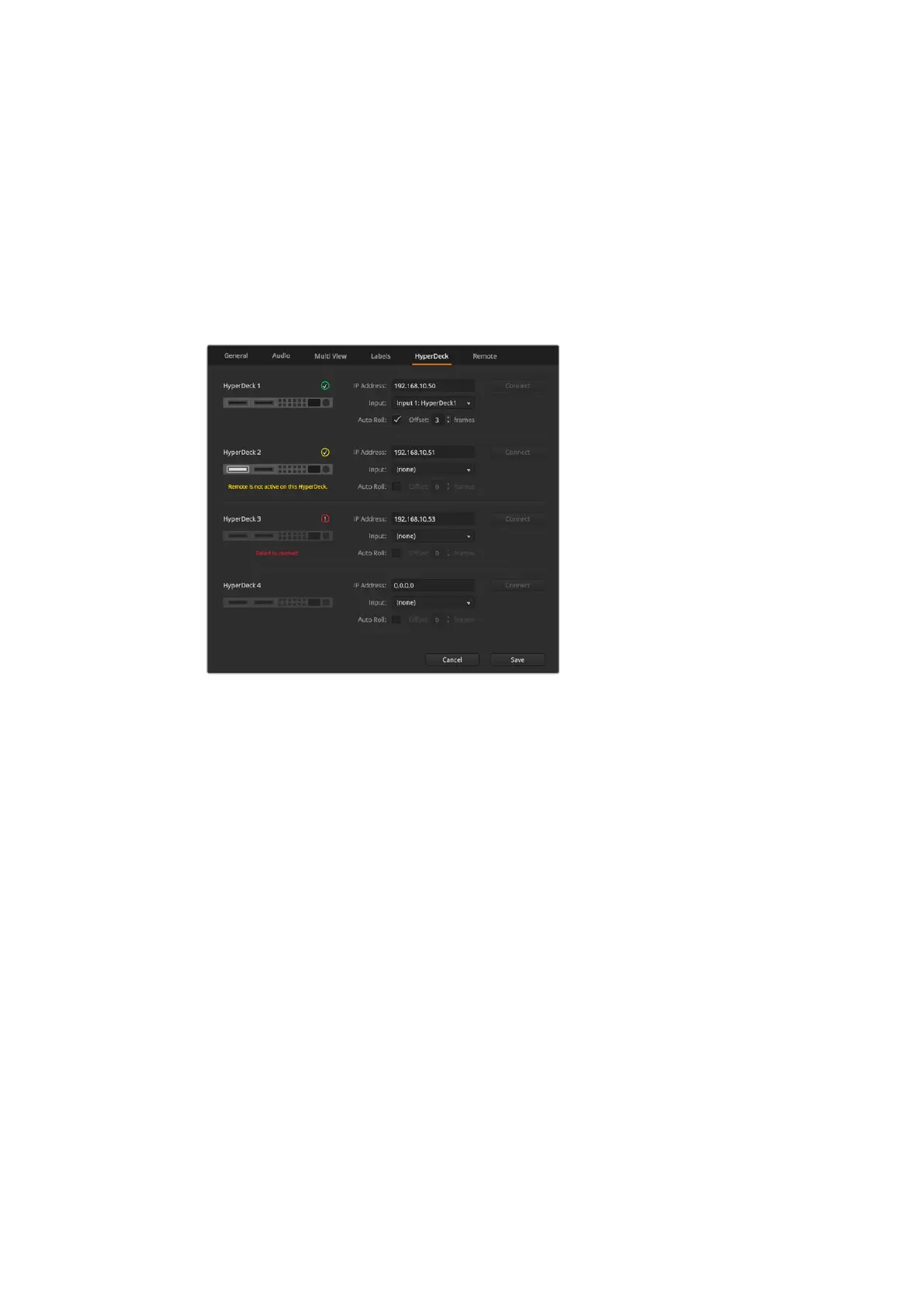
Connect Hyperdecks
If you are running ATEM 6.8 or newer, you can connect up to four HyperDeck disk recorders to
your ATEM switcher. This lets you easily use HyperDecks as a high capacity media pool or
record your switcher’s output. Refer to the ‘HyperDeck Control’ section in this manual for
moreinformation.
Connect HyperDecks
Updating the Software
How to update the ATEM Software
From time to time Blackmagic Design will release new software for your ATEM switcher,
withnew features, bug fixes, and increased compatibility with third party software and
video devices.
To update your ATEM switcher with new software, you need to use Blackmagic ATEM Setup to
connect to the ATEM switcher and broadcast panels. Blackmagic ATEM Setup will check your
switcher’s internal software and will ask if you wish to update if you have a newer version
installed on your computer.
Always update all your equipment at the same time so it’s all running the same version
of software.
To perform an update, connect your ATEM switcher to the computer via USB.
Alternatively, if you already have yourswitcher connected to your computer via Ethernet,
youcan simply update via the Ethernetconnection.
First, download the latest Blackmagic ATEM Switcher software and install it on your Mac or PC
using the instructions listed previously in the 'getting started' section of this manual.
Once installed, the new software for your ATEM switcher and broadcast panel will be included
in the ATEM setup utility.
20










 To Next Page