Using External ATEM Hardware Panels
Show Names
Press and hold this button to reveal macro names in the source display.
Loop
Press the loop button to turn the loop feature on or off. When loop is on and a macro is
played, the macro will repeat until you press stop or turn off the loop feature. If you turn
off the loop feature while a macro is running, the macro will run until the end of its
recorded sequence.
Stop
When a macro is running, press the stop button to instantly stop the macro.
Home
The home button returns you to the main system control menu soft button layout.
Using External ATEM Hardware Panels
External ATEM hardware panels are external, ‘hands on’ control panels for ATEM switchers that
plug into your switcher using an Ethernet connection. The keyboard has similar functions to the
software panel, and the main buttons are laid out in a similar ME style, so it’s easy to move
between the hardware and software interfaces.
When using an external hardware panel and the software panel together, any change on one
panel will be reflected on the other, and you can use both panels at the same time. You can
also plug in more than one hardware panel if you need a more advanced solution.
This section shows how to use the different ATEM panels that are available should you need an
external hardware panel for your live production.
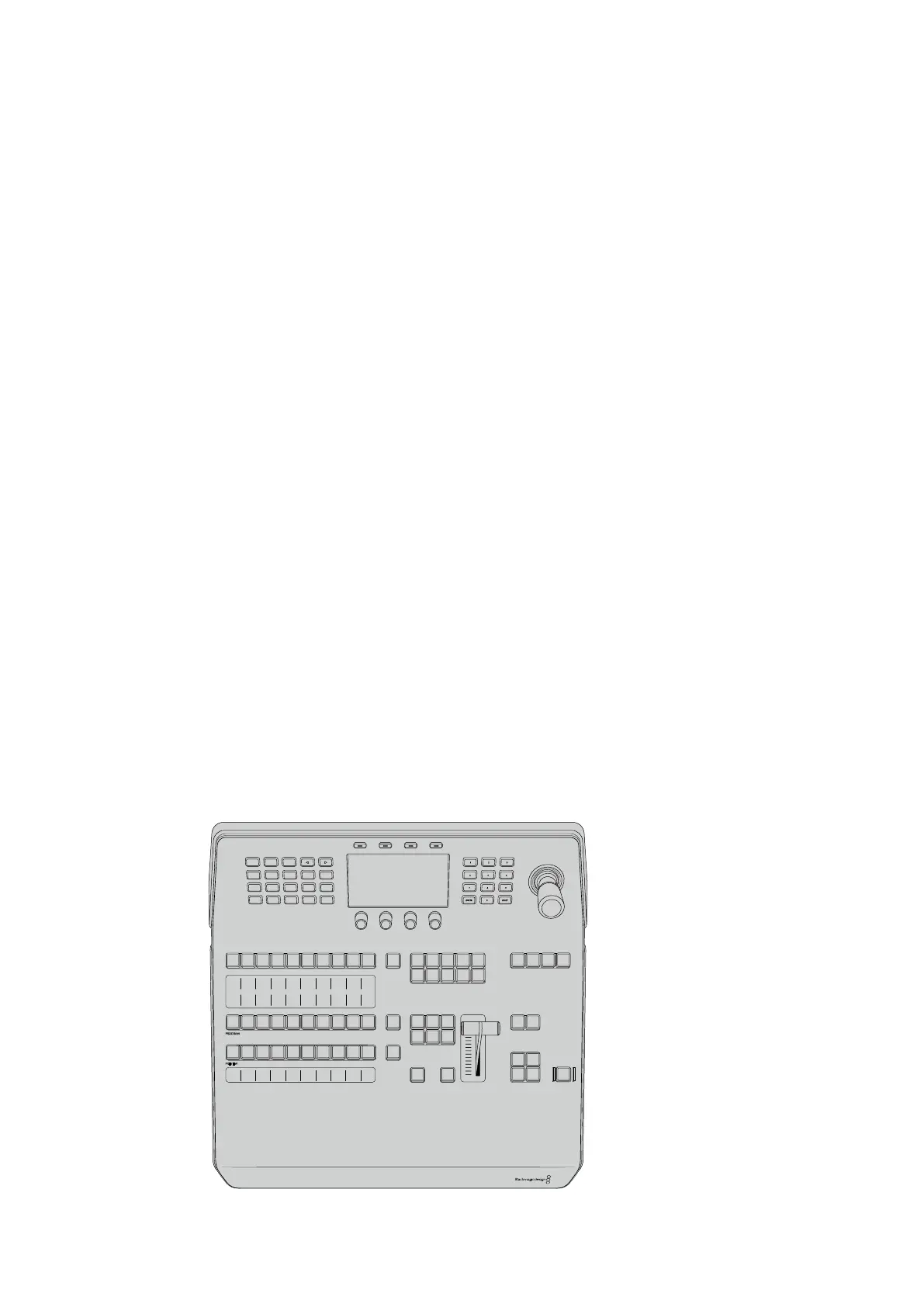
ATEM 1 M/E Advanced Panel
The ATEM 1 M/E Advanced Panel provides all the features of the ATEM 1 M/E Broadcast Panel,
but with advanced CCU control and the ability to control up to 4 M/Es from the one panel.
System control is generally faster and more convenient using a centralized LCD menu with soft
buttons and controls.
Studio A
Cam 1
Studio A
Cam 2
Studio A
Cam 3
Studio A
Cam 4
Studio A
Cam 5
Media
Player 1
Media
Player 2
Replay
1
Replay
2
Remote
1
Studio A
Cam 1
Studio A
Cam 2
Studio A
Cam 3
Studio A
Cam 4
Studio A
Cam 5
Media
Player 1
Media
Player 2
Replay
1
Replay
2
Remote
1
Studio A
Cam 1
Studio A
Cam 2
Studio A
Cam 3
Studio A
Cam 4
Studio A
Cam 5
Media
Player 1
Media
Player 2
Replay
1
Replay
2
Remote
1
PROGRAM
SHIFT MACRO ON ON ON ON
M/E 1 M/E 2 M/E 3 M/E 4
BKGD
DIPSHIFT
PREV
TRANS
CUT AUTO
DSK 1
CUT
DSK 1
TIE
DSK 2
TIE
DSK 2
CUT
DSK 1
AUTO
DSK 2
AUTO
FTB
DVE STING
MIX WIPE ARM
KEY 1 KEY 2 KEY 3 KEY 4
PREVIEW
HOME SETTINGS
KEYERS
1 2 3
4 5 6
7 8 9
ENTER 0 RESET
DVE STINGER DIP
COLOR
AUDIO AUX
BORDER
CAMERA
CONTROL
WIPE
MEDIA
PLAYERS
SUPER
SOURCE
MIX
FTB
MACRO
168










 To Next Page