Using ATEM Television StudioProSwitchers
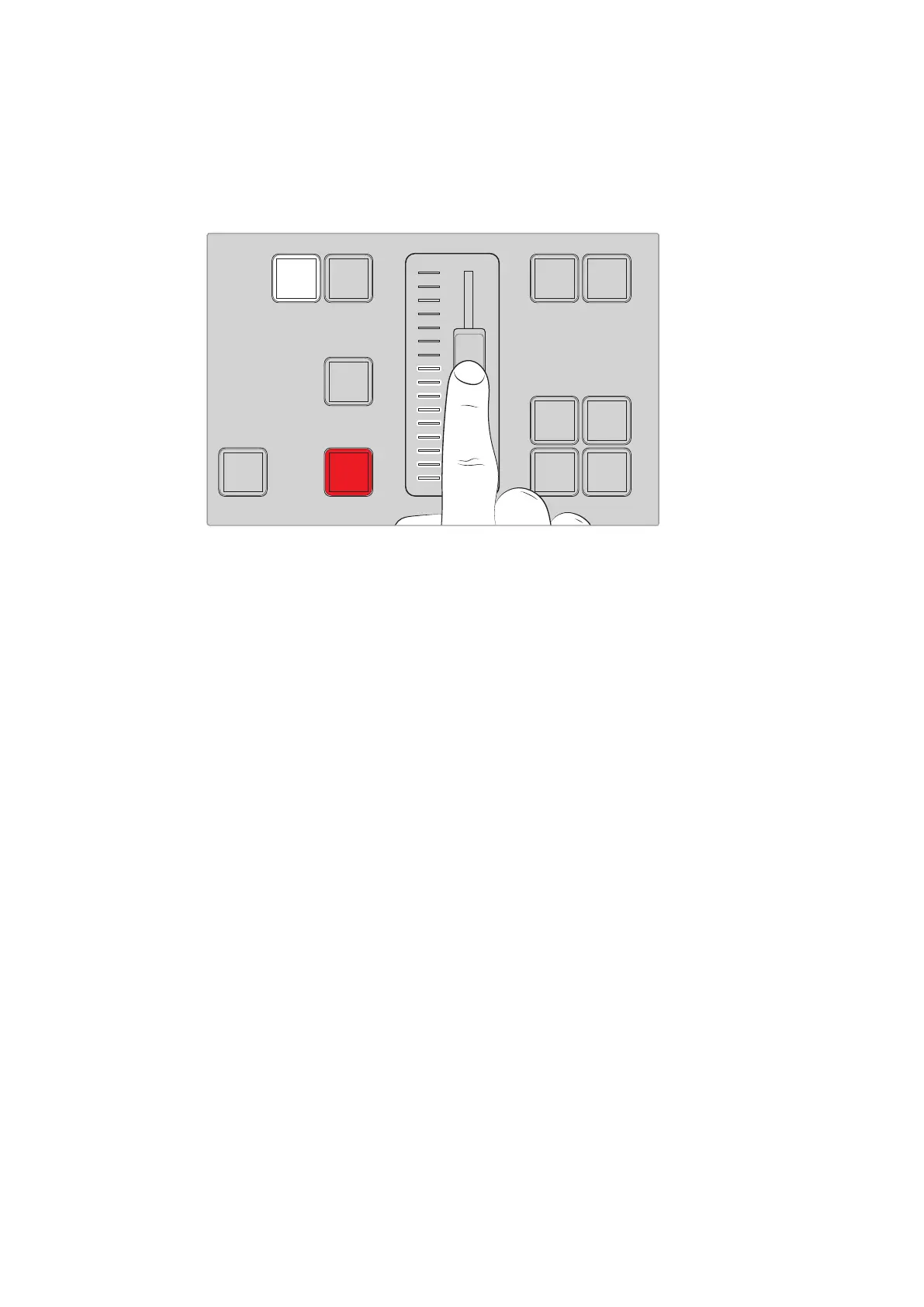
Youcan return to the original source by sliding back to the start point instead of progressing
through to opposite end of the slider.
By performing a transition manually, you can also control the transition speed with greater
variations, for example gradually easing in and out of a transition.
The transition slider lets you control a transition manually
Using the Numeric Keypad
This feature will be enabled in a future update.
Understanding the Audio Controls
You can mix audio directly from the control panel using the audio controls. As audio is quite
dynamic and changes constantly, the audio controls are important to ensure you don’t have
audio distortion from audio sources that are too high in level, or the audio is not so soft that
your program master or streaming is hard for viewers to listen to.
The knob next to the LCD on the control panel is primarily for adjusting the main audio mixer
master output, although it is also used for menu selection when you are in the LCD menus.
Ifyou look at the control panel above the main source buttons you can also see that each of
the 8source buttons has a similar control knob. Using these individual knobs together with the
8small audio meters, plus respective ON and AFV buttons, give you the audio controls for their
corresponding source inputs in the program and preview rows.
If you want to control the audio settings for input 1, then use the controls above input 1. It’s the
same for each of the other inputs to the switcher and the controls for each input correspond to
each source button.
Audio Control
To turn audio for an input on permanently, simply press the ON button above its corresponding
source button. Now the audio from that input will be sent to the built in audio mixer and be
heard on the program output.
To select audio only when the input is on air, select the AFV button. This means audio follows
video and the input is now only on when the source is on air.
When you make an adjustment to the audio level of a source using its dedicated adjustment
knob, you can see the effect on the audio meters in the LCD.
11
MACRO
12
DVE
PIP 1
DVE
PIP 3
DVE
PIP 2
DVE
PIP 4
DSK 1
AUTO
DSK 2
AUTO
FTB
DSK 1
CUT
DSK 2
CUT
CUT AUTO
KEY 1
CUT
BKGD
KEY 1
TIE
BKGD
KEY 1
TIE
95










 To Next Page