Using ATEM Software Control
ATEMswitchers, this functionality is built into the software so it’s always available.
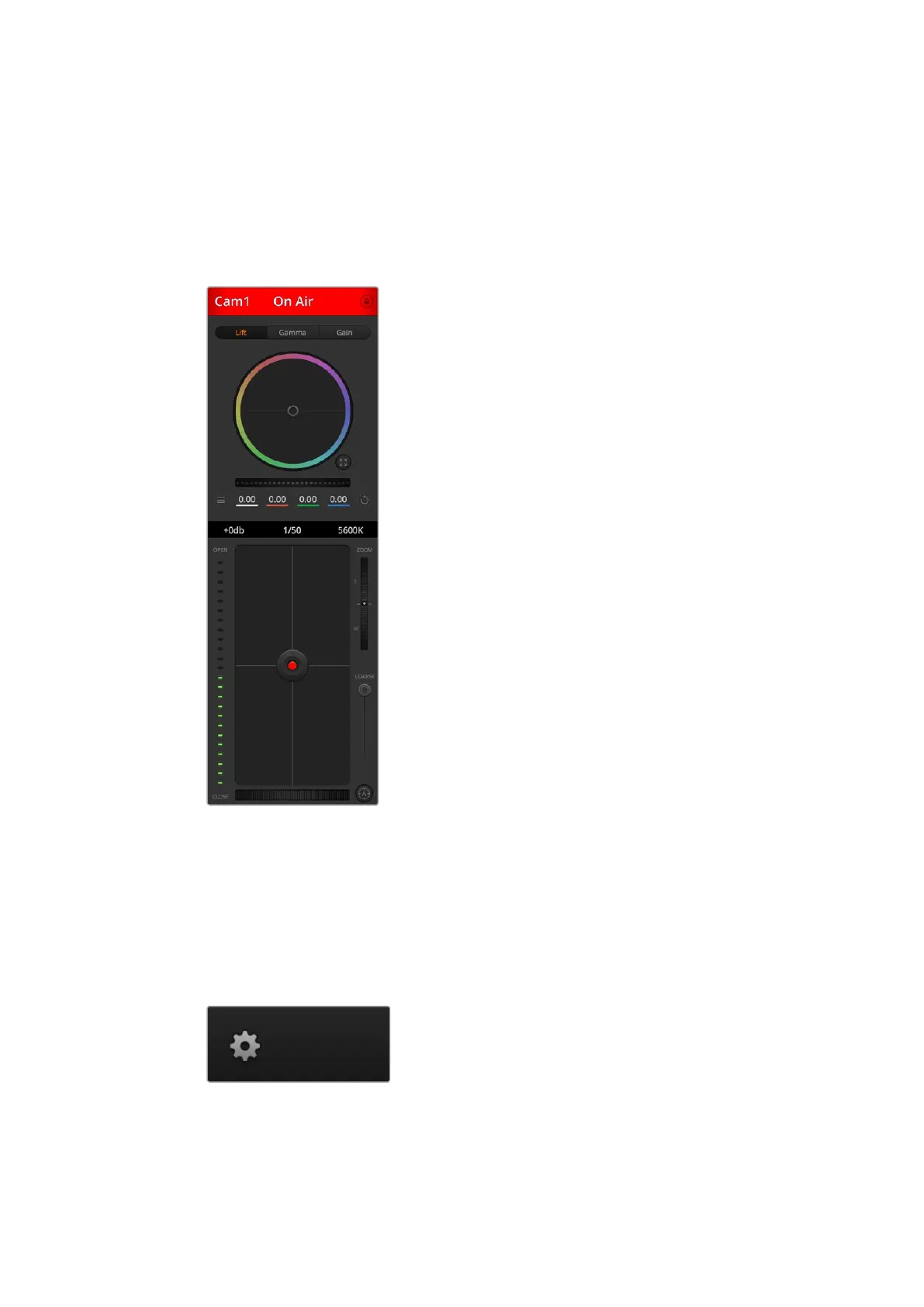
Settings such as iris, gain, focus, detail and zoom control are easily adjusted using compatible
lenses, plus you can color balance cameras and create unique looks using the DaVinci Resolve
primary color corrector that’s built into the Blackmagic cameras.
For detailed information on how to use the powerful camera control features, refer to
'usingcamera control' in this section of this manual.
The ATEM camera control lets you
control Blackmagic Design cameras
Switcher Settings
Click on the settings cog icon to open the settings window which allows you to change the
video input selections and labels. Setting labels is important, and they are visible in the multi
view output as on screen labels and on ATEM broadcast control panels in the source
names row.
In the settings window, you can also set the switcher video standard. This is the master video
standard that the whole switcher operates at, and it’s very important you set this to the same
video standard as your video inputs. More details on setting the video standards are included
later in this manual.
33










 To Next Page