Using Tally
4 During the transition the red and green buttons on the program and preview buses
both turn red to indicate that you are in the middle of a transition. The LED indicator
on the fader bar or transition slider also displays the position and progress of
thetransition.
5 At the end of the transition, sources selected on the program and preview buses are
exchanged to indicate that the video source that was on preview is now on program
and vice versa.
Using Tally
Sending Tally Signals via aGPIand Tally Interface
Your ATEM switcher can send tally signals to monitors and cameras to make it clear which
source is on the program output, i.e. which source is on air.
Tally is commonly used to light the red light on top of a camera or monitor so the talent knows
they are on air. Tally can also illuminate a border on a monitor such as a Blackmagic SmartView
Duo or SmartView HD. The border allows production staff to know which camera is on air.
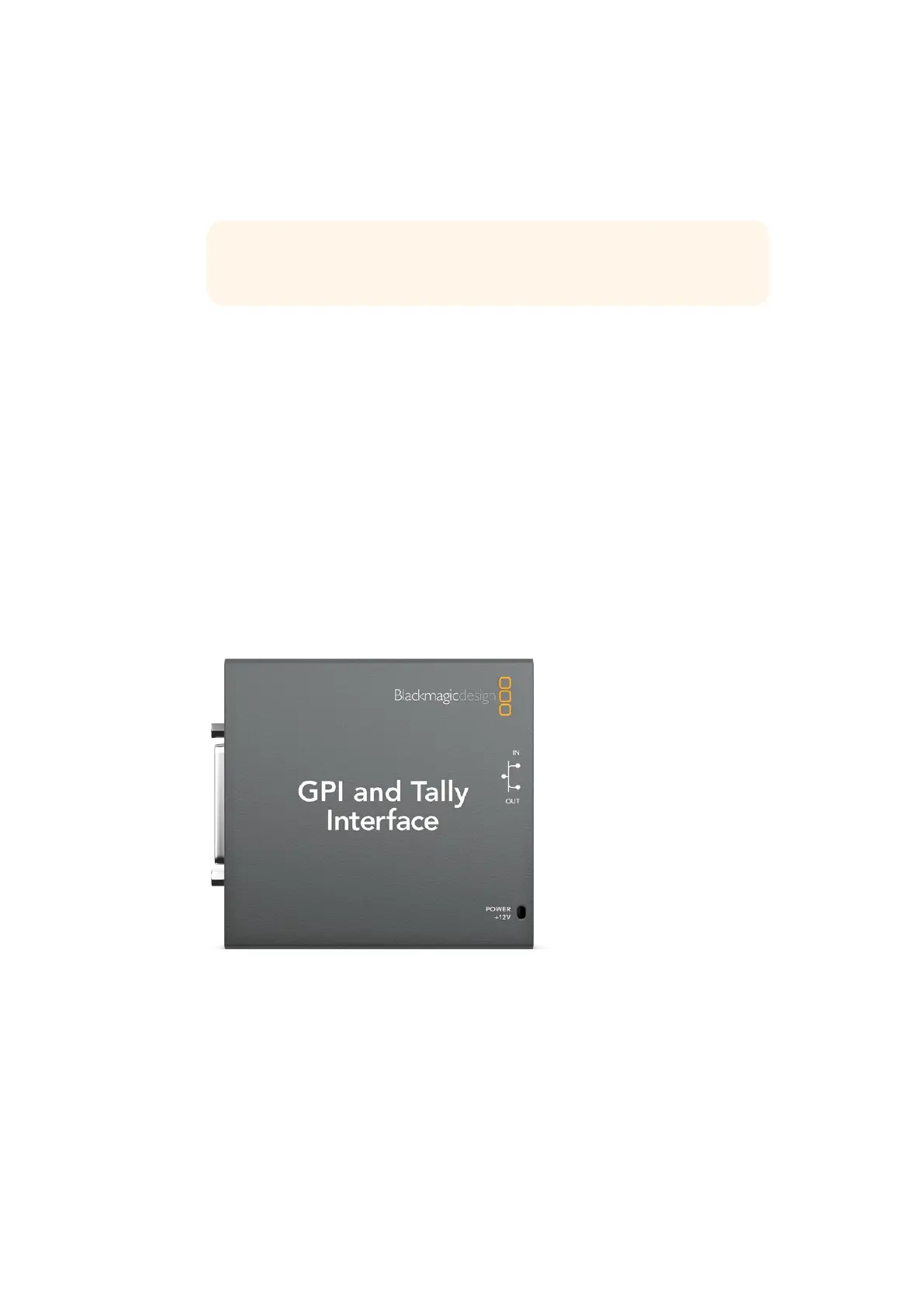
GPI and Tally Interface
The GPI and Tally Interface by Blackmagic Design, is an Ethernet device which provides eight
mechanical relay contact closures to ground that can be used for tally. Tally signals are sent
from the Ethernet port of your ATEM switcher to a GPI and Tally Interface on the same network
as the switcher. By following the wiring guide on the back of the GPI and Tally Interface,
a breakout cable can be connected to video equipment that supports contact closure tally
signals, such as Blackmagic SmartView Duo and SmartView HD. Up to 8 tally receiving devices
can be supported with a single GPI and Tally Interface.
TIP You will also see ATEM Software Control mirror the move on the
softwarepanel.
209










 To Next Page