Using Audio
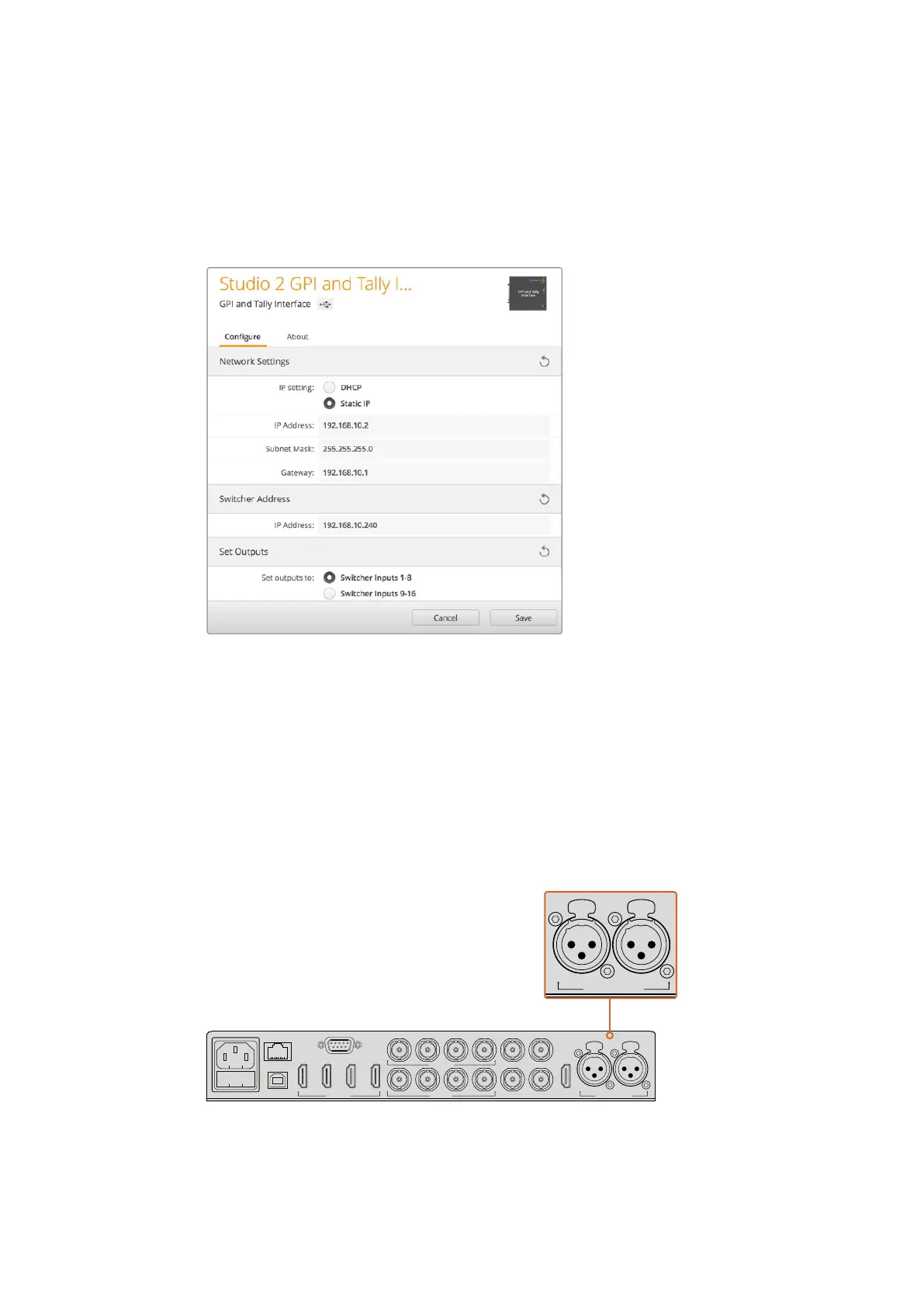
5 “Set tally outputs” should be set to “Switcher Inputs 1-8”.
6 Click “Apply”. The white LED to the right of the USB port should stop flashing and
remain on to indicate it has successfully found the ATEM switcher. The GPI and Tally
Interface is now ready.
7 Close Blackmagic ATEM Setup and disconnect your USB cable.
Network and Tally Settings for the GPI and Tally Interface
Using Audio
Connecting other Audio Sources
Your ATEM switcher features standard balanced XLR audio inputs and outputs so you can
connect your external audio source directly. The XLR inputs are balanced and designed to
reduce interference and noise, especially when long cable lengths are required.
Balanced XLR inputs let you connect external analog audio
CONTROL
USB 2.0
1 2 3 4
REMOTE
5 6 7 8
5 6 7 8
SDI INPUTSHDMI INPUTS REF IN PGM
SDI OUTPUTS AUX MULTI-VIEW
MULTI-VIEW
PUSH PUSH
CH 1 CH 2
ANALOG AUDIO IN
CONTROL
USB 2.0
1 2 3 4
REMOTE
5 6 7 8
5 6 7 8
SDI INPUTSHDMI INPUTS REF IN PGM
SDI OUTPUTS AUX MULTI-VIEW
MULTI-VIEW
PUSH PUSH
CH 1 CH 2
ANALOG AUDIO IN
211










 To Next Page