Using ATEM Software Control
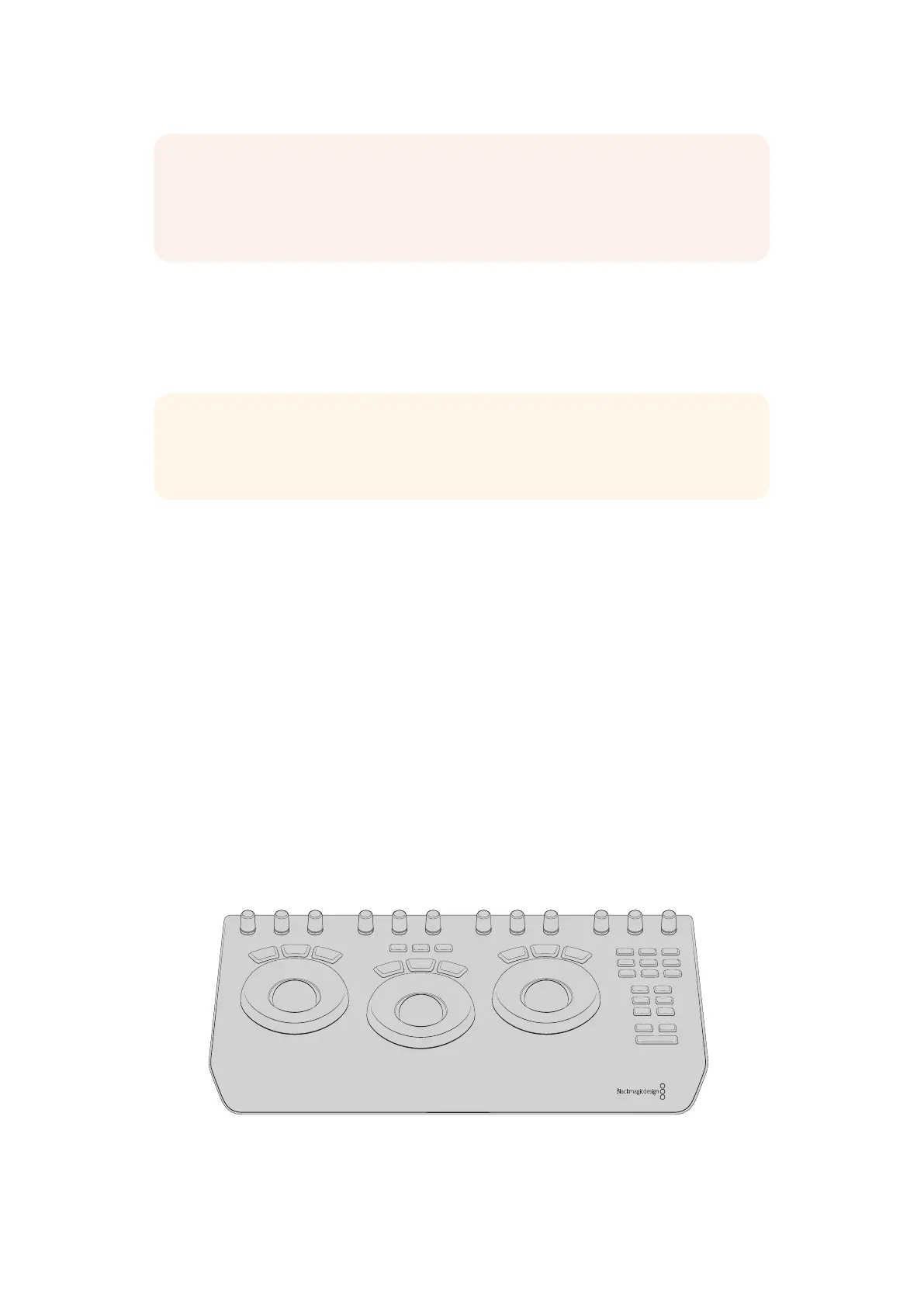
Using a DaVinci Resolve Micro Panel
The DaVinci Resolve primary color corrector in each camera controller can be controlled using
a DaVinci Resolve Micro panel. This lets you make fast and precise color adjustments using a
hardware control panel.
To set up a DaVinci Resolve Micro Panel with your ATEM switcher
1 Connect the DaVinci Resolve Micro Panel to your computer via USB-C and launch
ATEM Software Control.
2 Click on the ‘camera’ tab and select a camera by clicking anywhere in the desired
camera controller.
3 On the DaVinci Resolve Micro Panel, rotate the trackballs and turn the knobs to adjust
the corresponding controls in the primary color corrector.
Making Color Correction Adjustments
The DaVinci Resolve Micro panel is primarily designed for use with DaVinci Resolve software,
but you can also use it to make adjustments in the color corrector panel of ATEM Software
Control in the following way:
The Trackballs
The three trackballs control the lift, gamma and gain color wheels in the color corrector panel.
The ring surrounding each trackball adjusts the corresponding master wheels beneath the
color wheels.
DaVinci Resolve Micro Panel
NOTE All camera control features including color correction can be adjusted and
controlled directly from ATEM Television Studio Pro HD’s built in hardware camera
control. Refer to the ‘using ATEM Television Studio Pro HD’s built in control panel’
section for more information.
TIP For the DaVinci Resolve Micro Panel to communicate with your ATEM switcher,
make sure you have installed DaVinci Resolve 12.5.5 or later, and ATEM switchers 7.1
orlater.
OFFSET
MID DETAIL COLOR BOOST SHADOWS HIGHLIGHTS SATURATION HUE LUM MIXPIVOTCONTRASTY GAINY GAMMAY LIFT
ALL
LEVEL
LOG
RGB
VIEWER
UNDO
GRAB
STILL
REDO
PREV
MEM
PLAY
STILL
RESET
BYPASSLOOP DISABLE
PREV
NODE
NEXT
NODE
PREV
FRAME
NEXT
FRAME
PREV
CLIP
NEXT
CLIP
ALL
LEVEL
RGB
ALL
LEVEL
RGB
71










 To Next Page