Getting Started
Blackmagic ATEM Setup is the setup utility that allows you to browse connected switchers,
addadditional switchers that are not automatically detected via their IP address, change your
switcher IP address, and update the switcher and panel software.
Also included in this folder is the instruction manual and some example graphics. Use the
example graphics to explore the internal media pool and keying functionality.
Installing Blackmagic ATEM Software on Windows
It is a good idea to uninstall any previous version of ATEM software present on your
WindowsPC before installing the latest software.
1 Ensure you have the very latest driver. Visit www.blackmagicdesign.com/support
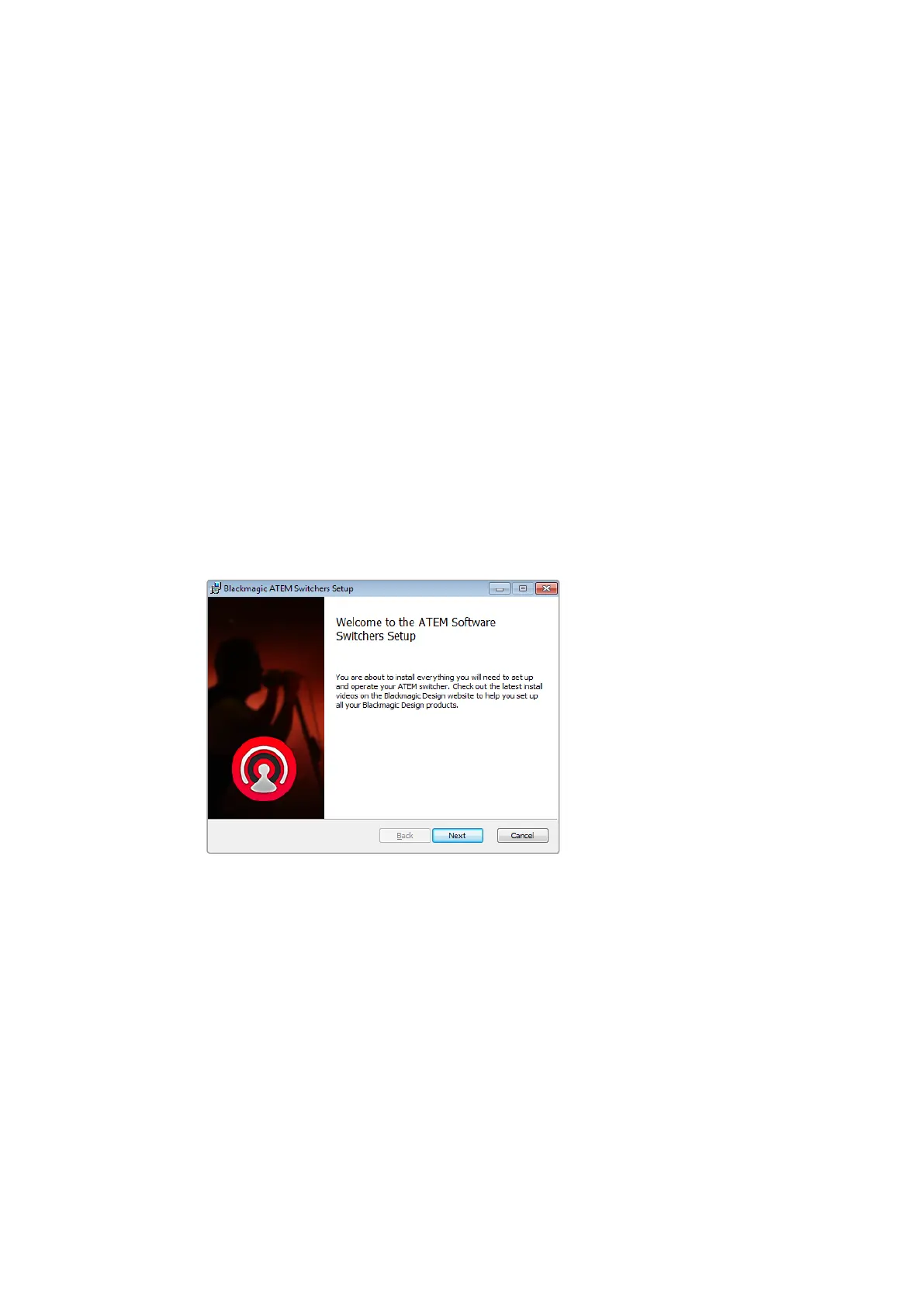
2 Open the “Blackmagic ATEM Switchers” folder and launch the “Blackmagic
ATEMSwitchers Installer”.
3 The software will now be installed on your system. An alert will appear: “Do you want to
allow the following program to install software on this computer?” Click Yes to continue.
4 You will see a dialog bubble saying “found new hardware” and the hardware wizard
will appear. Select “install automatically” and the system will find the required Desktop
Video drivers. You will then receive another dialog bubble saying “your new hardware
is ready for use.”
5 Now restart your computer to enable the new software drivers.
Follow install prompts
Plugins and Applications that are Installed
The ATEM Switchers software installs the following components which are used by
ATEM Switchers:
ATEM Software Control
Blackmagic ATEM Setup
18










 To Next Page