Using ATEM Software Control
Labels Settings
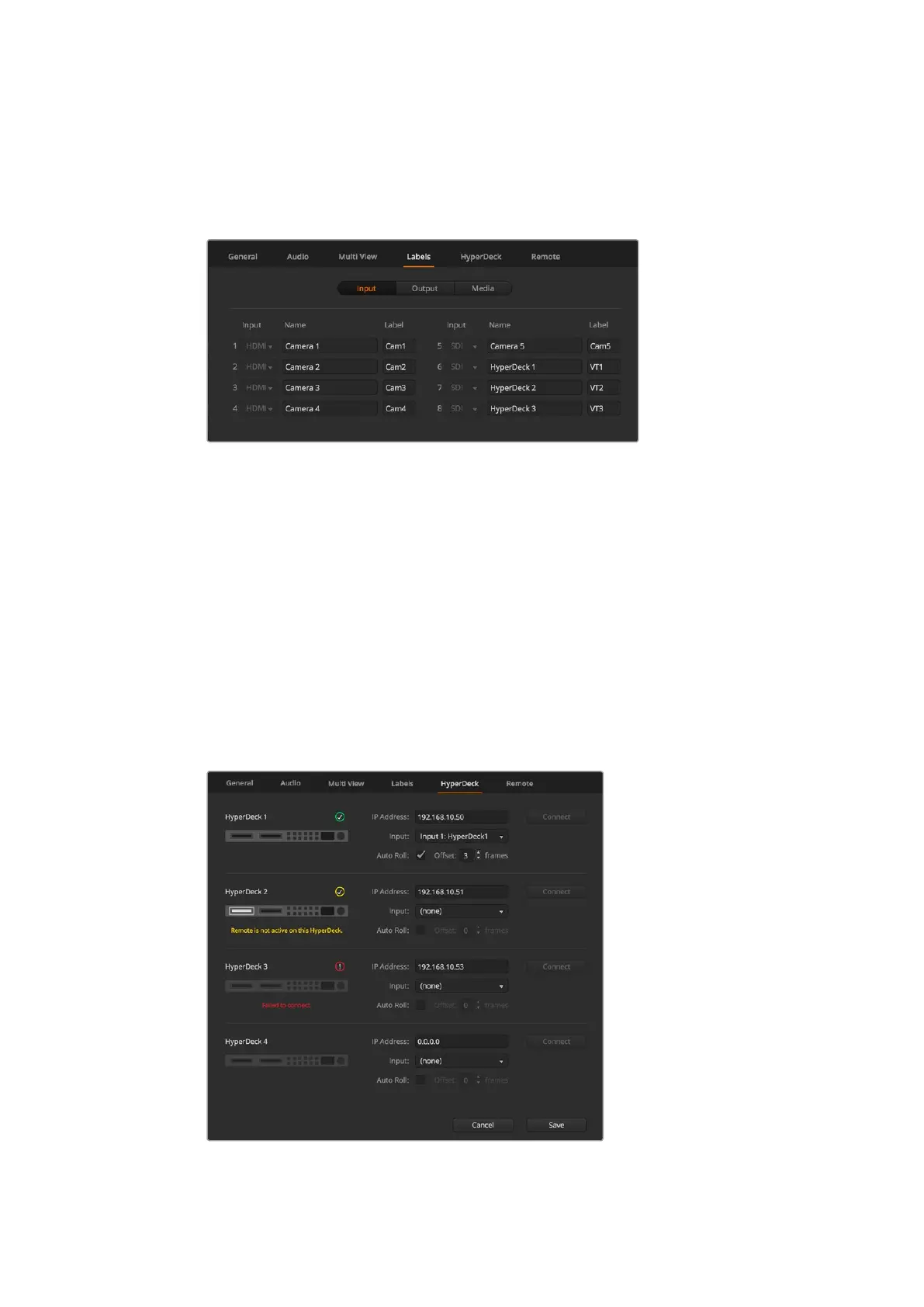
The video input settings are used to select the inputs and change labels. On other ATEM
switcher models, the video inputs can select between different video sources, such as
HDMI or SDI.
Label settings
The input labels settings let you customize the name of each input label, and these labels
appear on the multi view. If you are using an additional ATEM broadcast panel, the long and
short labels allow for the short label to fit into the broadcast panel's smaller display.
A short 4 character name is used to identify the video input on the source names display of an
ATEM broadcast panel. The longer input names support up to 20 characters and are displayed
in various dropdown source selection boxes on the software control panel and also on the multi
view windows on screen labels.
To change an input name, click in the text field, enter the text and click 'save'. The input name will
be updated on the multi view, software control panel and broadcast panel if one is connected.
It’s a very good idea to change both the short and long labels at the same time, so they match.
For example Camera 1 would be entered in as a long label, and CAM1 as the short label.
HyperDeck Settings
HyperDeck settings
58










 To Next Page