Using ATEM Software Control
Changing Switcher Settings
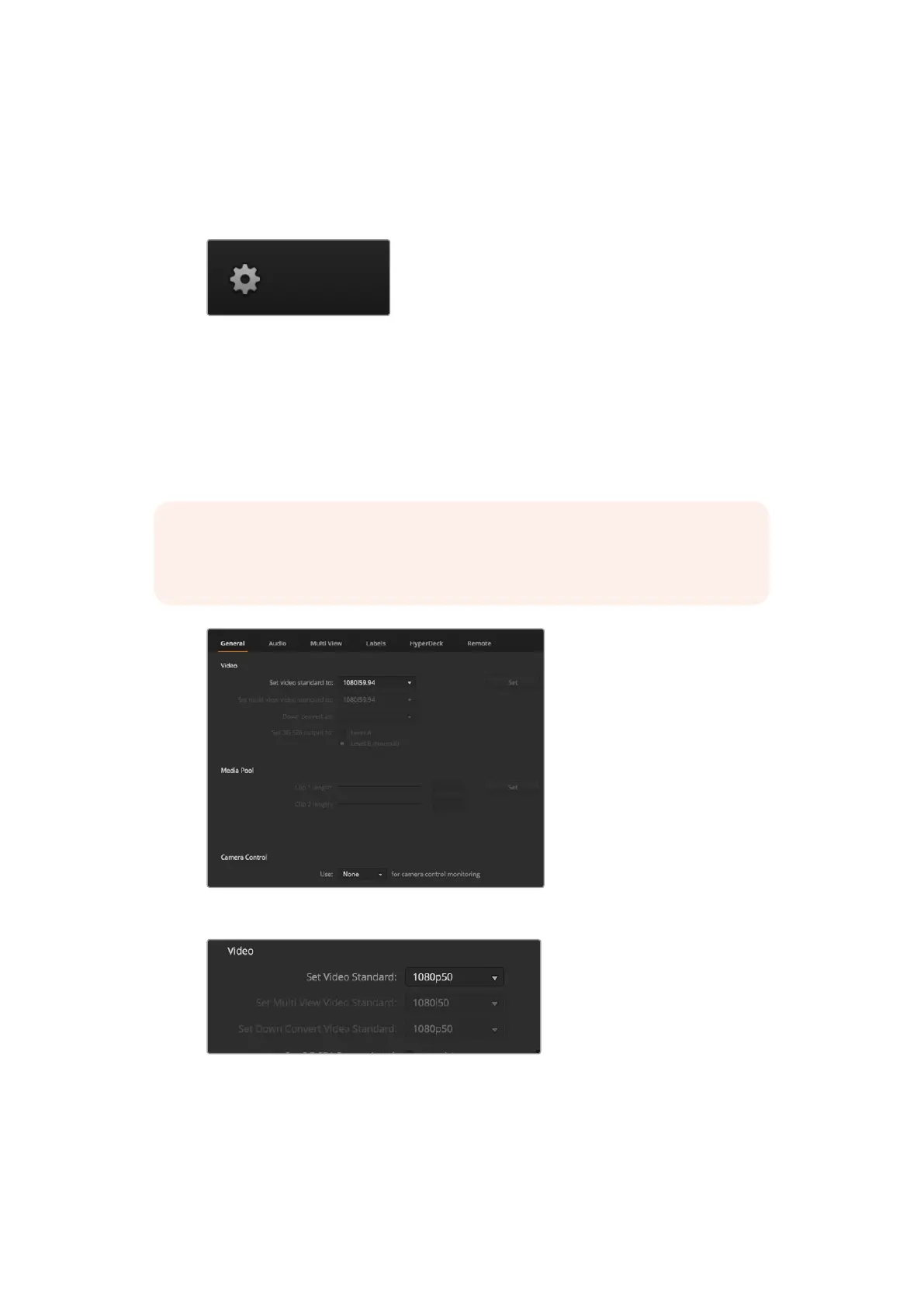
Clicking on the switcher settings ‘gear’ icon will open the settings window where you can
change general switcher settings, Multi View, label, HyperDeck and remote settings.
Thesesettings are divided into tabs.
General Settings
Setting the Switcher Video Standard
The video setting is used to select the operating video standard of the ATEM switcher. For HD
model ATEM Television Studio switchers, this must be set to the same video standard as the
video sources you are plugging into the ATEMswitcher. If they don’t match, the inputs won’t
appear correctly, and will most likely remain black. A good way to work out the video standard you
should use is to check your cameras, and then set the switcher video standard to the same format.
Changing switcher settings
Set video standard
NOTE On ATEM Television Studio Pro 4K, all inputs will automatically convert any
HDor Ultra HD video format to match any HD or Ultra HD video standard set in the
switcher settings.
54










 To Next Page