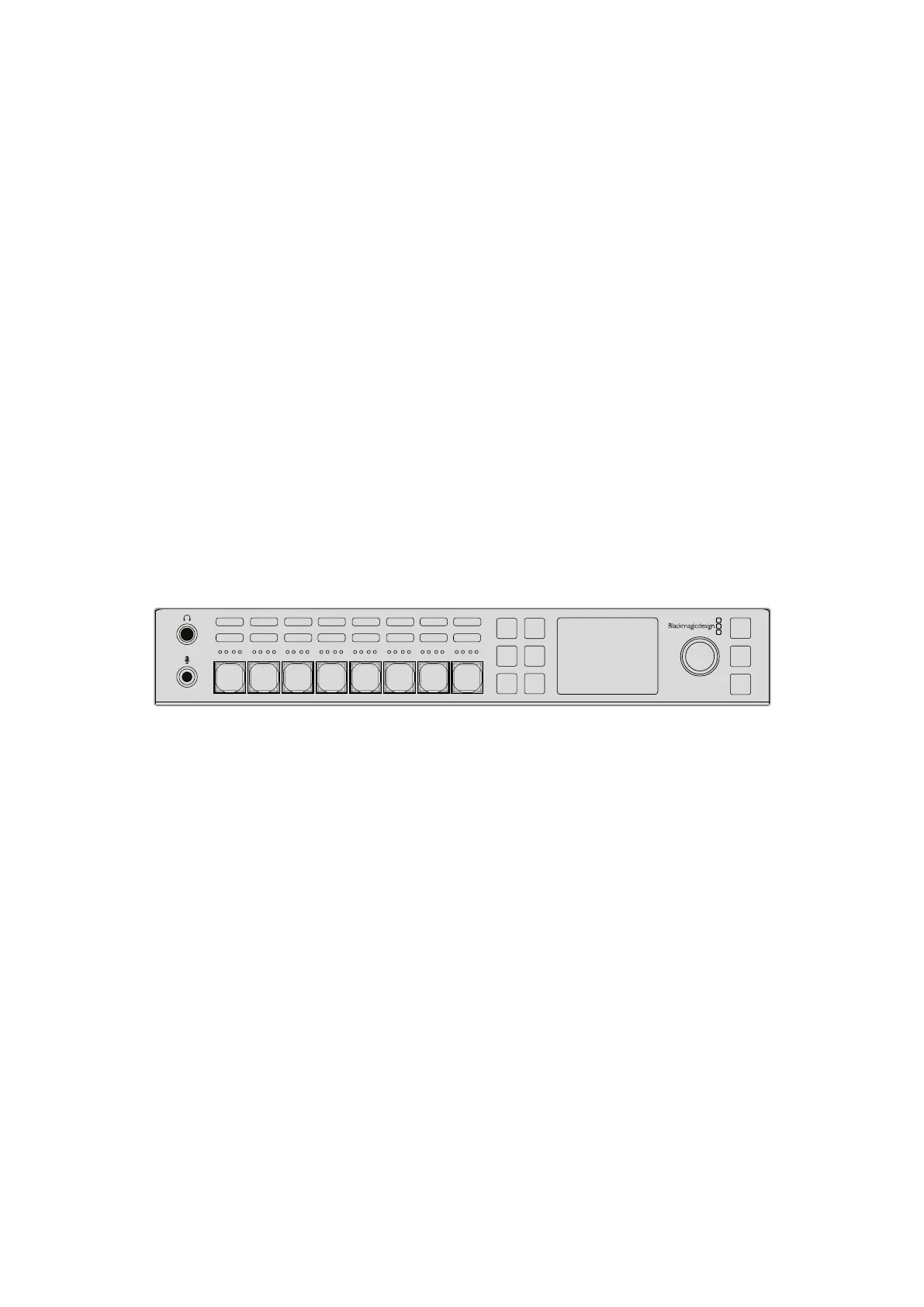
Operating your ATEM Switcher
A cut transition can be performed directly from the program bus, or using the CUT button on
the built in control panel.
Program Bus
When a cut transition is performed from the program bus, only the background will be changed,
and all upstream and downstream keys will maintain their current state.
To perform a cut transition from the program bus on an ATEM Television Studio Pro
model switcher:
On the program bus, select the video source that you want on the program output.
The program output will immediately change to the new source.
Cut bus mode on ATEM Television Studio HD
In cut bus mode, you can make cut transitions directly to the program output by pressing the
source buttons. To do this, you will need to change the switching style from M/E style switching
to cut bus mode.
1 Press the menu button to open the LCD menu and navigate to the ‘settings’ menu.
2 Press set to enter the switching mode settings and change the switching mode to ‘cut
bus’. Press the menu button to step back to the master output screen.
In cut bus mode, there are only program source buttons without a preview row, so whenever
you press a source button, that source will cut directly to the program output and the source
buttons will only illuminate red.
Press any of source buttons in the program row to perform a cut transition from the program bus
To perform a cut transition from the program bus on the software control panel:
On the program bus, select the video source that you want on the program output next.
The program output will immediately change to the new source.
To perform a cut transition on the software control panel using a keyboard:
1 Enable <caps lock> or press and hold the <shift> key.
2 Press the number key on the keyboard corresponding to the video source that you
want on the program output. The program output will immediately change to the
new source.
CUT Button
When a cut transition is performed using the CUT button, any upstream keys that were selected
in the next transition and any downstream keys that were tied to the transition control will also
change state. For example, a downstream key tied to the transition control will cut ON if off air,
or cut OFF if on air.Similarly, any upstream keys selected in the next transition will be cut on if
they were off air, or cut off if they were on air.
AUX
MENU
SET
FTB
MP 2
AUTO
DSK 1
MIX
MP 1
CUT
ON ON ON ON ON ON ON ON
AFV AFV AFV AFV AFV AFV AFV AFV
1 2
8
76543
109










 To Next Page