Using ATEM Software Control
ATEM Supported Video Standards
ATEM Television Studio HD
ATEM Television Studio Pro HD ATEM Television Studio Pro 4K
1080p59.94 2160p59.94
1080p50 2160p50
1080p29.97 2160p29.97
1080p25 2160p25
1080p24 2160p24
1080p23.98 2160p23.98
1080i59.94 1080p59.94
1080i50 1080p50
720p59.94 1080p29.97
720p50 1080p25
625i50 PAL 16:9 1080p24
525i59.94 NTSC 16:9 1080p23.98
625i50 PAL 4:3 1080i59.94
525i59.94 NTSC 4:3 1080i50
720p59.94
720p50
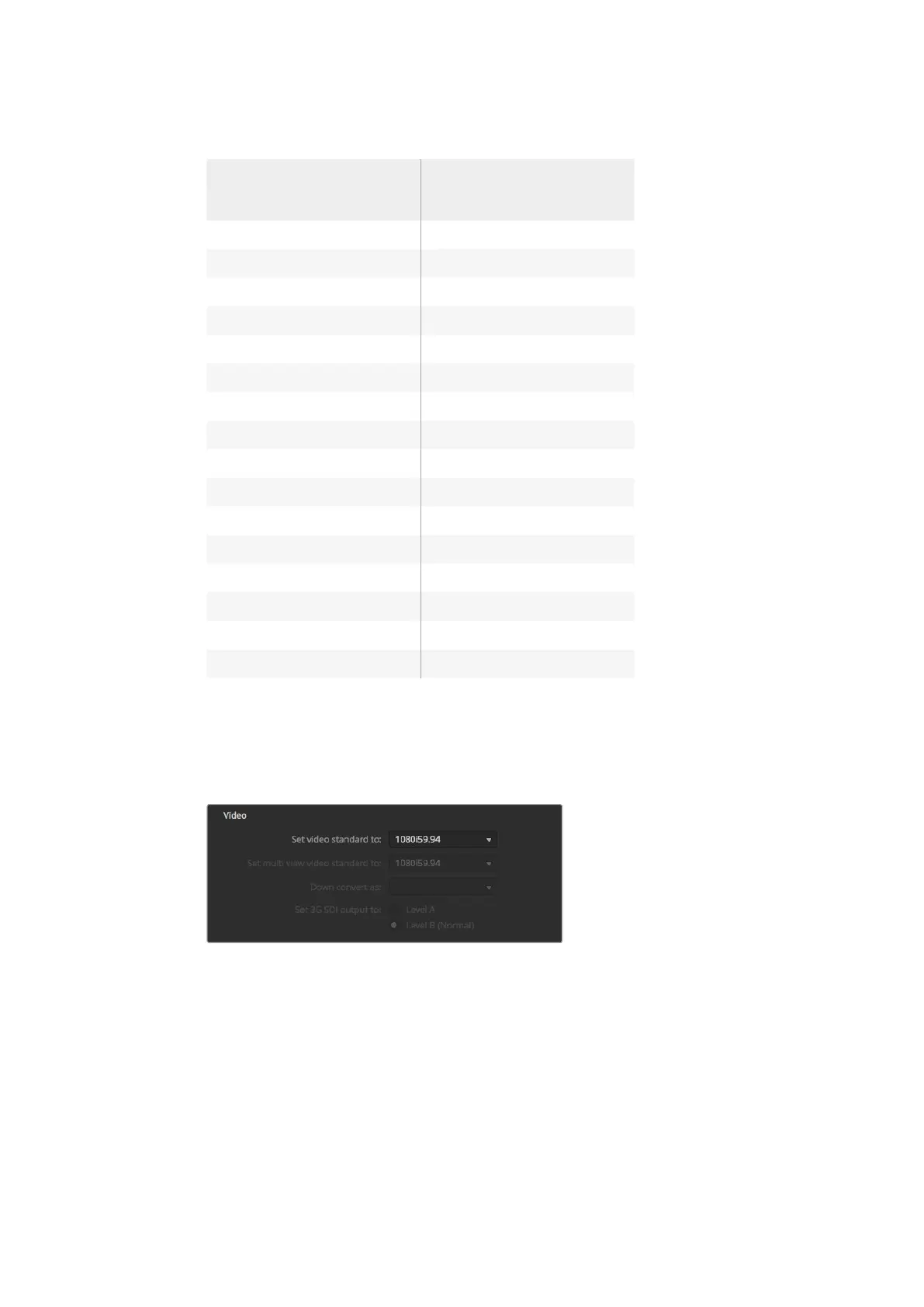
To set the video standard, select the format you want to use from the 'set video standard to'
drop down menu, and then click on the set button. Any time the video standard is changed, the
switcher will remove any frames you have loaded into the media pool, so it's best to set the
video standard before loading any media.
Set Video Standard
Setting the Multi View Video Standard
If you need to output the multi view using interlaced or progressive formats, you can change the
output using the 'set multi view standard to' drop down menu. The setting options are
determined by the video standard set for the switcher.
For example, if the switcher video standard is set to 1080p59.94, you can output the multi view
using the same standard, or choose from 1080i59.94 or 1080p29.97.
55










 To Next Page