Operating your ATEM Switcher
To perform a mix transition in program/preview mode on ATEM Television Studio HD:
1 Press a source button on the control panel for the video source that you want on the
program output. The button will illuminate green.
2 In the LCD menu, select 'transitions' and set the transition type to 'mix'.
3 Set the duration of the mix by changing the rate setting. Press ‘set’ to confirm the
setting changes, then press the ‘menu’ button to step back to the master output screen.
4 Perform the transition as an auto transition or manual transition using the auto button
on the control panel.
To perform a mix transition on an ATEM Television Studio Pro model switcher:
1 On the preview bus, select the video source that you want on the program output.
2 Press the mix button to select the mix transition type.
3 To set the transition rate, press the menu button and navigate to the ‘transitions’ settings
menu on the LCD. Set the duration of the mix by changing the rate setting. Press ‘set’ to
confirm the change, then press the ‘menu’ button to step back to the master output screen.
4 Perform the transition as an auto transition or manual transition using the auto button
or the transition slider.
To perform a mix transition on the software control panel:
1 On the preview bus, select the video source that you want on the program output.
2 Select the mix transition style in the transition control block.
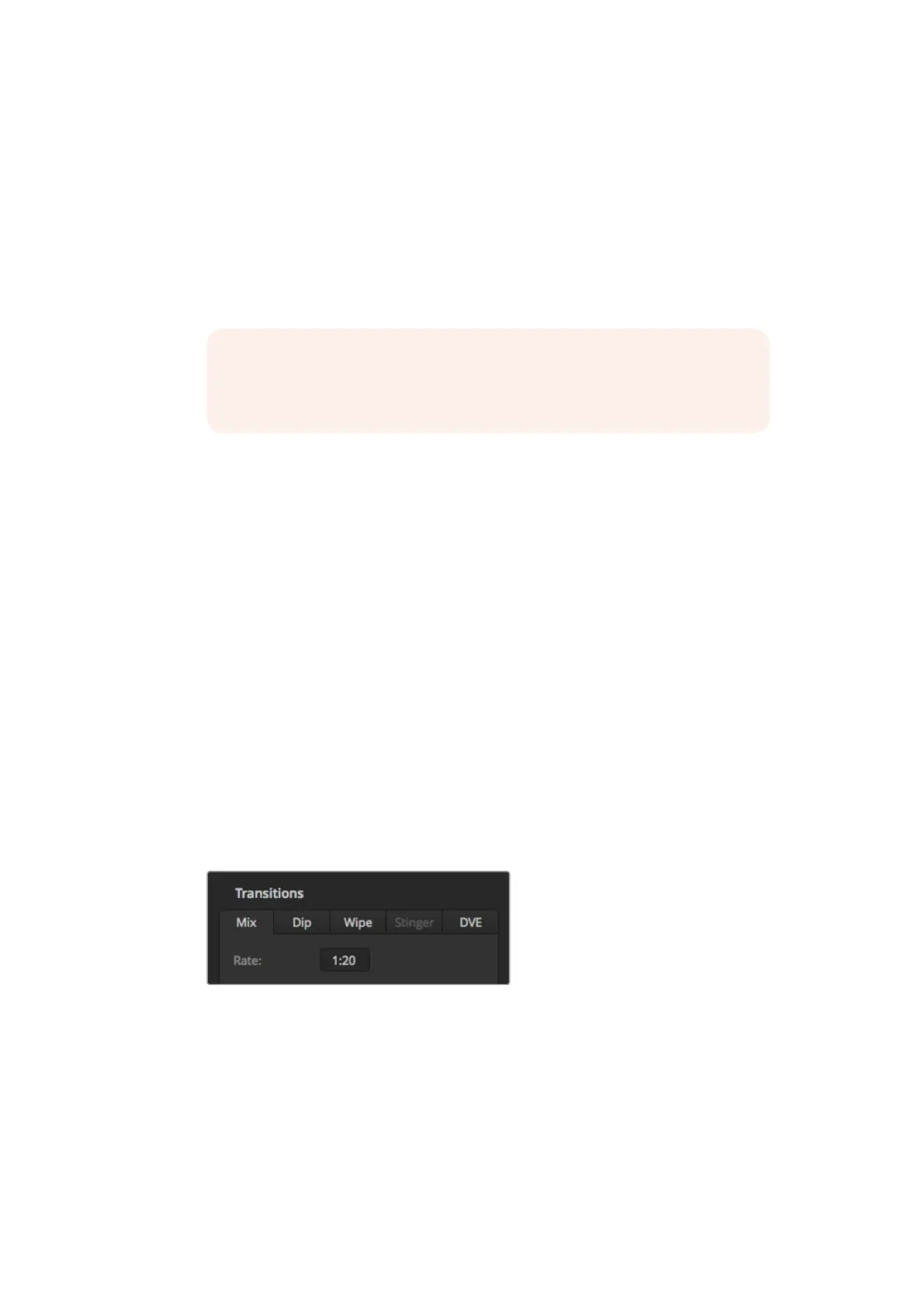
3 Expand the transition palette and select mix from the transition types bar.
4 Adjust the mix rate by entering a number in the rate window. The rate display in the
transition control block will update.
5 Perform the transition as an auto transition or manual transition from the transition
control block.
The mix transition rate is displayed in seconds and frames
NOTE You can also perform a mix transition using cut bus mode. In cut bus
mode, the transition is performed when you press the desired source button,
as it transitions directly to air.
113










 To Next Page