Operating your ATEM Switcher
Wipe transition settings
To perform a wipe transition on an ATEM Television Studio Pro model switcher:
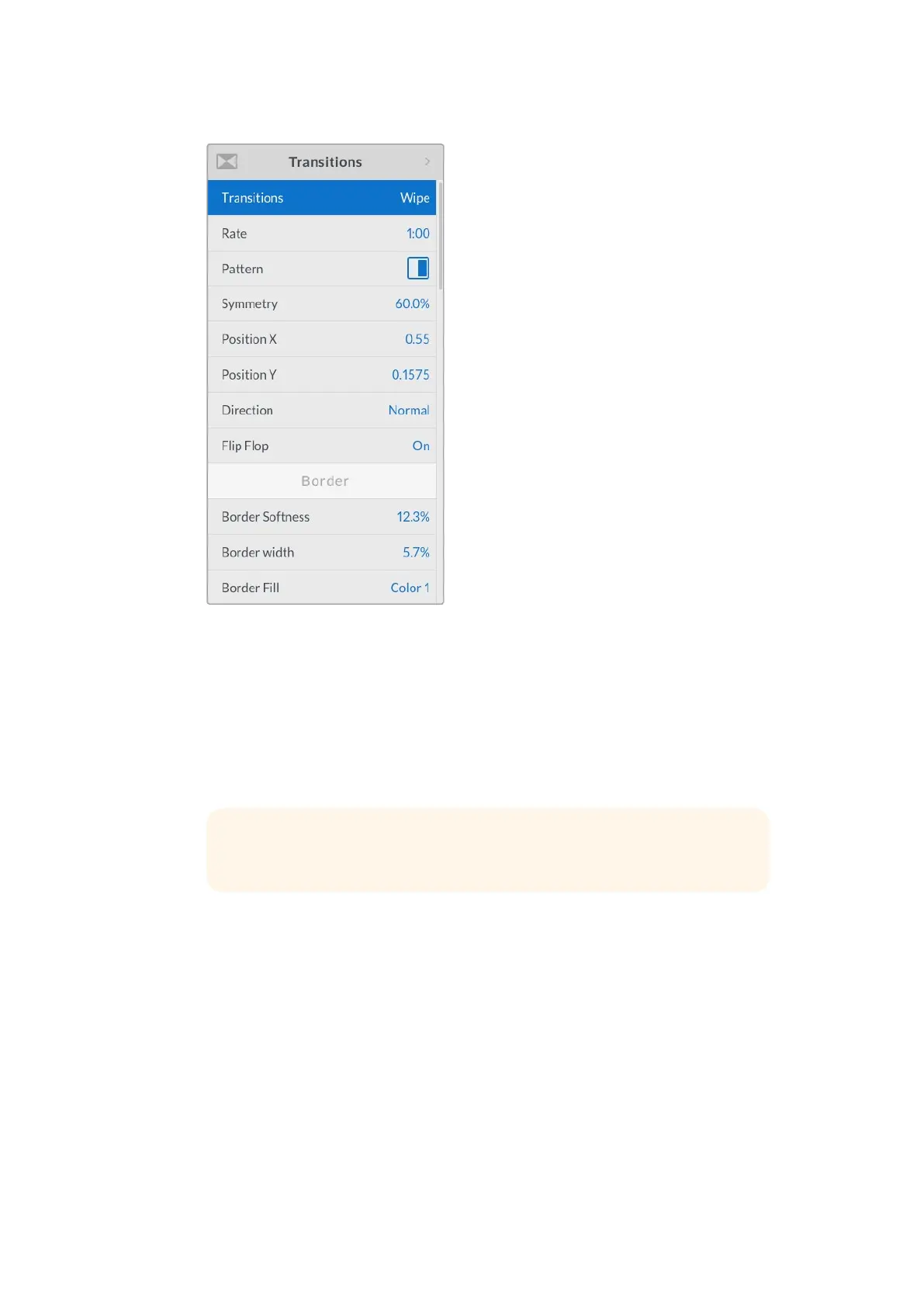
1 On the preview bus, select the video source that you want on the program output.
2 Press any of the wipe pattern buttons. For example, the vertical or horizontal
wipe button.
3 In the transitions LCD menu, adjust the border softness and width settings, or select
which source to use for the border in the border fill setting.
4 Use the transitions LCD menu to set the direction of the wipe transition.
5 Perform the transition as an auto transition or manual transition using the auto button or
transition slider.
To perform a wipe transition on the software control panel:
1 On the preview bus, select the video source that you want on the program output.
2 Select the WIPE transition style in the transition control block.
3 Expand the transition palette and select wipe from the transition types bar.
4 Use the settings in the wipe palette to customize the wipe transition.
5 Perform the transition as an auto transition or manual transition from the transition
control block.
TIP If you are using a color for the border, you can change the color by
adjusting the respective ‘color generator’ settings in the LCD menu.
116










 To Next Page