Keying using ATEM Switchers
4 In the upstream key LCD settings, adjust the clip and gain controls to refine the key or
turn pre multiplied key on for pre multiplied keys. The clip and gain are set automatically
for pre multiplied keys.
To set up a luma/linear key on the upstream keyer 1 on the software control panel:
1 Expand the upstream key 1 M/E 1 palette and select luma tab.
2 Select the fill source and key source.
If performing a luma key, select the same source for both fill and key.
Adjust the key parameters to refine the key. For a description of luma key parameters, refer to
the table below.
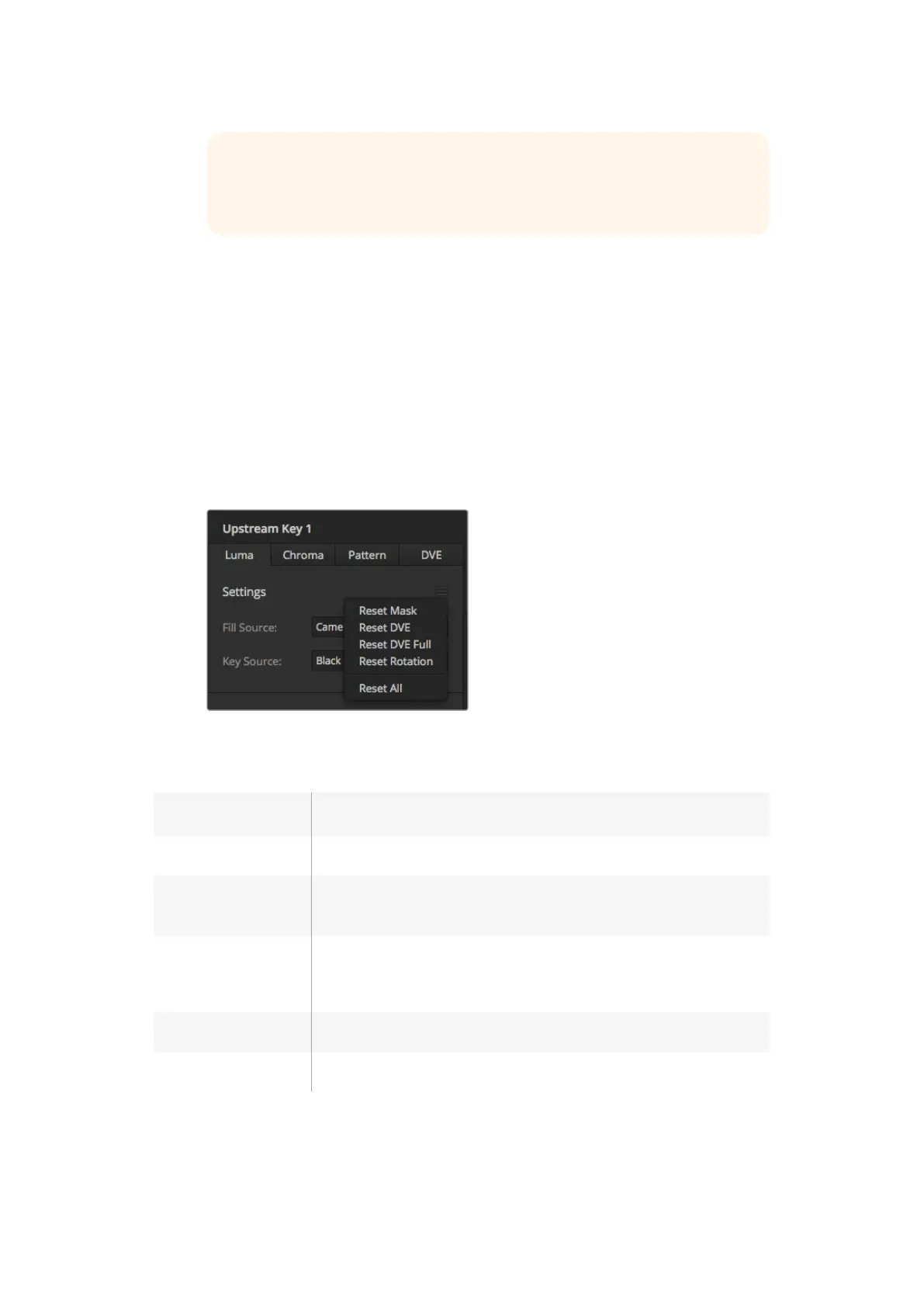
Select sections of the Palette you wish to reset from the reset menu
Upstream key luma/linear key parameters:
Mask Enables a rectangular mask that can then be adjusted using the top, bottom,
left and right parameters.
Pre-Mult Identifies the key signal as a pre-multiplied key.
Clip The clip level adjusts the threshold at which the key cuts its hole. Decreasing
the clip level reveals more of the background. If the background video is
completely black then the clip value is too low.
Gain The gain adjustment electronically modifies the angle between on and off
thereby softening the edges of the key. Adjust the gain value until the edge
softness is desirable but the background video luminance or brightness is
not affected.
Invert Key Inverts the key signal.
Flying Key Enables/disables DVE effects.
TIP
If you select a media player for the fill source, the media player key source
will automatically be selected for the key. For example, if you select media
player 1 for the fill source, media player 2 key will automatically be selected.
126










 To Next Page