Getting Started
If you’re more technically minded and want to connect your ATEM switcher to your existing
network, then you will need to change the network settings on your ATEM switcher and control
panel. Information on how to do this is available in the next section. You will need to manually
set the IP address for the switcher as well as all control panels to match your network IP address
range. Your ATEM switcher defaults to a fixed IP address of 192.168.10.240 when shipped and,
by using the Blackmagic ATEM Setup, you can customize the IP address for your custom
network configuration.
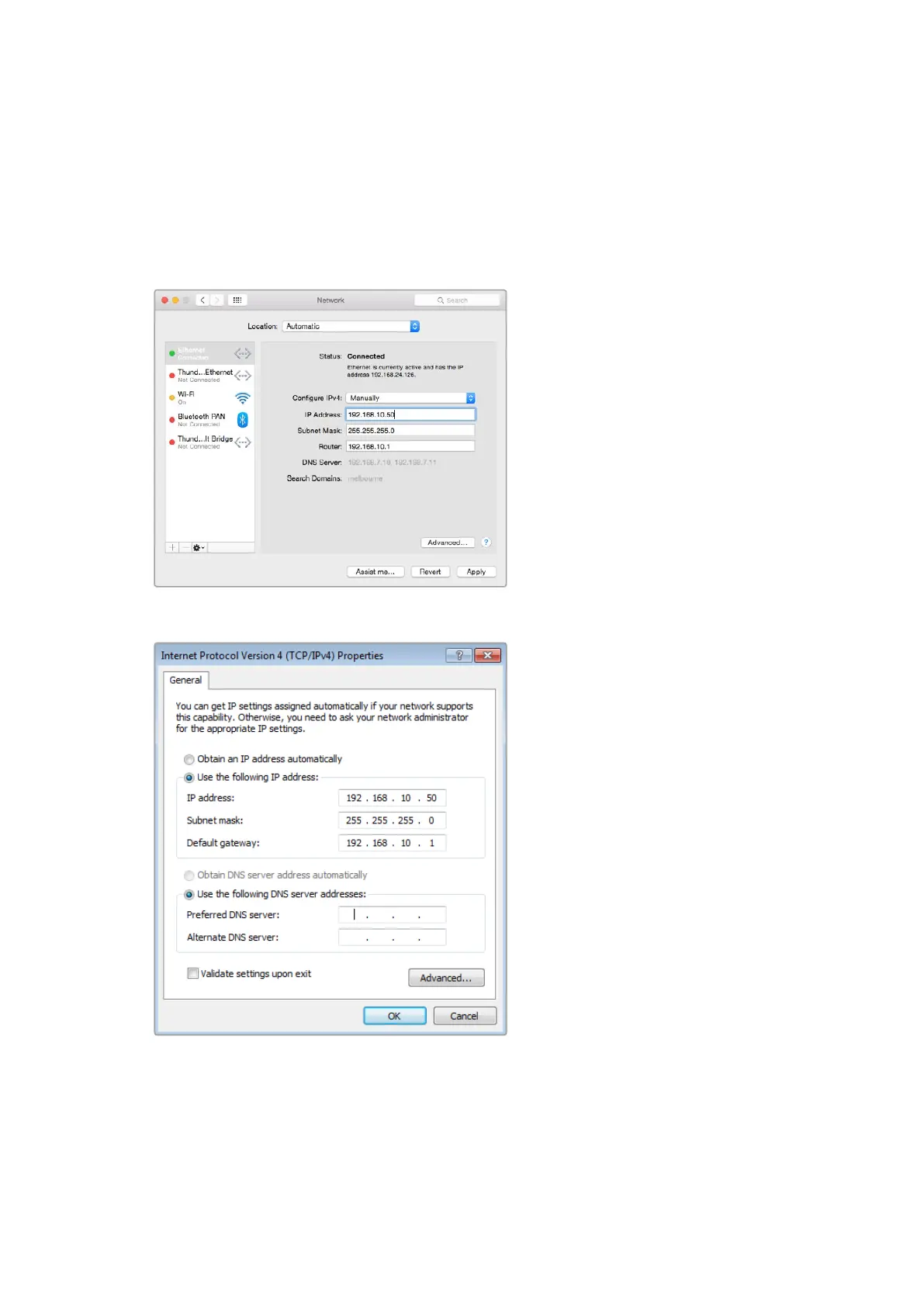
Manually setting the IP address for your Mac OS computer.
Manually setting the IP address for your Windows computer.
13










 To Next Page