Keying using ATEM Switchers
Chroma Correction using Color Spill and Flare Suppression
Light bouncing off a green screen can create a green edge to foreground elements as well as
ageneral tint to the foreground, or fill image. This is called color spill and flare. The ‘chroma
correction’ settings let you improve the areas of the foreground that are affected by color spill
and flare.
Spill
Adjust the spill slider to remove colored tint from the edges of foreground elements.
For example, green reflections bouncing off a green screen.
Flare Suppression
Flare suppression removes overall green tint evenly across all foreground elements.
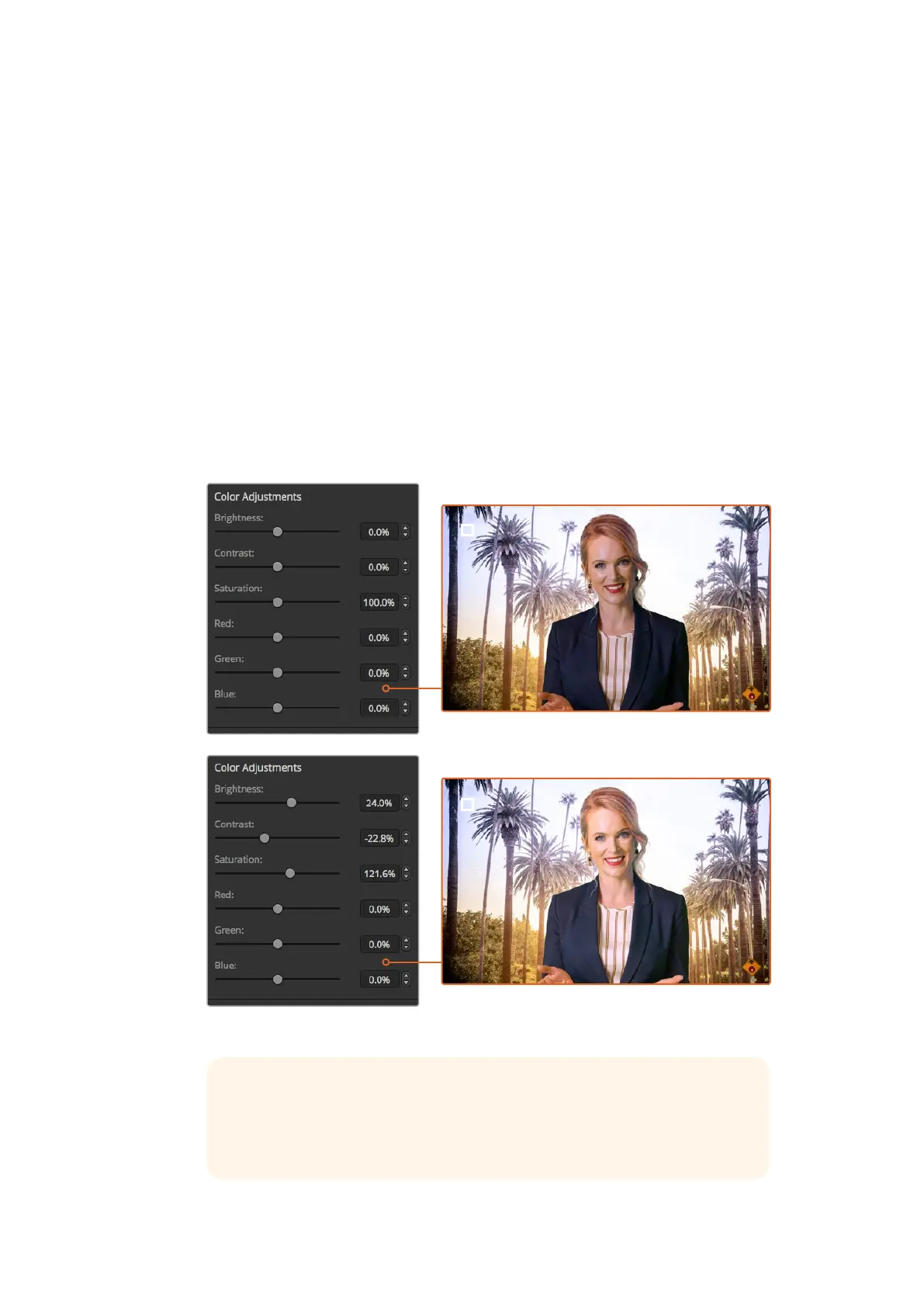
Matching your foreground and background
Once your foreground is properly separated from your green screen, and you have adjusted
spill and flare suppression, use the ‘color adjustments’ controls to match your foreground with
the background. Adjusting the brightness, contrast, saturation, and color balance of your
foreground image will help blend it with the background so the effect is more convincing.
Use the color adjustments controls to match your foreground with the background
TIP When your key is on air, chroma sampling and preview are locked. While
most controls are adjustable while on air, we recommend avoiding changes
unless absolutely required. For example making defined color adjustments
ifconditions change unexpectedly.
135










 To Next Page