Performing Transitions using ExternalHardwarePanels
Program Bus
When a cut transition is performed from the program bus, only the background will be changed,
and all upstream and downstream keys will maintain their current state.
To perform a cut transition from the program bus
On the program bus, select the video source that you want on the program output.
Theprogram output will immediately change to the new source.
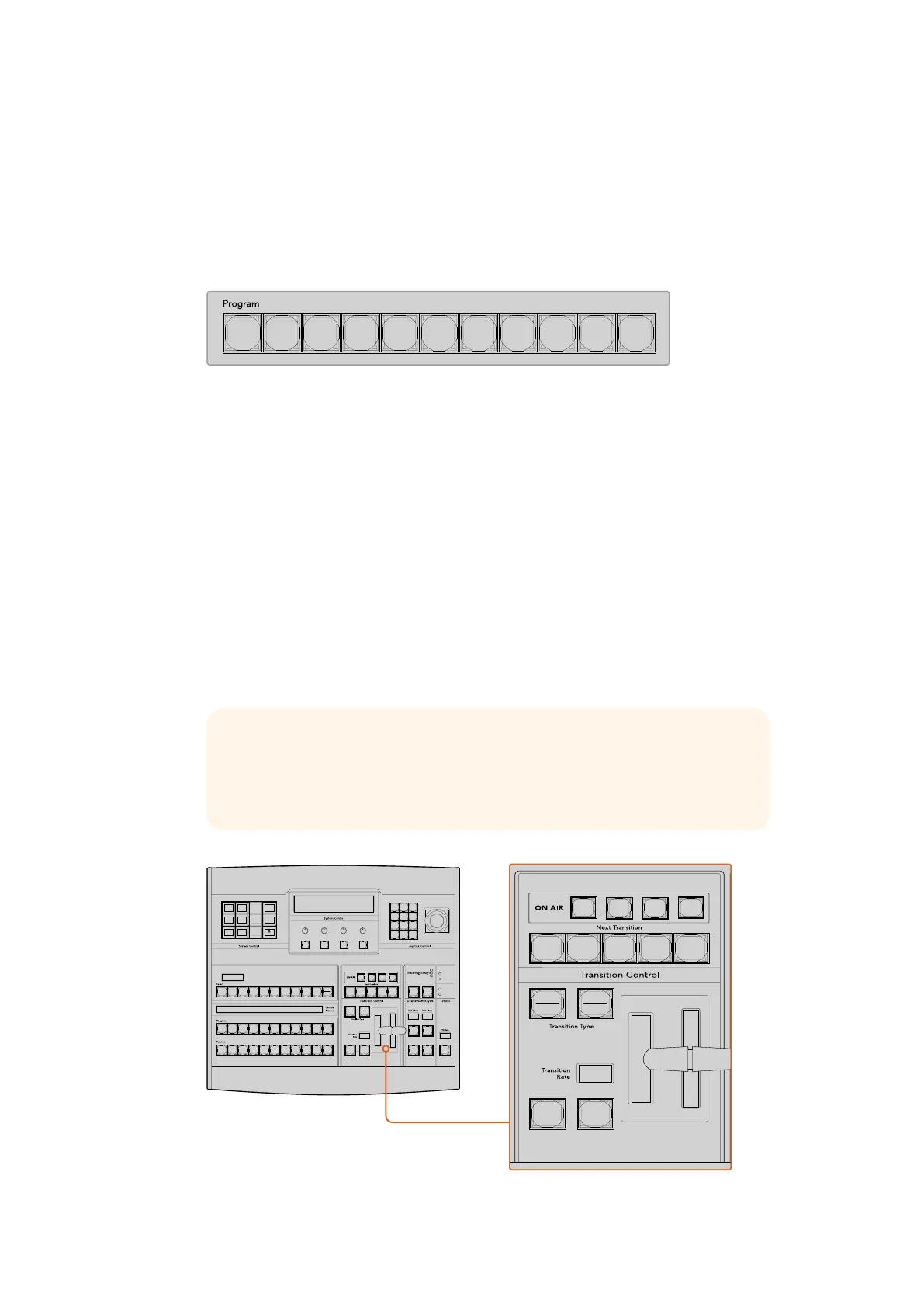
Press any of the source buttons on the program row to
perform a cut transition from the program bus
CUT Button
When a cut transition is performed using the CUT button, any upstream keys that were selected
in the next transition and any downstream keys that were tied to the transition control will also
change state. For example, a downstream key tied to the transition control will cut ON if off air,
or cut OFF if on air. Similarly, any upstream keys selected in the next transition will be cut on if
they were off air, or cut off if they were on air.
To perform a cut transition using the CUT button
1 On the preview bus, select the video source that you want on the program output.
The program output will remain unchanged.
2 In the transition control block, press the CUT button. The sources selected on the
program and preview buses are exchanged to indicate that the video source that was
on preview is now on program and vice versa.
Press the button marked CUT in the transition control block to perform a cut transition
CUT
SHIFT
ON
KEY 1
CAM
1
CAM
2
CAM
3
SETUP
HOME
BKGD
CUT AUTO
KEY 2 KEY 3 KEY 4
ON ON ON
1 2 3
4 5 6
7 8 9
CAM 0 CLR
PREV
TRANS
FILL
DIP
MIX
DSK 1
TIE
DSK 2
Control Panel
Switcher
Main
Backup
Main
Backup
TIE
DSK 1
CUT
DSK 2
CUT
DSK 1
AUTO
DSK 2
AUTO
FTB
TIP It’s recommended to use the transition control block to perform transitions
because it provides the opportunity to verify the video content on the preview
output before sending it to the program output, for example to verify that a
camera is in focus.
CUT
SHIFT
ON
KEY 1
CAM
1
CAM
2
CAM
3
SETUP
HOME
BKGD
CUT AUTO
KEY 2 KEY 3 KEY 4
ON ON ON
1 2 3
4 5 6
7 8 9
CAM 0 CLR
PREV
TRANS
FILL
DIP
MIX
DSK 1
TIE
DSK 2
Control Panel
Switcher
Main
Backup
Main
Backup
TIE
DSK 1
CUT
DSK 2
CUT
DSK 1
AUTO
DSK 2
AUTO
FTB
CUT
SHIFT
ON
KEY 1
CAM
1
CAM
2
CAM
3
SETUP
HOME
BKGD
CUT AUTO
KEY 2 KEY 3 KEY 4
ON ON ON
1 2 3
4 5 6
7 8 9
CAM 0 CLR
PREV
TRANS
FILL
DIP
MIX
DSK 1
TIE
DSK 2
Control Panel
Switcher
Main
Backup
Main
Backup
TIE
DSK 1
CUT
DSK 2
CUT
DSK 1
AUTO
DSK 2
AUTO
FTB
198










 To Next Page